Private image tools — no upload
Your files are processed on your own device and never leave it.
Most online image tools upload your file to a server, process it there and send it back. PixVibe’s free tools work differently: the processing — including the AI models for background removal and upscaling — runs inside your browser, so your photos, documents and videos stay on your device. That makes them a good fit for personal photos, contracts and anything confidential, and they keep working on a slow connection once loaded. The Pro tools are the exception and say so clearly: they upload the image to run larger AI models and delete it within 24 hours.
Tools
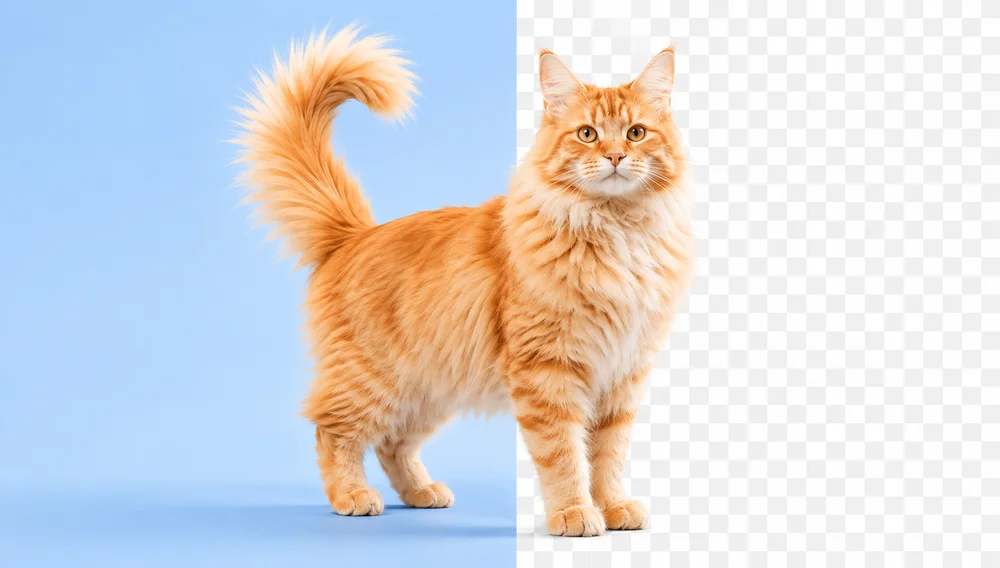
Background Remover
Make any image transparent — free PNG.
Open tool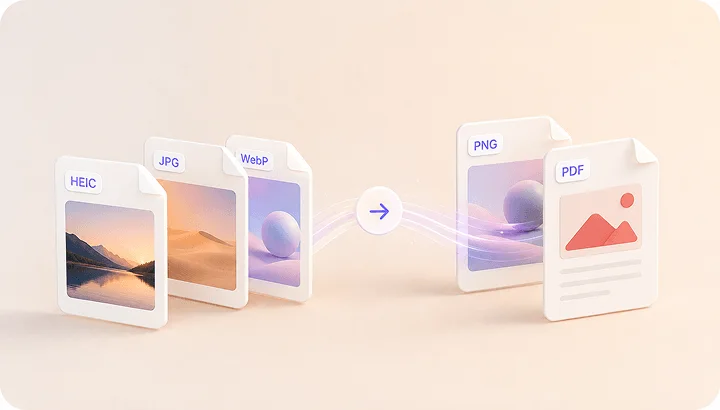
Image Converter
HEIC to JPG, WebP to PNG, JPG to WebP & more.
Open tool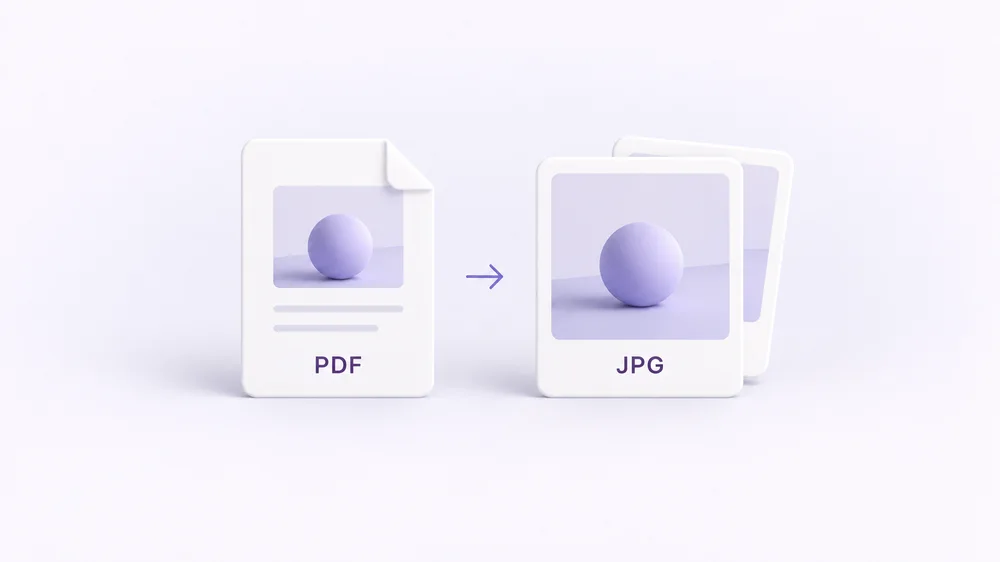
PDF to Image
Turn every PDF page into a JPG, PNG or WebP — pick pages and DPI.
Open tool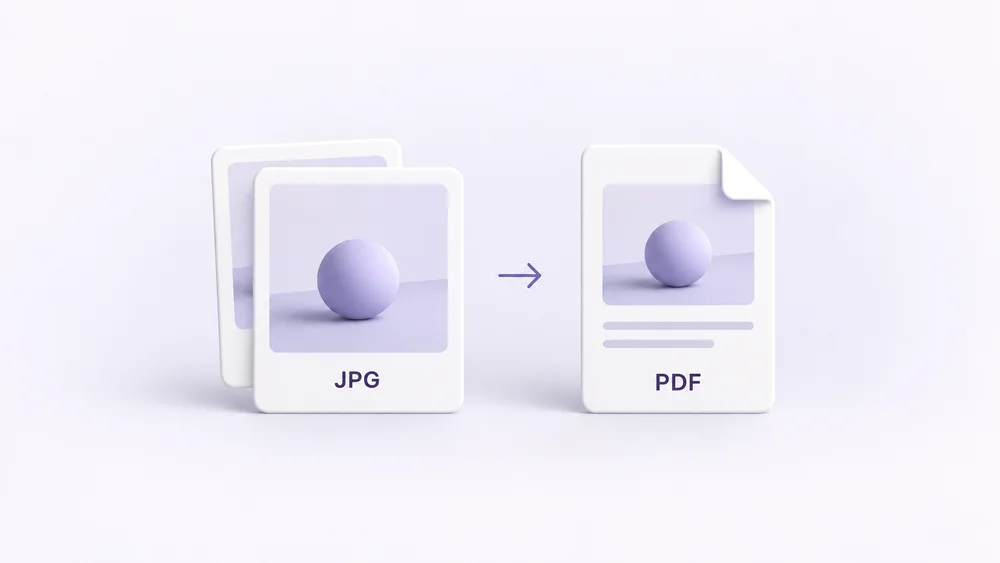
Image to PDF
Combine JPG, PNG or HEIC photos into one PDF — A4, Letter or fit.
Open tool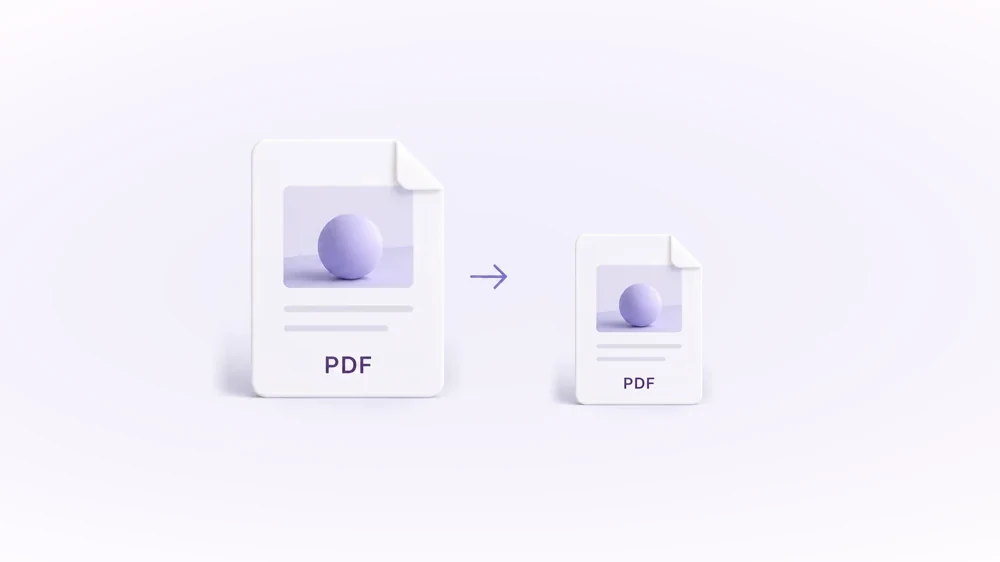
Compress PDF
Shrink scanned and image-heavy PDFs to a target size, without uploading them.
Open tool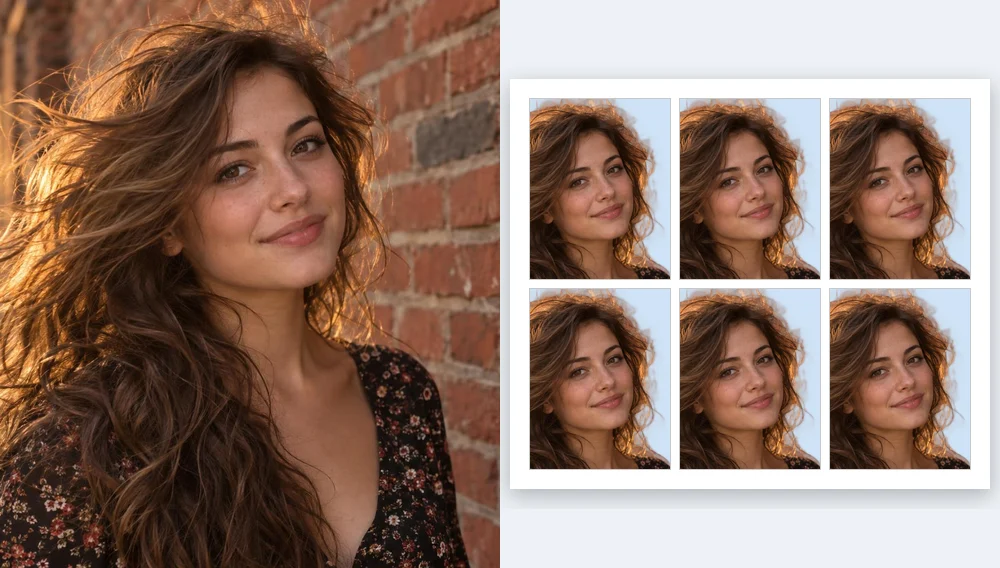
Passport Photo Maker
Passport and ID photos at the right size and background, ready to download or print, without uploading.
Open tool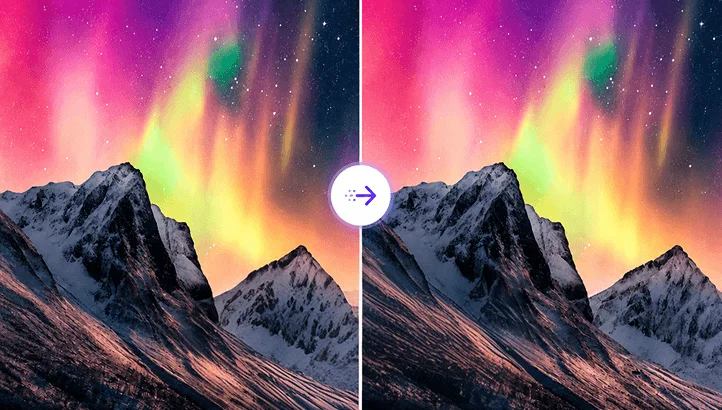
Compress Image
Reduce image size, keep the quality.
Open tool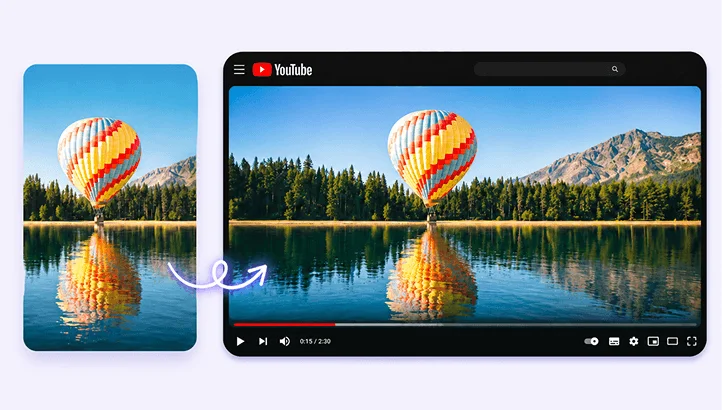
Resize Image
Resize for YouTube thumbnails & any size.
Open tool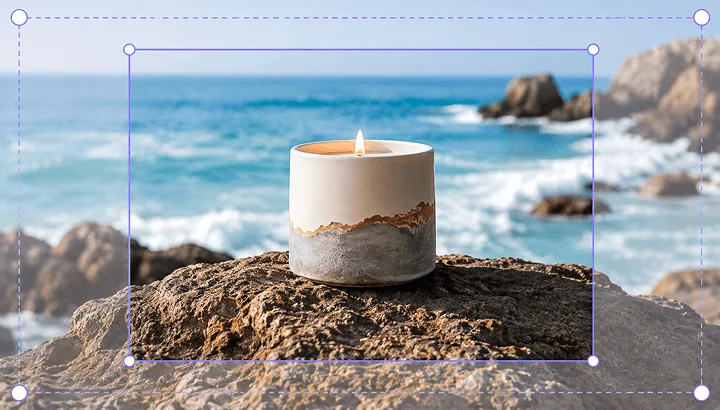
Crop Image
Crop and reframe with precision.
Open tool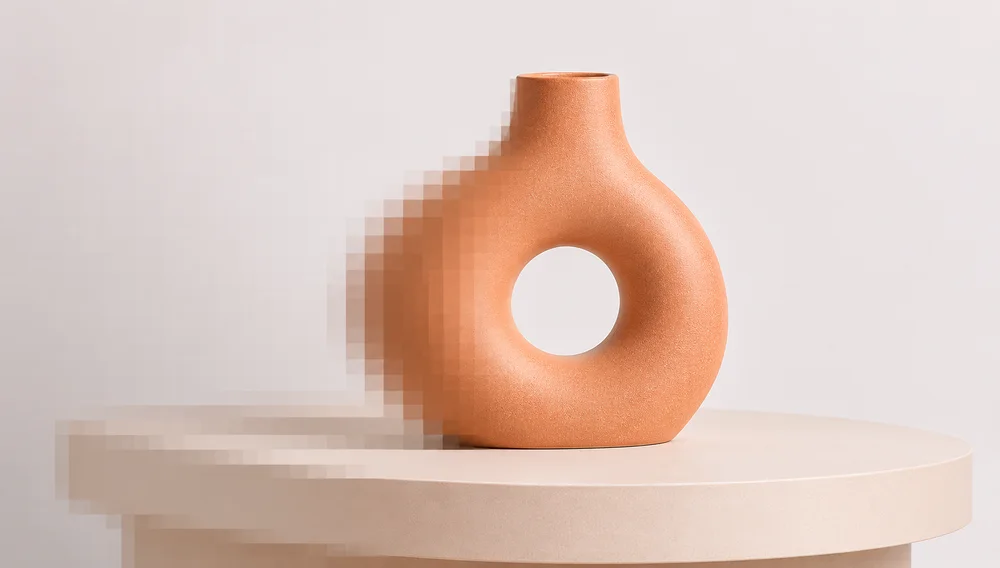
AI Upscaler
Upscale image resolution up to 4×.
Open tool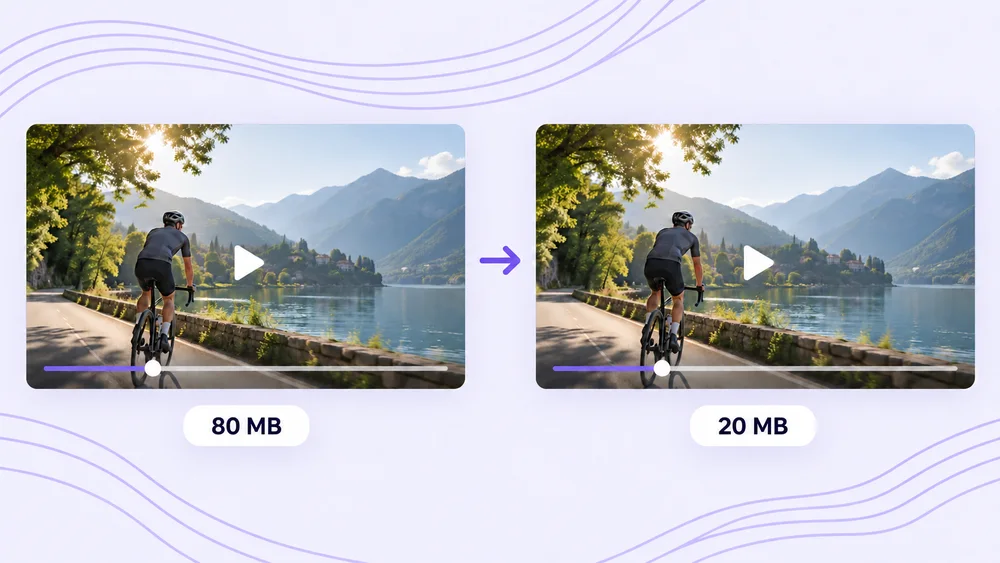
Compress Video
Shrink a video to a set file size, in your browser.
Open tool