Home

Pricing

Blog

Free image tools

Free · In-browser processing

Remove BackgroundTransparent PNG in seconds.Image ConverterSwitch between image formats.PDF to ImageTurn PDF pages into JPG, PNG and more.Image to PDFCombine images into one PDF.Compress PDFMake a PDF smaller, down to a target size.Passport PhotoPassport and ID photos in the right size, ready to print.Compress ImageSmaller files, crisp images.Resize ImageExact sizes for any platform.Crop ImageFrame your image just right.AI UpscalerEnlarge images up to 4×.

Free video tools

Free · In-browser processing

Compress VideoShrink a video to a set file size, in your browser.

Pro tools

Server AI · Uses credits

AI Background Remover HDPrecise hair and fine edges.HD Image ConverterUpscale and convert in HD.AI Image EnhancerEnhance detail with advanced AI.
View all tools
PixVibe
Home

Free image tools

Free · In-browser processing

Remove BackgroundTransparent PNG in seconds.Image ConverterSwitch between image formats.PDF to ImageTurn PDF pages into JPG, PNG and more.Image to PDFCombine images into one PDF.Compress PDFMake a PDF smaller, down to a target size.Passport PhotoPassport and ID photos in the right size, ready to print.Compress ImageSmaller files, crisp images.Resize ImageExact sizes for any platform.Crop ImageFrame your image just right.AI UpscalerEnlarge images up to 4×.

Free video tools

Free · In-browser processing

Compress VideoShrink a video to a set file size, in your browser.

Pro tools

Server AI · Uses credits

AI Background Remover HDPrecise hair and fine edges.HD Image ConverterUpscale and convert in HD.AI Image EnhancerEnhance detail with advanced AI.
View all tools
PricingBlog
PixVibe

Free AI image tools — remove backgrounds, convert, compress, resize & upscale in seconds.

Product

Remove BackgroundImage ConverterPDF to ImageImage to PDFCompress PDFPassport PhotoCompress ImageResize ImageCrop ImageAI UpscalerCompress VideoPricing

Pro tools

AI Background Remover HDHD Image ConverterAI Image Enhancer

Resources

ToolsBlogFor AI agentsHow we keep files localAI Font Prompts

Legal

Terms of ServicePrivacy PolicyLegalThird-party licensesContact

© 2026 PixVibe. All rights reserved.A Funovate Technology product

Notifications

No notifications yet

We'll let you know when something important happens.

PIXVIBE BLOG

Guides & tips for better images

Practical how-tos for getting more out of your images — background removal, formats, compression and more.

Three iPhone-style HEIC photos, a dog, a watch and a sneaker, each labeled with its .HEIC file name and an arrow to .jpgRecommended
GuideOct 30, 20266 min read

How to Convert HEIC to JPG on iPhone, Windows and Mac

Convert HEIC to JPG on iPhone, Mac or Windows, or in your browser without uploading. Real test: what each JPG quality does to file size.

Read the guide
FREE IMAGE TOOLS

Put a guide
into practice

Remove backgrounds, convert, compress, resize, crop and upscale — free, no sign-up.

Browse all tools
FROM THE ARCHIVE

Worth a read

Small ideas with a big payoff for your next image.

A perfume bottle and a watch photographed on a phone, each turned into a 2000 × 2000 product photo on a pure white background

Product Photos With Your Phone: Amazon, Etsy & Shopify Sizes

Oct 21, 20267 min read
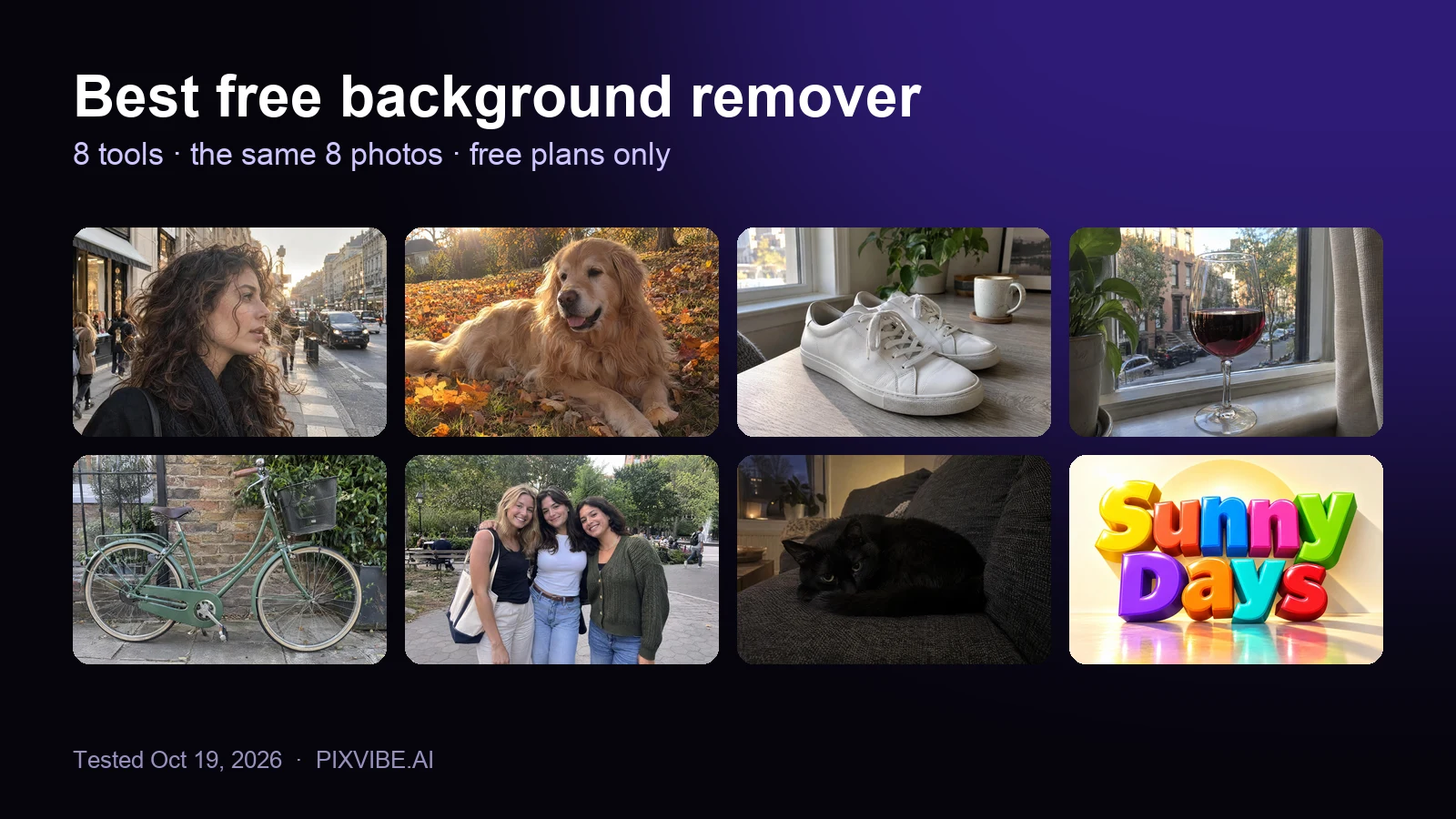
The eight test photos used to compare free background removers: curly hair, a golden retriever, sneakers, a wine glass, a bicycle, three friends, a black cat and a 3D text logo

Best Free Background Remover (2026): 8 Tools Tested

Oct 19, 202611 min read
PixVibe, the private image toolkit for you and your AI agents: an agent opens a link and downloads a transparent candle cutout

How to Let Your AI Agent Edit Images with PixVibe

Oct 15, 20267 min read
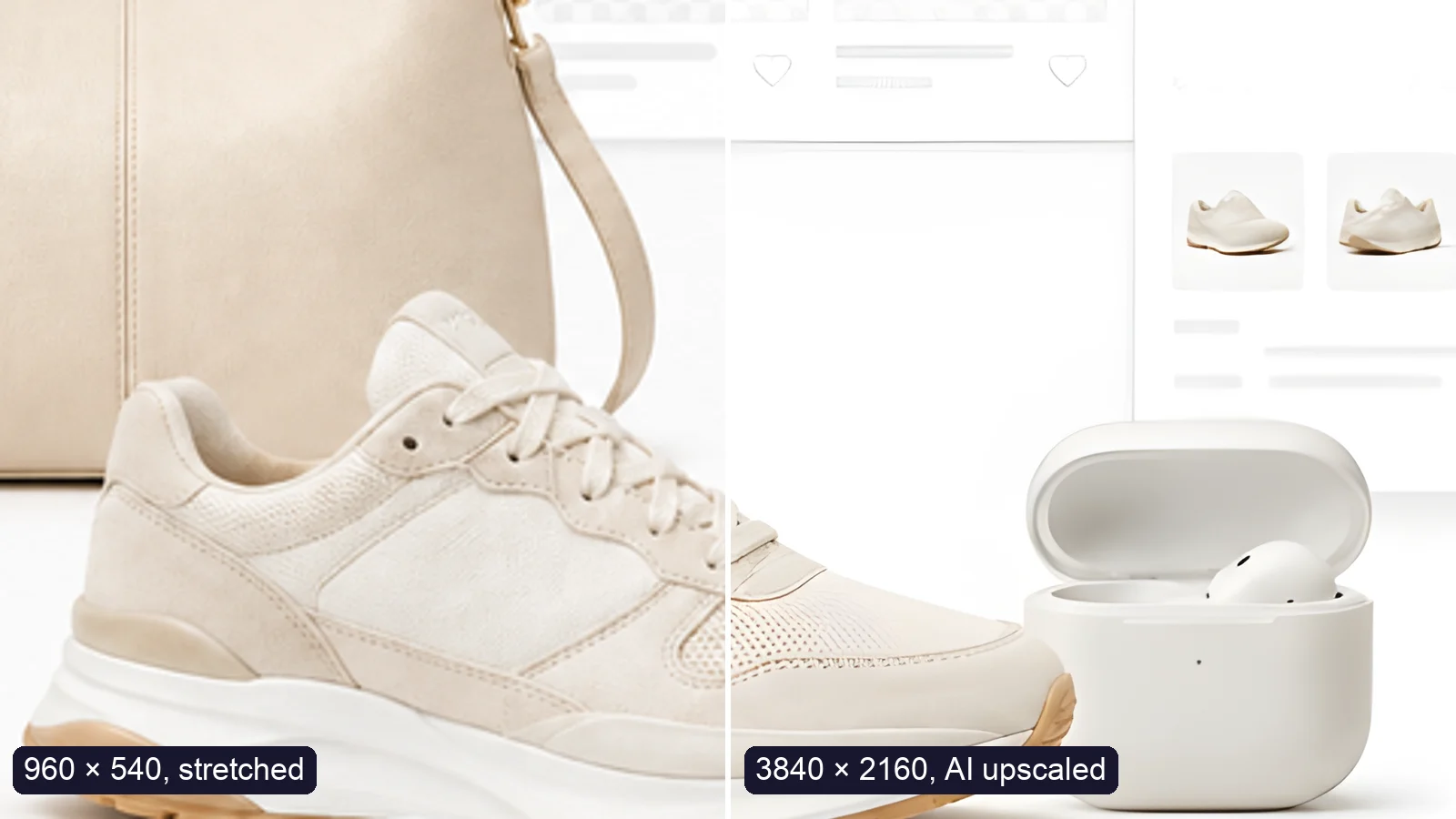
A sneaker photo: left half stretched from 960 × 540, right half upscaled to 3840 × 2160 with AI

How to Upscale an Image to 4K Without Losing Quality

Oct 7, 20266 min read
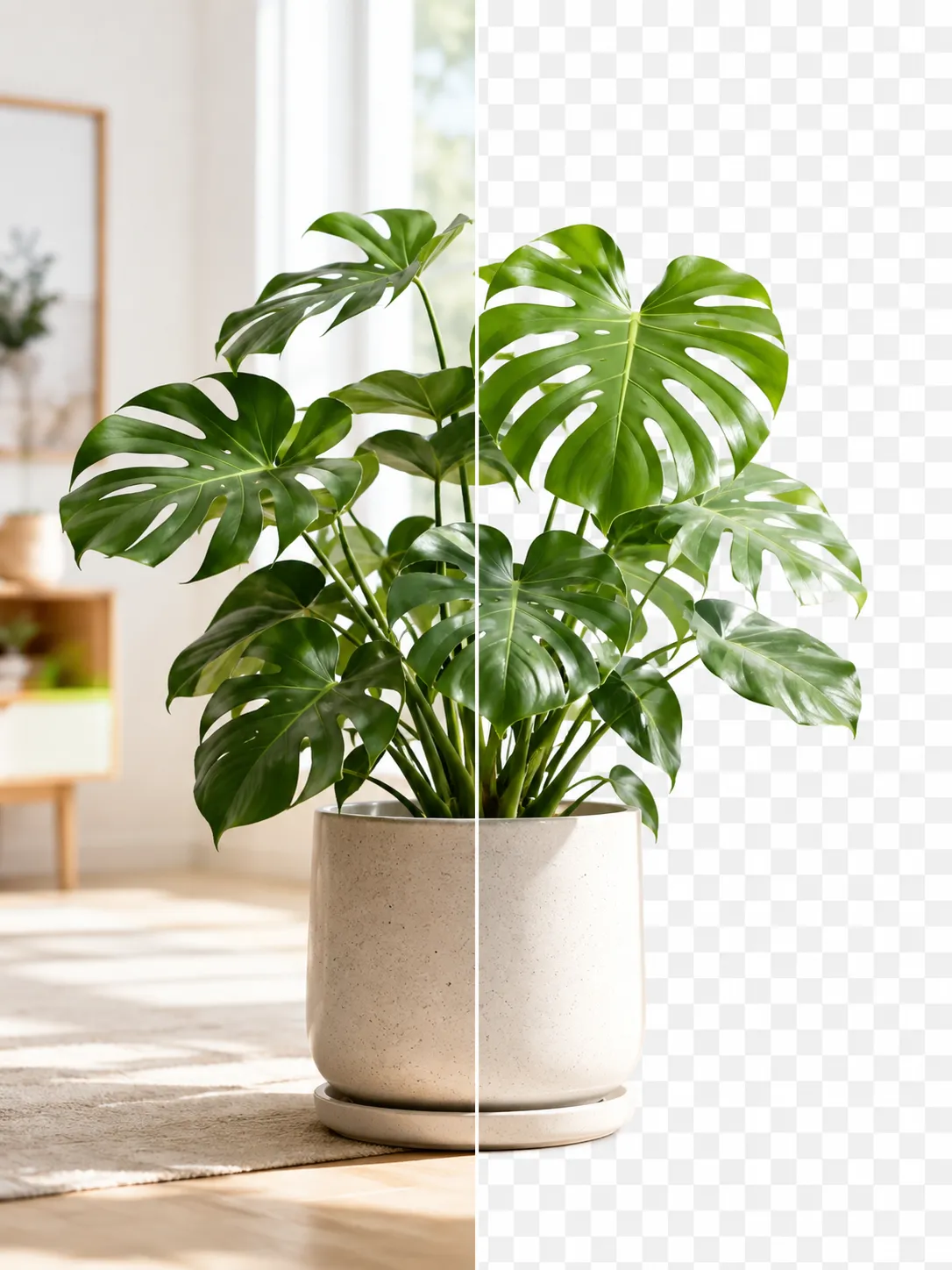
A product photo shown before and after background removal

How to Remove an Image Background for Free (No Signup)

Jul 15, 20264 min read