Free AI image upscaler
Upscale and sharpen images with AI right in your browser — your photos are never uploaded. Enlarge 2x or 4x to add resolution and detail, then download. Free, no watermark.
Features
100% free, in your browser
Upscale images with AI — no upload, no sign-up, no watermark.
Enlarge image 2× or 4× — up to 4K
Multiply resolution to make small images large and crisp; on desktop, 4× takes a 1080p photo past 4K.
AI detail, not just stretch
A neural model reconstructs edges and texture instead of blurring.
Private by design
The model runs locally on your device — nothing is uploaded.
Use cases
Enlarge for print
Add the pixels a photo needs to print bigger without pixelation.
Rescue small images
Bring low-resolution photos and logos back to a usable size.
Sharpen for display
Upscale thumbnails and old pictures for modern screens.
How to upscale an image with AI
Upload your image
Drop, paste or pick a JPG, PNG, WebP, HEIC, AVIF, TIFF, BMP, or TGA — it stays on your device.
Pick 2x or 4x
Choose how much to enlarge; the AI adds detail as it scales.
Download
Save your higher-resolution image in one click.
Frequently asked questions
Yes — the in-browser upscaler is free, with no sign-up and no watermark.
Related articles
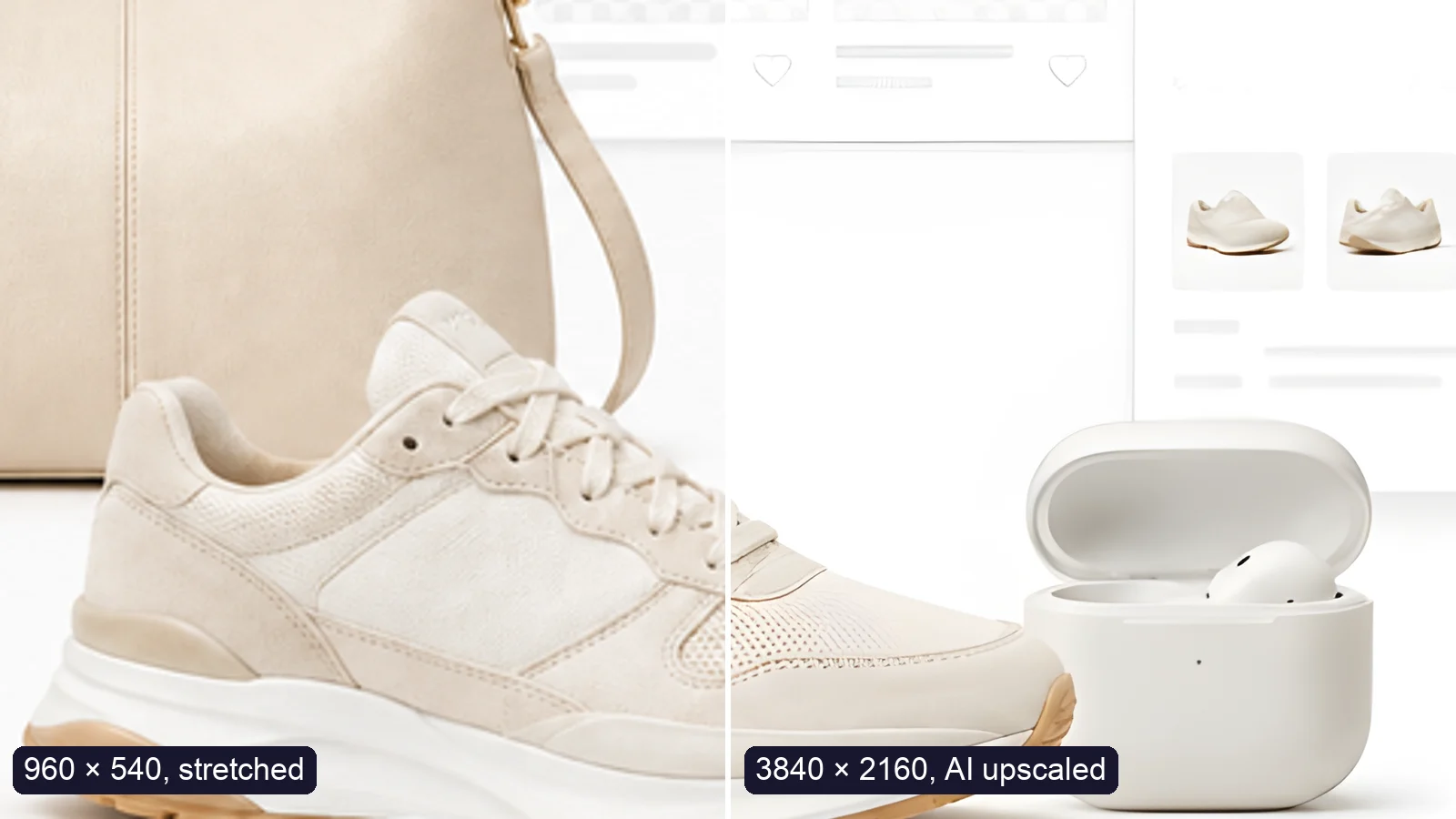
How to Upscale an Image to 4K Without Losing Quality
Upscale an image to 4K (3840 × 2160) without losing quality: what AI can and can’t recover, free vs Pro tools, and a real 4× test.

How to Let Your AI Agent Edit Images with PixVibe
Let an AI agent edit images with PixVibe: one link per job, no API key. We tested Claude, Codex and ChatGPT agent, and show what to check.
Explore more tools
Free image tools
Free · In-browser processing
 Remove BackgroundMake any image transparent — free PNG.
 Image ConverterHEIC to JPG, WebP to PNG, JPG to WebP & more.
 PDF to ImageTurn PDF pages into JPG, PNG or WebP images — pick pages and DPI.
 Image to PDFCombine JPG, PNG or HEIC photos into one PDF — A4, Letter or fit.
 Compress PDFShrink scanned and image-heavy PDFs, keep selectable text, or hit a target size in KB.
 Passport PhotoFrame your face to passport, visa or ID sizes, change the background and print several on one sheet.
 Compress ImageReduce image size, keep the quality.
 Resize ImageResize for YouTube thumbnails & any size.
 Crop ImageCrop and reframe with precision.
 AI UpscalerAI upscale image resolution up to 4×.
Free video tools
Free · In-browser processing

Pro tools
Server AI · Uses credits


