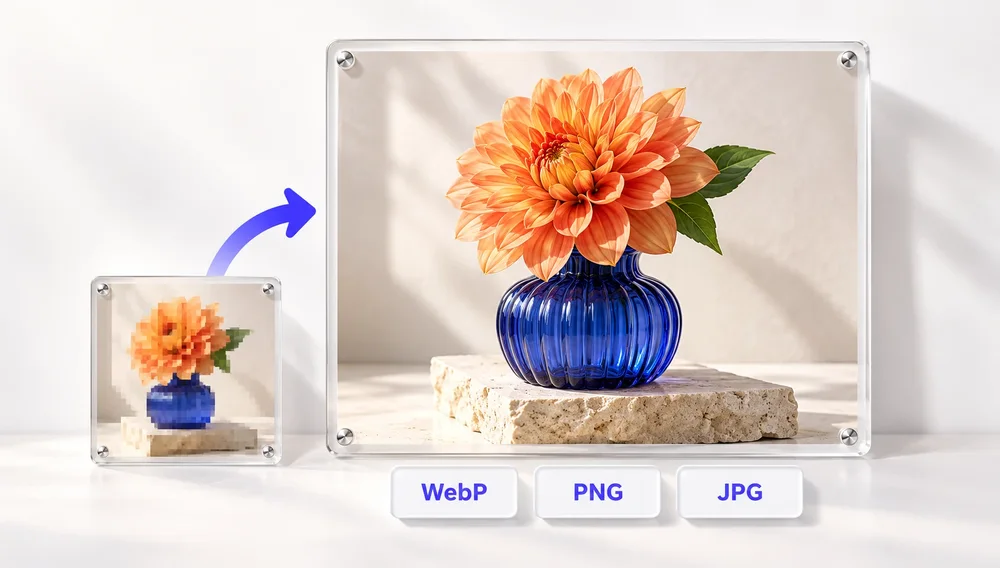
Image tools for websites
Smaller, correctly sized images for faster pages.
Images are usually the heaviest part of a web page, so serving them at the size they are displayed and in an efficient format is one of the easiest speed wins. With PixVibe you can resize to exact pixel dimensions or a maximum width, convert JPG and PNG to WebP or AVIF, and compress JPG, PNG or WebP with a quality slider or to a target size. The free tools process up to 20 images at a time in your browser; the Pro HD converter can also upscale small images with AI before converting.
Tools
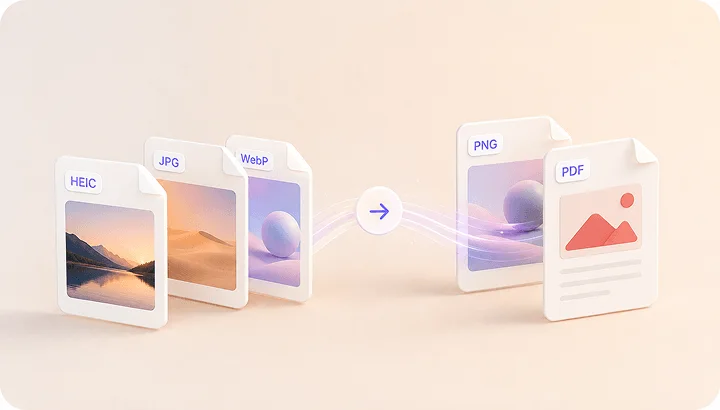
Image Converter
HEIC to JPG, WebP to PNG, JPG to WebP & more.
Open tool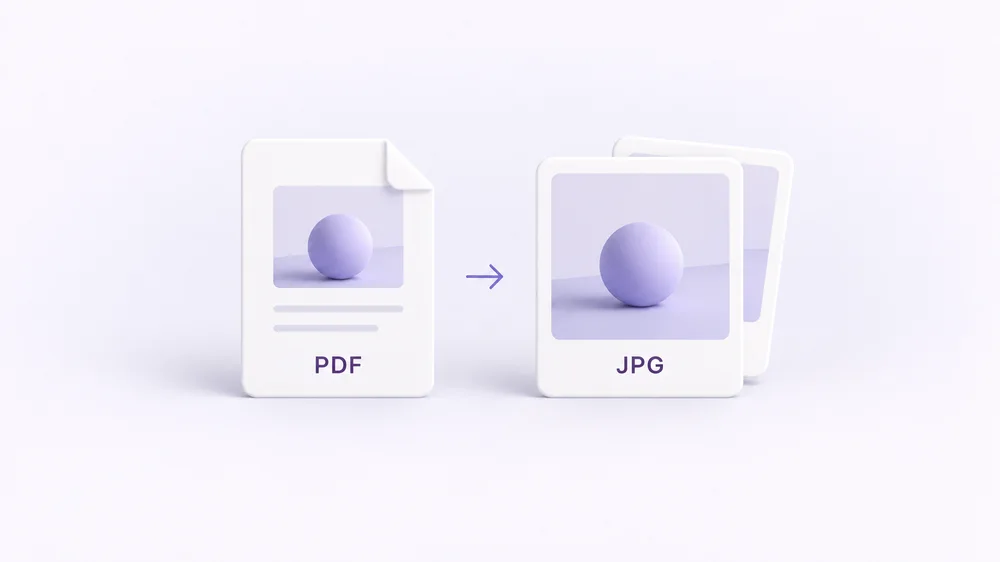
PDF to Image
Turn every PDF page into a JPG, PNG or WebP — pick pages and DPI.
Open tool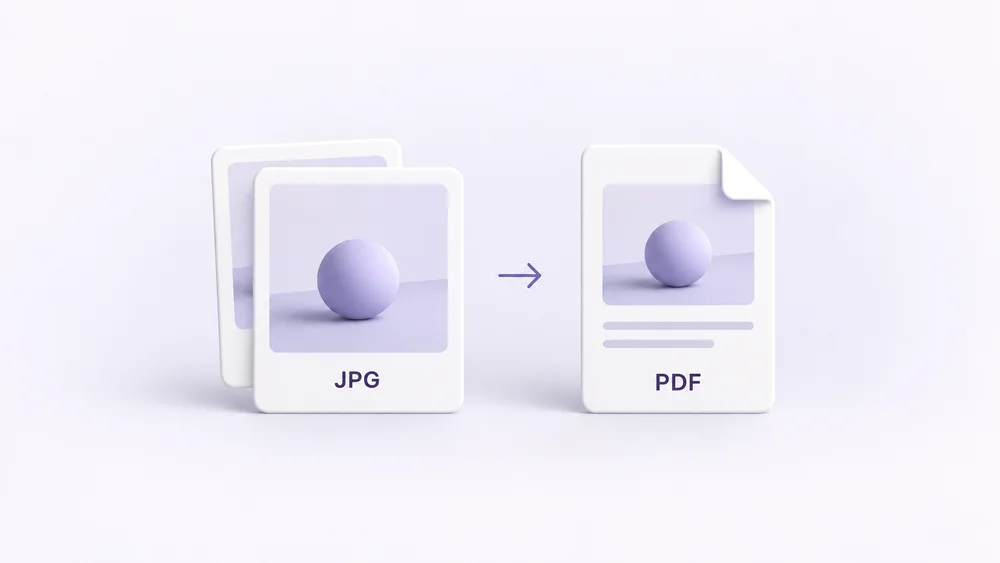
Image to PDF
Combine JPG, PNG or HEIC photos into one PDF — A4, Letter or fit.
Open tool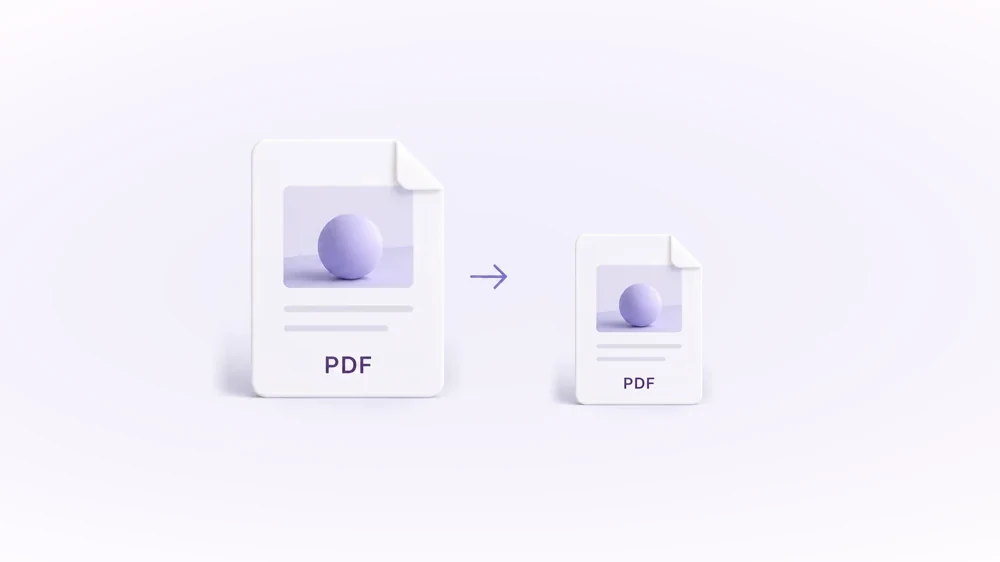
Compress PDF
Shrink scanned and image-heavy PDFs to a target size, without uploading them.
Open tool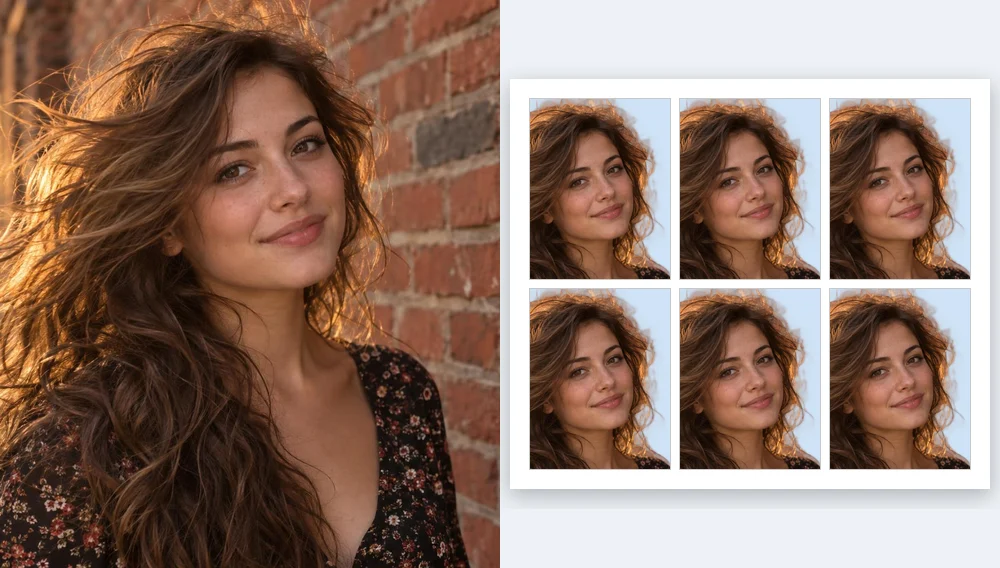
Passport Photo Maker
Passport and ID photos at the right size and background, ready to download or print, without uploading.
Open tool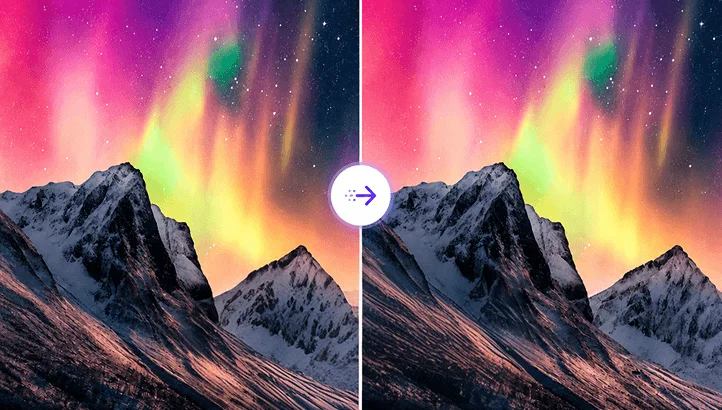
Compress Image
Reduce image size, keep the quality.
Open tool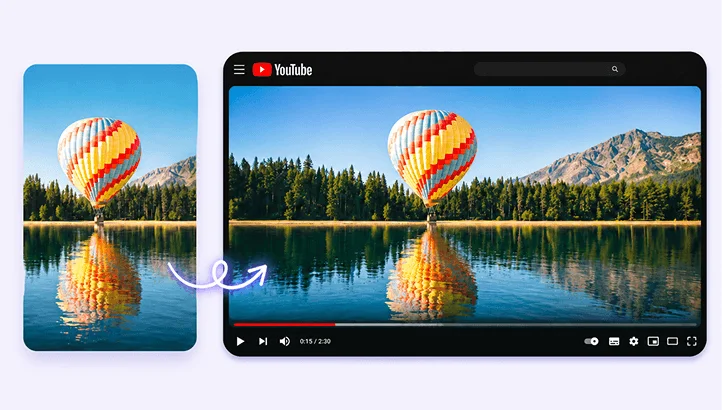
Resize Image
Resize for YouTube thumbnails & any size.
Open tool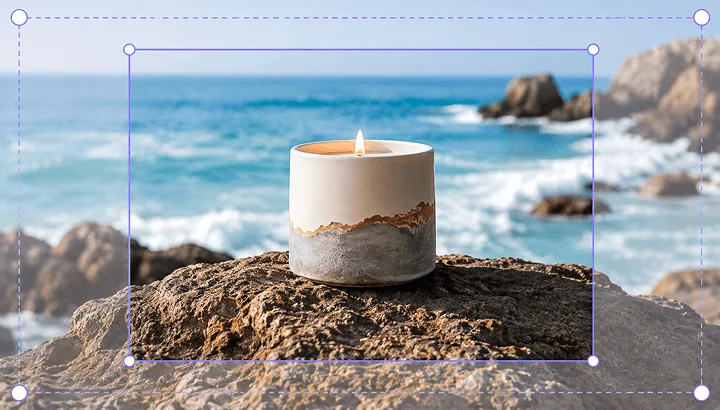
Crop Image
Crop and reframe with precision.
Open tool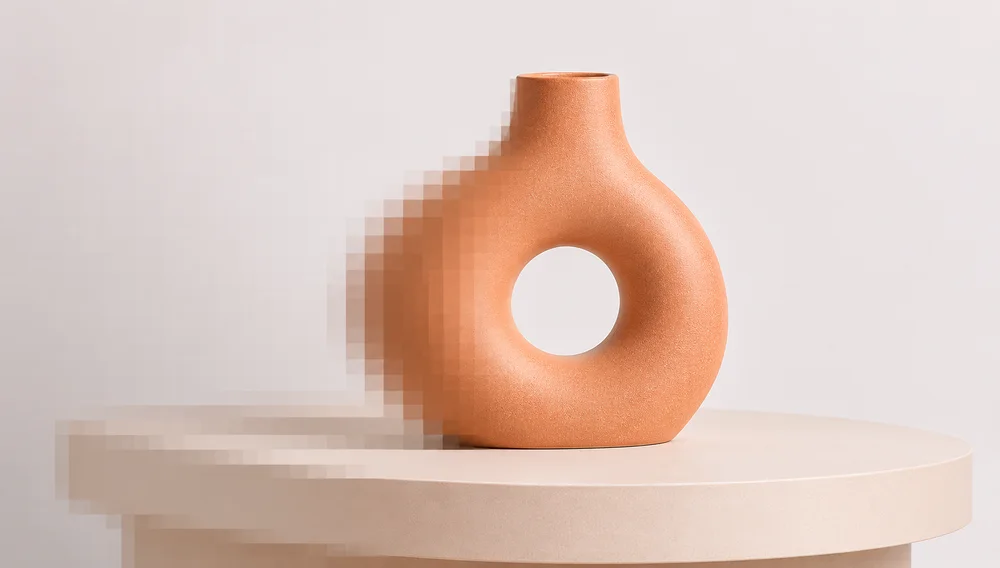
AI Upscaler
Upscale image resolution up to 4×.
Open tool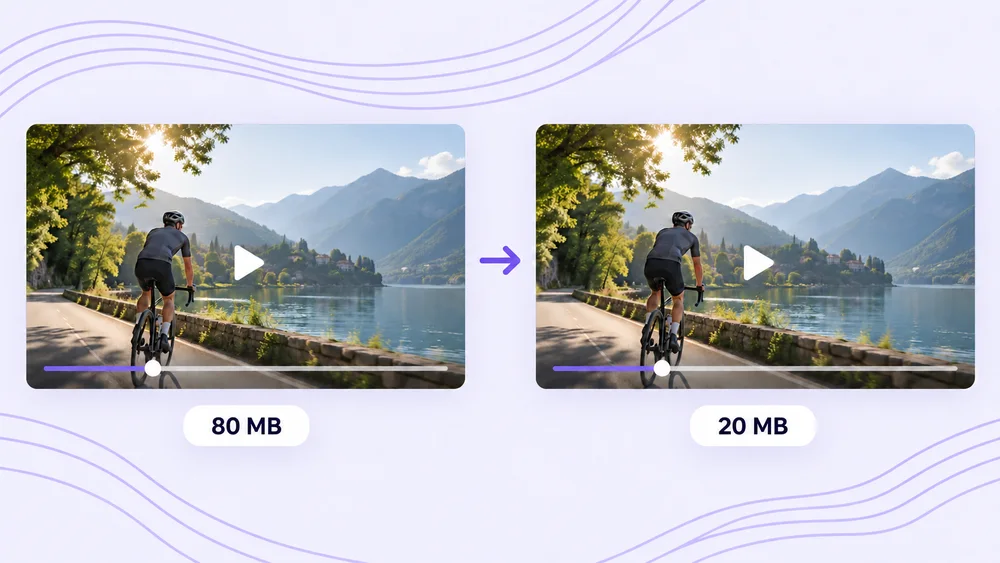
Compress Video
Shrink a video to a set file size, in your browser.
Open tool