Images that will not open after saving
An .avif picture saved from a web page may show up as an unknown file in an older photo viewer or editor.
This AVIF to JPG converter turns .avif images into JPG files that photo apps, editors and upload forms can open. AVIF is a newer format that packs images very tightly, and many programs still cannot read it. Output format is already JPG; add your files and they are converted right on your device, with nothing sent anywhere.
The AVIF is read by the browser's own image decoder and redrawn as a JPG, so you do not need a plug-in or an AVIF-capable editor.
Compact (quality 58) brings the JPG close to the AVIF's size, the default Fast sits at 90, and Quality at 95 suits print. The slider fine-tunes from 10 to 100.
Each conversion is a separate version with its size and the change in percent, so Fast and Compact can be compared on the same image.
One file needs no sign-in. Signed in, you can convert up to 20 AVIF images at once and save them as a ZIP.
| Format | AVIF | JPG |
|---|---|---|
| Transparency | Yes | No |
| Compression | Lossy or lossless | Lossy |
| Animation | Yes | No |
| Best for | The smallest web images | Photos |
| Opens in | Modern browsers; many editing apps can’t open it | Opens everywhere |
An .avif picture saved from a web page may show up as an unknown file in an older photo viewer or editor.
Many upload fields list JPG and PNG only; converting first saves a rejected upload.
Open the JPG in any editor, then export in whatever format you need.
Pick .avif files or drag them onto the box. With one file the JPG appears straight away; with more, press “Convert all”.
Use Compact for a small file, Fast for everyday use, or Quality when you plan to print.
Save the JPGs separately, or grab one ZIP with every file.
AVIF packs a picture into far fewer bytes than JPG does, so the same image grows when it is saved as a JPG. In our test a 1536 × 1024 AVIF of 190 KB became a 407 KB JPG on Fast (115% larger) but only 183 KB on Compact (4% smaller).
So when size matters, Compact gives you a JPG about as small as the AVIF, with slightly softer fine detail.
Not in a JPG. AVIF can store transparent areas, but JPG cannot, so they are filled with white. To keep a transparent background, convert AVIF to PNG instead.
The page relies on your browser to decode AVIF. If an image fails to open, update the browser or try another one, then add the file again.
Open this page, add the .avif files, and the converter — already set to JPG — returns a JPG for each one to download.

Let an AI agent edit images with PixVibe: one link per job, no API key. We tested Claude, Codex and ChatGPT agent, and show what to check.

Shoot product photos on a phone, remove the background, and size them for Amazon, Etsy, Shopify and eBay. Official rules in one table.
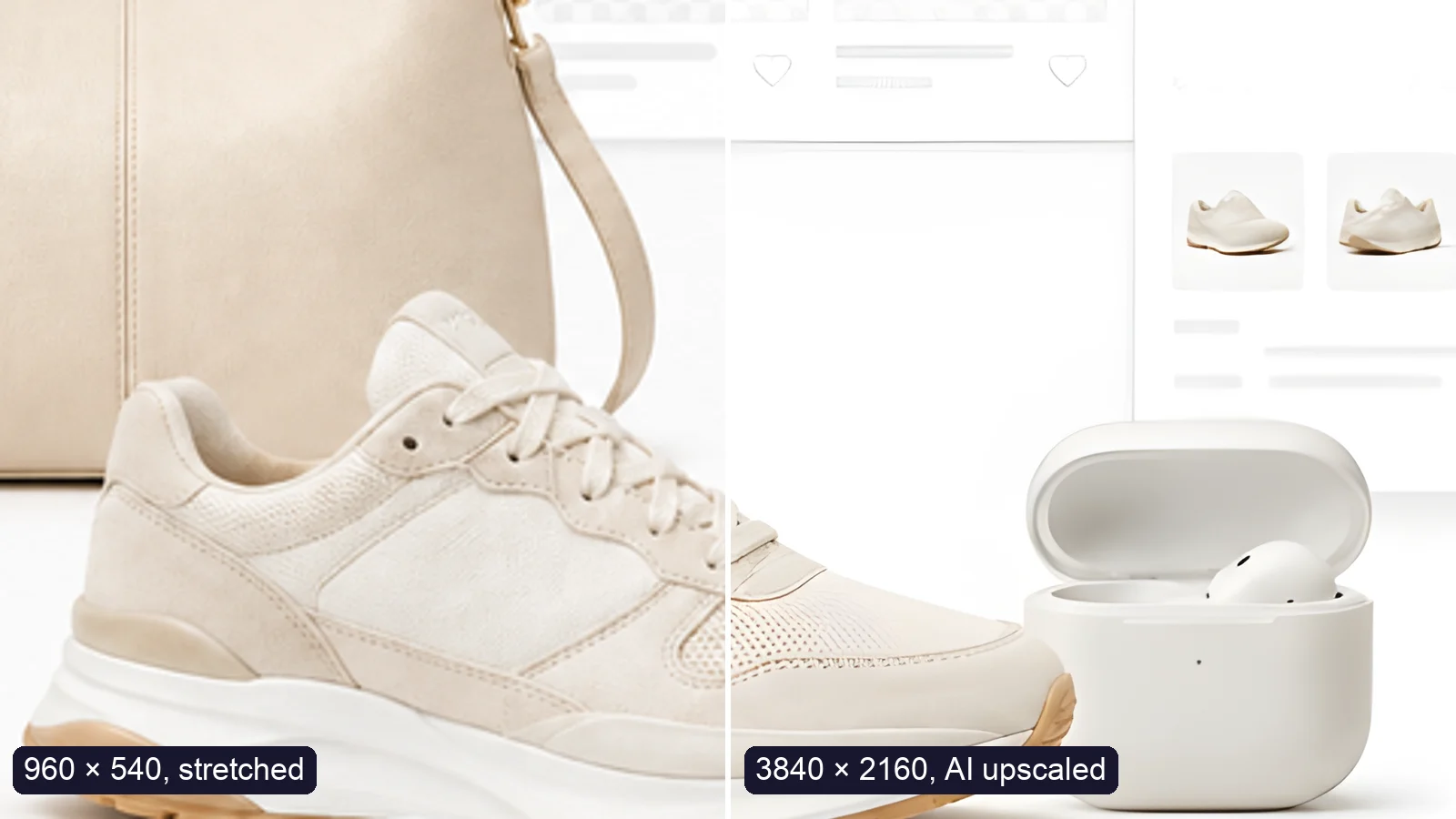
Upscale an image to 4K (3840 × 2160) without losing quality: what AI can and can’t recover, free vs Pro tools, and a real 4× test.
Free · In-browser processing
 Remove BackgroundMake any image transparent — free PNG.
 Image ConverterHEIC to JPG, WebP to PNG, JPG to WebP & more.
 PDF to ImageTurn PDF pages into JPG, PNG or WebP images — pick pages and DPI.
 Image to PDFCombine JPG, PNG or HEIC photos into one PDF — A4, Letter or fit.
 Compress PDFShrink scanned and image-heavy PDFs, keep selectable text, or hit a target size in KB.
 Passport PhotoFrame your face to passport, visa or ID sizes, change the background and print several on one sheet.
 Compress ImageReduce image size, keep the quality.
 Resize ImageResize for YouTube thumbnails & any size.
 Crop ImageCrop and reframe with precision.
 AI UpscalerAI upscale image resolution up to 4×.
Free · In-browser processing
Server AI · Uses credits



