InSPyReNet
Cuts the subject out directly. Precise on fine edges like hair and fur, and keeps every subject pixel as it is.
This AI background remover runs on our servers for high-precision, HD-quality cutouts. When the free in-browser cutout leaves rough hair, fur or translucent edges, run the same image through our server-side models. InSPyReNet produces a high-precision mask; generative models redraw the subject on a solid background and then cut it out. Results sit side by side with the free version.
Note: this feature uploads your image to our servers and processes it with a third-party AI service (deleted from our servers within 24 hours). It uses credits.
To keep every subject pixel untouched, use InSPyReNet for a direct cutout. When the background is busy or the edges are hard, a generative model can first redraw the subject on a solid background and then cut it out. Each option shows its starting price; the exact price appears once you pick its settings.
Cuts the subject out directly. Precise on fine edges like hair and fur, and keeps every subject pixel as it is.
Up to 4K. Redraws the subject on a solid background, then cuts it out to a transparent image. Faces and text may change.
Up to UHD. Keeps faces and text stable when redrawing the subject; quality is adjustable. Details may still change.
Up to UHD. OpenAI's highest-quality, most precise editor; slower. Details may still change.
Up to 4K. Fast, with reliable text rendering; fixed aspect ratios only. Faces and text may change.
InSPyReNet is built for hair, fur, lace and other fine or semi-transparent edges that fast models smear.
For busy backgrounds, a generative model first redraws the subject on a solid background, then it is cut out to a transparent PNG.
Every result is a card next to the original and the free cutout, so you can see exactly what improved.
Restore or erase areas by hand on any result before downloading.
Keep single strands instead of a hard halo around the head.
Fluffy edges stay soft and natural on a transparent background.
Clean, consistent cutouts for marketplace listings and catalogs.
Drop a JPG, PNG, WebP, HEIC, AVIF, TIFF, BMP, or TGA here, or arrive from the free background remover with your image loaded.
Choose InSPyReNet for a precise cutout, or a generative model when the background is too busy to cut cleanly.
Results appear as cards. Fix small areas with the brush if needed, then download a transparent PNG.
When edges matter: hair, fur, lace, glass, smoke. The free in-browser model is fast and private but can leave halos or smeared edges on these. InSPyReNet is a heavier model that handles them far better.

Shoot product photos on a phone, remove the background, and size them for Amazon, Etsy, Shopify and eBay. Official rules in one table.
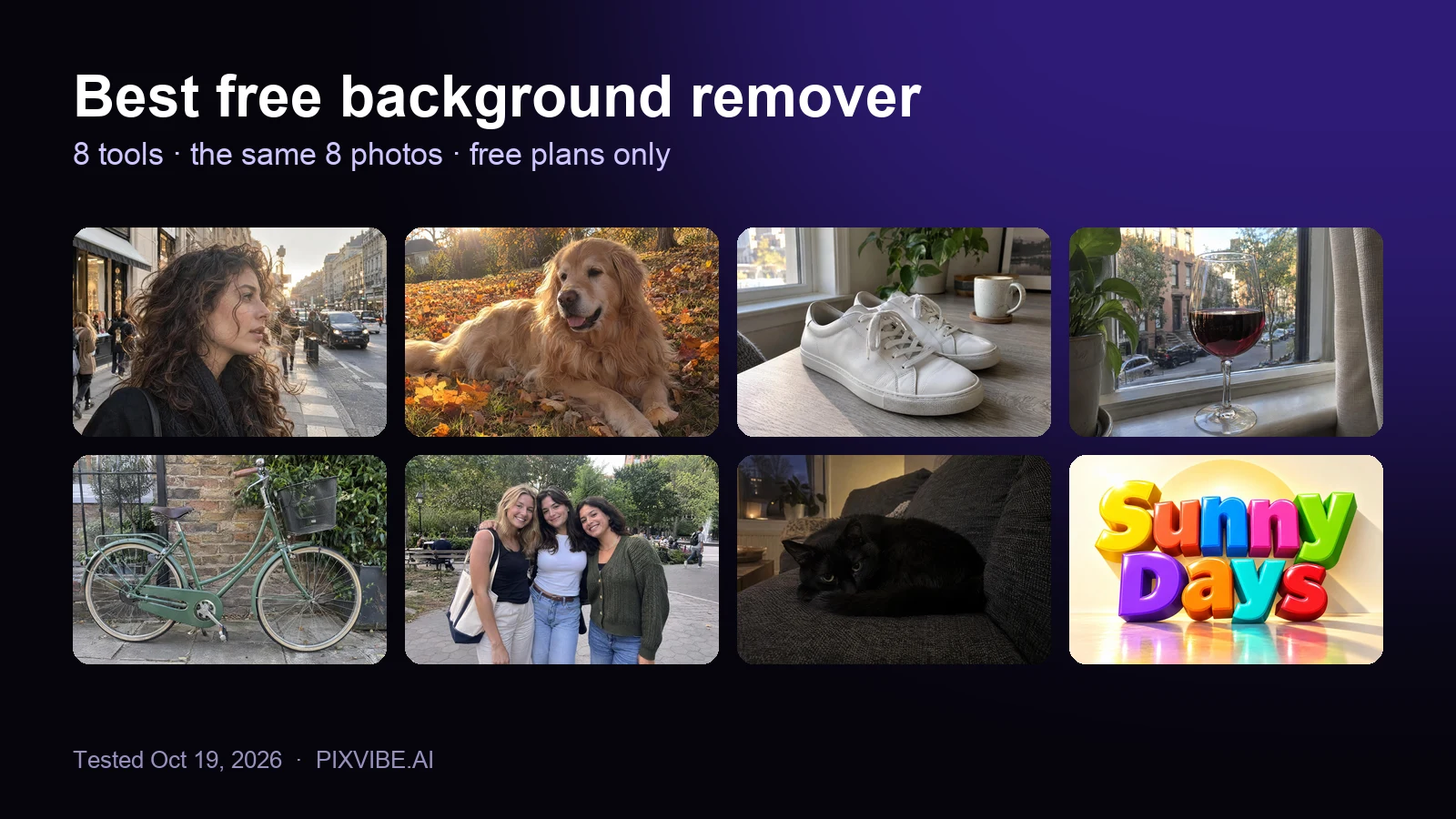
I tested 8 free background removers on the same 8 photos. Scores, free download sizes, batch limits and which ones upload your photo.
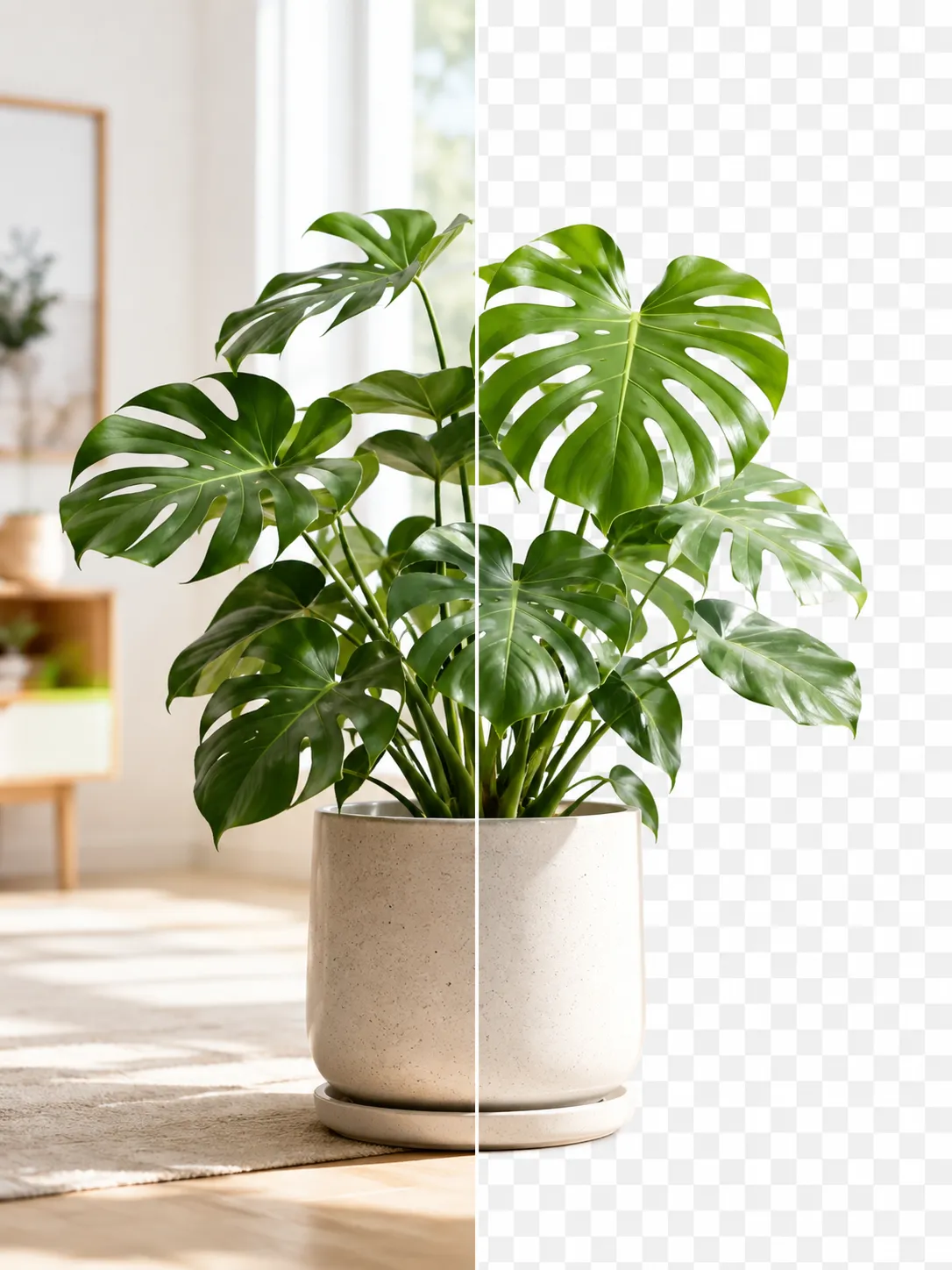
Get a clean transparent cut-out in seconds in your browser — no watermark, no account. The fastest free method, plus tips for tricky edges.
Free · In-browser processing
 Remove BackgroundMake any image transparent — free PNG.
 Image ConverterHEIC to JPG, WebP to PNG, JPG to WebP & more.
 PDF to ImageTurn PDF pages into JPG, PNG or WebP images — pick pages and DPI.
 Image to PDFCombine JPG, PNG or HEIC photos into one PDF — A4, Letter or fit.
 Compress PDFShrink scanned and image-heavy PDFs, keep selectable text, or hit a target size in KB.
 Passport PhotoFrame your face to passport, visa or ID sizes, change the background and print several on one sheet.
 Compress ImageReduce image size, keep the quality.
 Resize ImageResize for YouTube thumbnails & any size.
 Crop ImageCrop and reframe with precision.
 AI UpscalerAI upscale image resolution up to 4×.
Free · In-browser processing
Server AI · Uses credits





