PNG tools
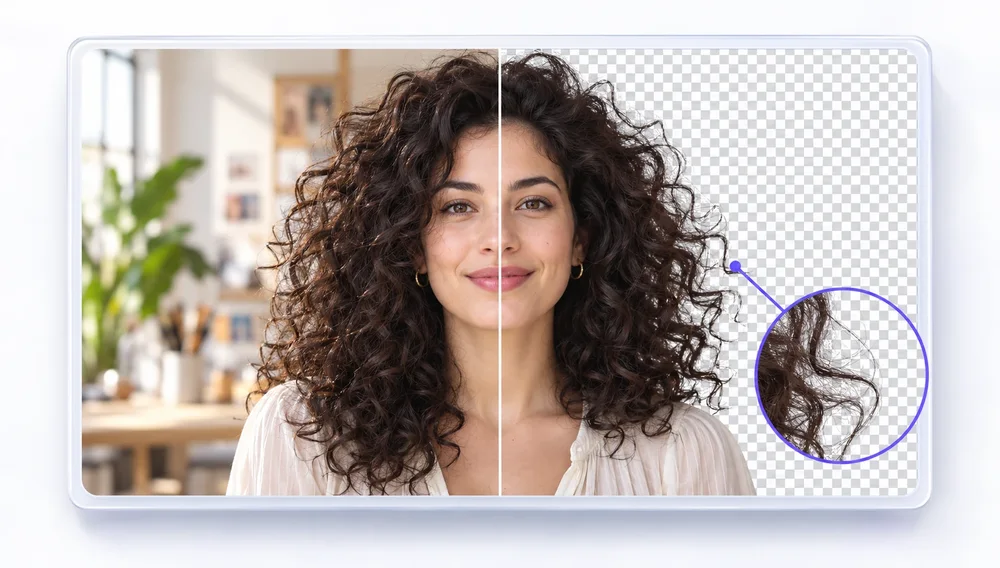
Make transparent PNGs, convert and compress PNG files.
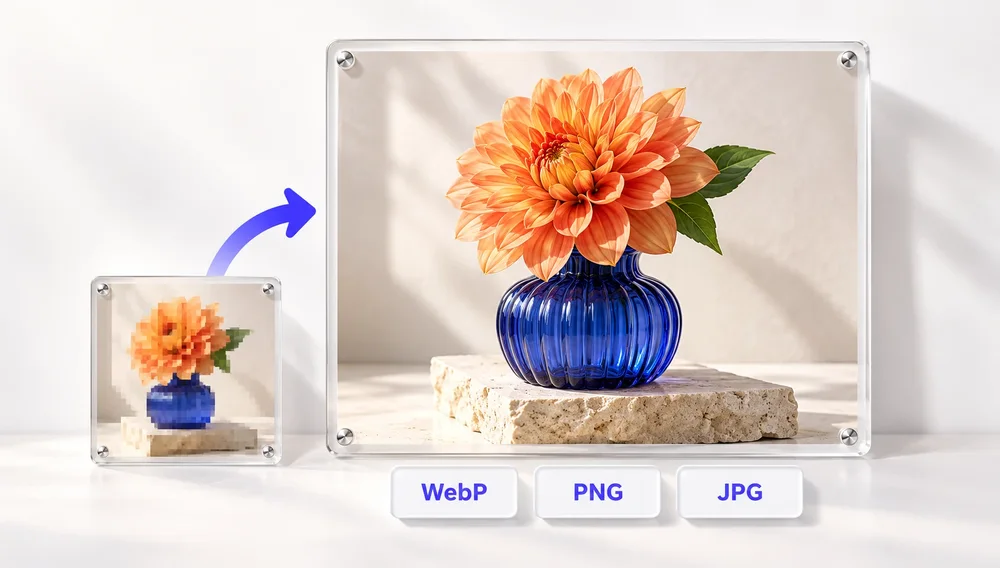
PNG is a lossless image format and the one that keeps transparency, which is why logos, signatures and product cutouts are saved as PNG. The trade-off is size: a PNG photo is often several times larger than the same JPG. PixVibe covers both sides — remove a background to get a transparent PNG, convert PNG to JPG or WebP when transparency is not needed, or compress a PNG by reducing its colors. The free tools run in your browser, so files never leave your device.
Tools
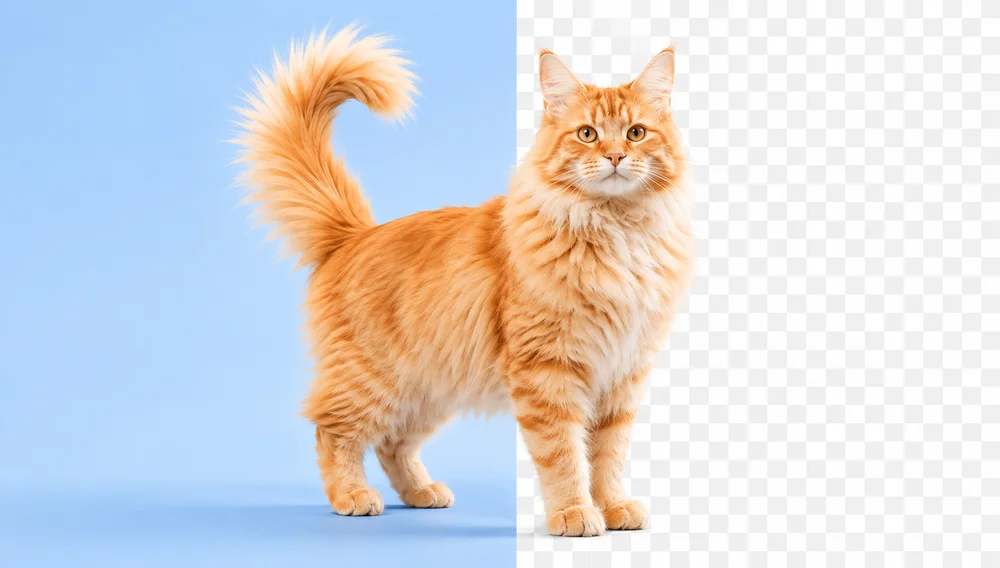
Background Remover
Make any image transparent — free PNG.
Open tool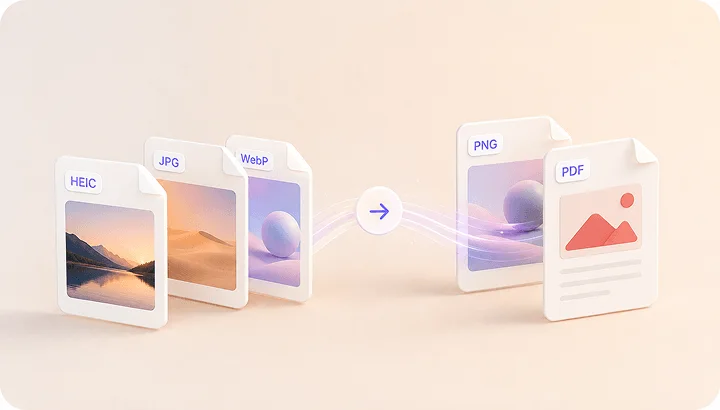
Image Converter
HEIC to JPG, WebP to PNG, JPG to WebP & more.
Open tool
PDF to Image
Turn every PDF page into a JPG, PNG or WebP — pick pages and DPI.
Open tool
Image to PDF
Combine JPG, PNG or HEIC photos into one PDF — A4, Letter or fit.
Open tool
Passport Photo Maker
Passport and ID photos at the right size and background, ready to download or print, without uploading.
Open tool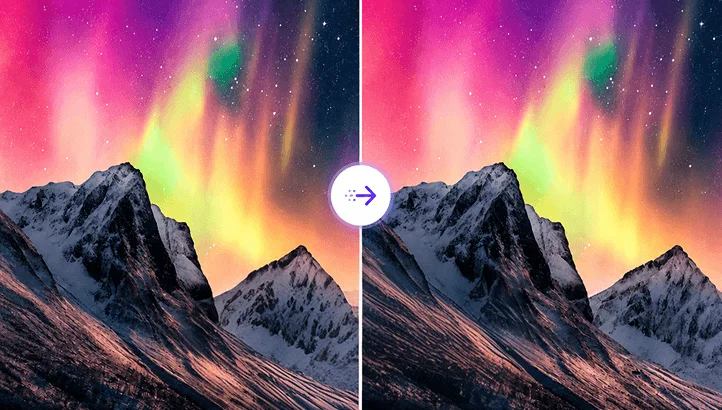
Compress Image
Reduce image size, keep the quality.
Open tool