Images for printing
Upscale, crop to print ratios and make printable PDFs.
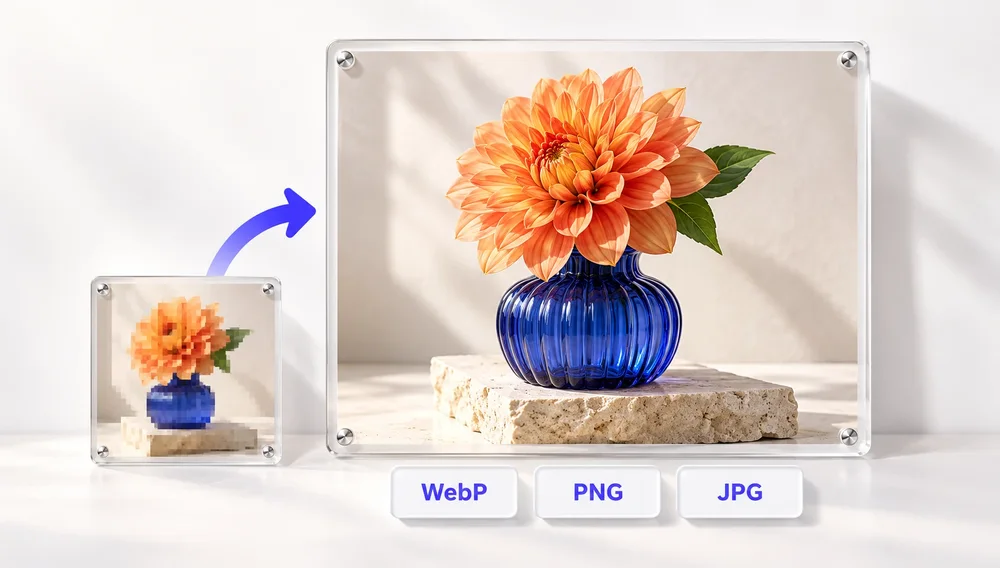
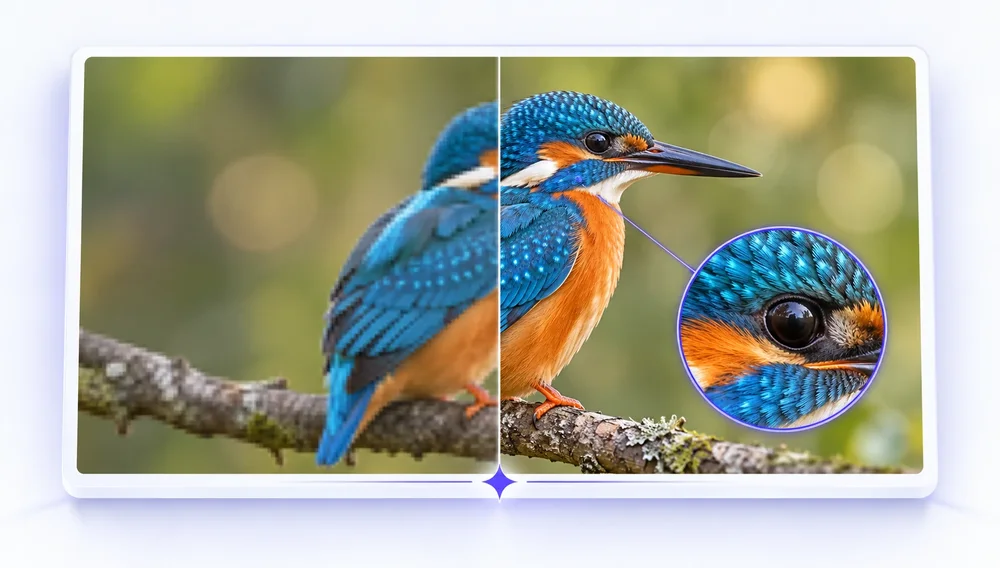
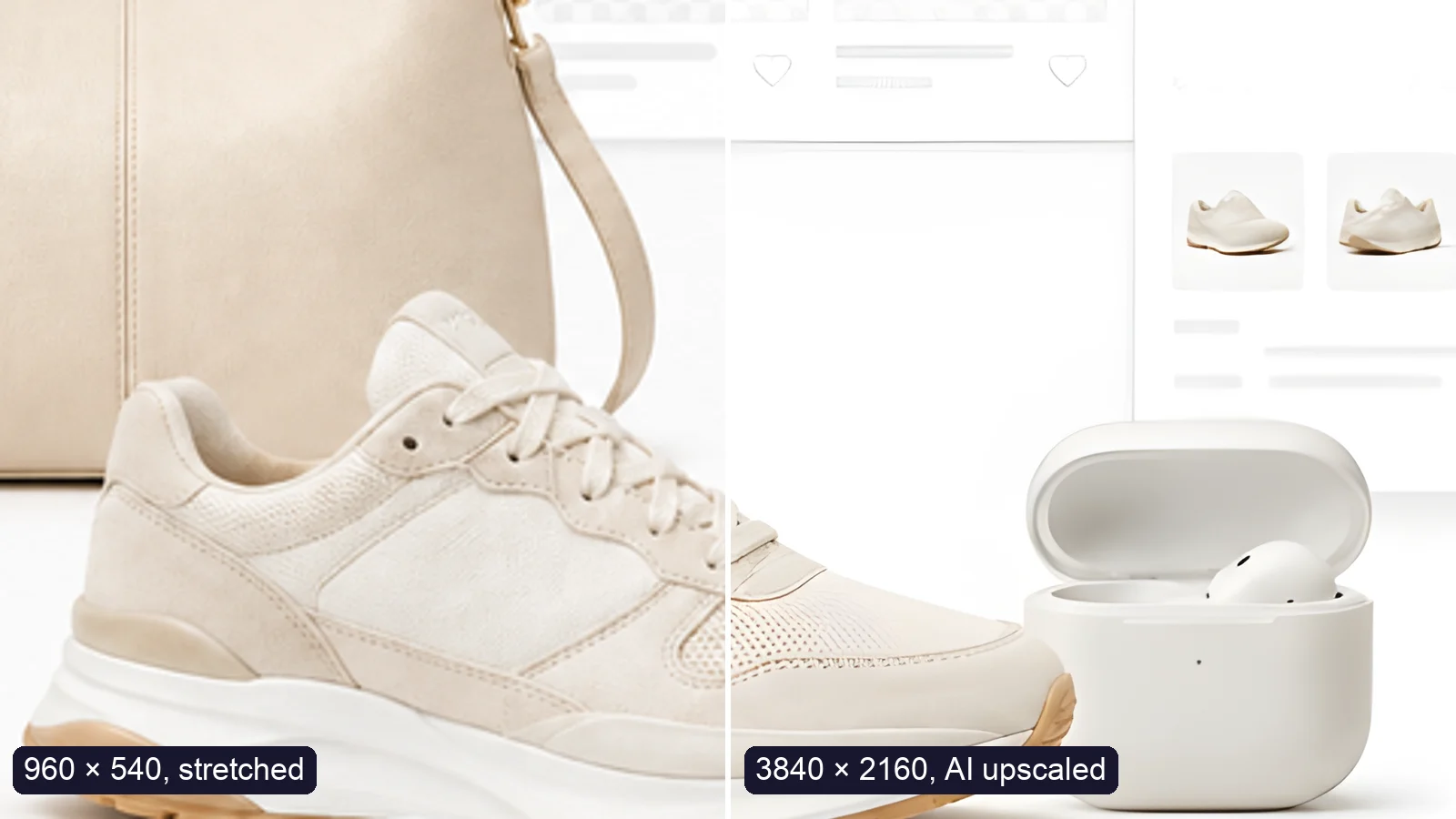
Prints need far more pixels than screens: a rule of thumb is about 300 pixels per inch, so a 6 × 4 inch print wants roughly 1800 × 1200 pixels. If a photo is too small, the free AI upscaler enlarges it 2× or 4× in your browser, and the Pro enhancer offers stronger AI models for old or blurry shots. Crop to classic print ratios such as 4:3 or 3:2 so nothing is cut unexpectedly, and use JPG to PDF to put photos or scans on A4 or Letter pages ready for the printer.
Tools
PDF to Image
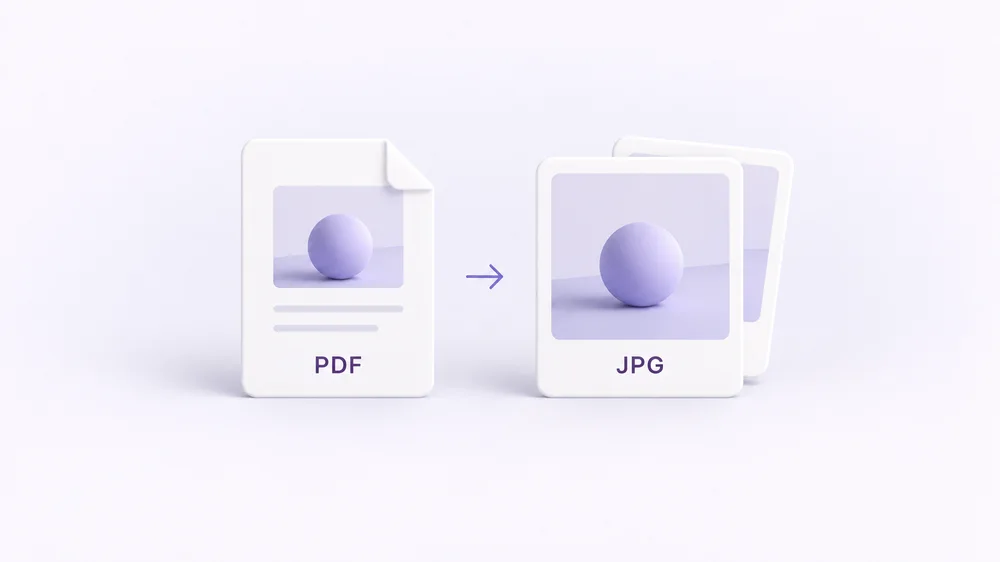
Turn every PDF page into a JPG, PNG or WebP — pick pages and DPI.
Open tool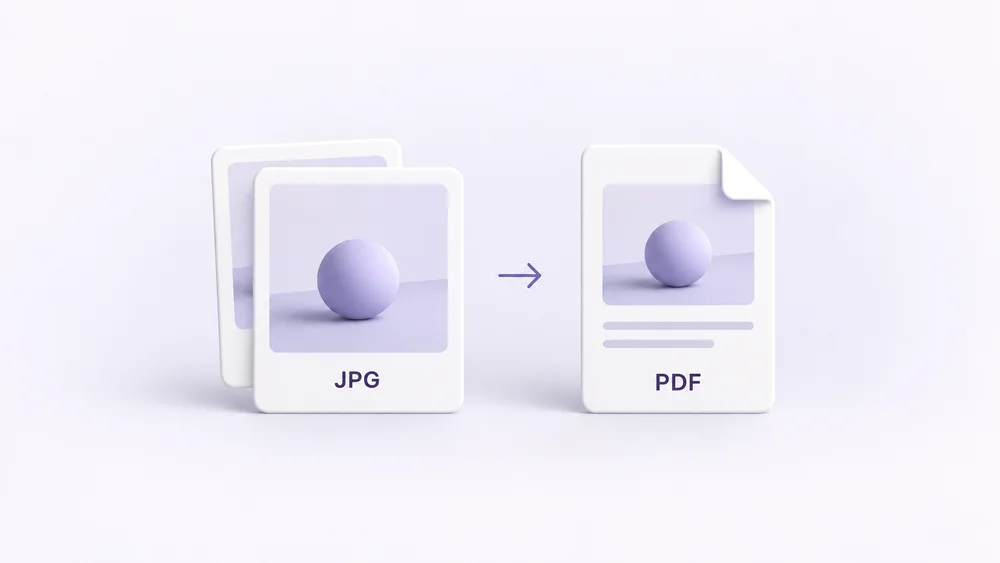
Image to PDF
Combine JPG, PNG or HEIC photos into one PDF — A4, Letter or fit.
Open tool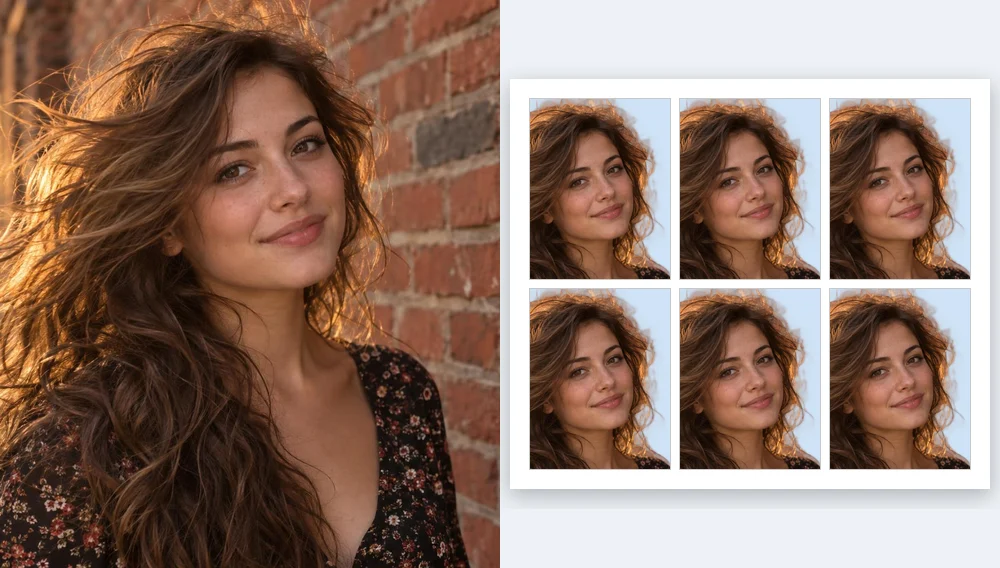
Passport Photo Maker
Passport and ID photos at the right size and background, ready to download or print, without uploading.
Open tool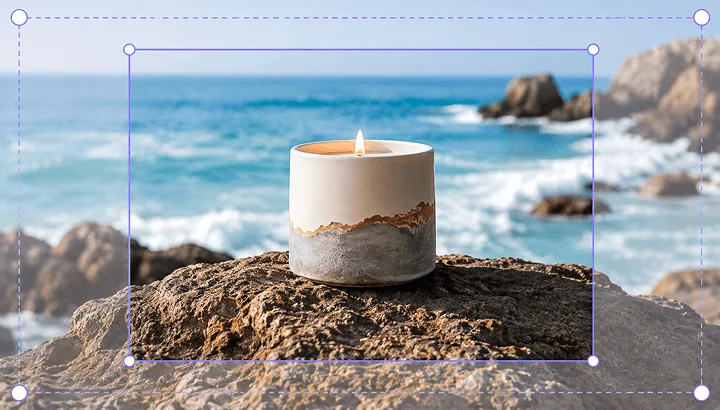
Crop Image
Crop and reframe with precision.
Open tool
AI Upscaler
Upscale image resolution up to 4×.
Open tool