Home

Pricing

Blog

Free image tools

Free · In-browser processing

Remove BackgroundTransparent PNG in seconds.Image ConverterSwitch between image formats.PDF to ImageTurn PDF pages into JPG, PNG and more.Image to PDFCombine images into one PDF.Compress PDFMake a PDF smaller, down to a target size.Passport PhotoPassport and ID photos in the right size, ready to print.Compress ImageSmaller files, crisp images.Resize ImageExact sizes for any platform.Crop ImageFrame your image just right.AI UpscalerEnlarge images up to 4×.

Free video tools

Free · In-browser processing

Compress VideoShrink a video to a set file size, in your browser.

Pro tools

Server AI · Uses credits

AI Background Remover HDPrecise hair and fine edges.HD Image ConverterUpscale and convert in HD.AI Image EnhancerEnhance detail with advanced AI.
View all tools
PixVibe
Home

Free image tools

Free · In-browser processing

Remove BackgroundTransparent PNG in seconds.Image ConverterSwitch between image formats.PDF to ImageTurn PDF pages into JPG, PNG and more.Image to PDFCombine images into one PDF.Compress PDFMake a PDF smaller, down to a target size.Passport PhotoPassport and ID photos in the right size, ready to print.Compress ImageSmaller files, crisp images.Resize ImageExact sizes for any platform.Crop ImageFrame your image just right.AI UpscalerEnlarge images up to 4×.

Free video tools

Free · In-browser processing

Compress VideoShrink a video to a set file size, in your browser.

Pro tools

Server AI · Uses credits

AI Background Remover HDPrecise hair and fine edges.HD Image ConverterUpscale and convert in HD.AI Image EnhancerEnhance detail with advanced AI.
View all tools
PricingBlog
PixVibe

Free AI image tools — remove backgrounds, convert, compress, resize & upscale in seconds.

Product

Remove BackgroundImage ConverterPDF to ImageImage to PDFCompress PDFPassport PhotoCompress ImageResize ImageCrop ImageAI UpscalerCompress VideoPricing

Pro tools

AI Background Remover HDHD Image ConverterAI Image Enhancer

Resources

ToolsBlogFor AI agentsHow we keep files localAI Font Prompts

Legal

Terms of ServicePrivacy PolicyLegalThird-party licensesContact

© 2026 PixVibe. All rights reserved.A Funovate Technology product

Notifications

No notifications yet

We'll let you know when something important happens.

HomeToolsPassport PhotoPrint Passport Photos on One Sheet
Local AI · no upload›Print›ID & passport photos›JPG›Office & students›

Print Passport Photos on One Sheet

Print passport photos as one sheet of copies, each framed by a cut line, to take to a lab or run through your own printer. PixVibe's passport photo sheet maker opens with 2 × 2 in photos and Print sheet selected. On a 4 × 6 in print that gives 2 copies, not 6: the layout keeps a 4 mm margin and 2 mm gaps, so trimming at the lab does not cut into a photo. Want more copies? Switch Paper to Letter (15 copies of the 2 × 2 in photo on a home printer) or to 2L size, 127 × 178 mm, the same as a 5 × 7 in print (6 copies). Everything is made in your browser.

WHY USE IT

Features

Six paper sizes, any photo size

Paper offers 4 × 6 in, 10 × 15 cm, L (89 × 127 mm), 2L (127 × 178 mm), A4 and Letter. The number of copies is worked out for the size you picked, and the sheet turns sideways when that fits more.

300 dpi, so it prints true to size

The sheet is drawn at the paper's full size at 300 dpi (a 4 × 6 in sheet is 1200 × 1800 pixels) and the JPG carries that resolution, so a print at 100% keeps every photo at its real measurements.

A cut line around each copy

A thin grey line runs just outside every photo. Cut along it with scissors or a trimmer and the photo keeps its full size.

PDF for home and office printers

With A4 or Letter selected, tick Also make a PDF (downloads as a ZIP with the JPG). The PDF page matches the paper, which makes printing at actual size easier.

COPIES PER SHEET

How many copies fit on each paper

Photo size4 × 6 in or 10 × 15 cm · 2LA4 · Letter
2 × 2 in (US passport and visa)2 (4 × 6) · 6 (2L)15 (A4) · 15 (Letter)
35 × 45 mm (UK passport, Schengen visa)6 (4 × 6) · 9 (2L)30 (A4) · 28 (Letter)
3 × 4 cm8 (4 × 6) · 12 (2L)36 (A4) · 36 (Letter)
1 × 1 in15 (4 × 6) · 24 (2L)70 (A4) · 63 (Letter)
WHAT IT'S FOR

Use cases

Ordering a 4 × 6 print online or at a kiosk

Upload the sheet JPG to a store photo kiosk or an online print order as a regular 4 × 6 print, then cut the copies apart at home.

Copies for a whole family

Make one sheet per person on Letter or A4 and print them on the office printer with photo paper loaded.

Spare copies for later forms

Visa forms, work permits and school files often ask for two or more identical prints. A full sheet leaves extras for the next application.

HOW IT WORKS

How to print passport photos on one sheet

01

Add your photo

Choose a straight-on picture (JPG, PNG, WebP, HEIC, AVIF, TIFF, BMP, or TGA, max 100MB). The face is found and framed to 2 × 2 in; pick another entry under Size or document if your form needs a different size.

02

Choose the paper

Under Paper, pick 4 × 6 in or 10 × 15 cm for a photo lab, 2L for more copies on a single print, or A4 / Letter for your own printer. The preview shows how many copies fit.

03

Download and print at 100%

Download the sheet. When printing, choose actual size (100%) rather than fit to page, then cut along the grey lines.

Why a 4 × 6 print holds two 2 × 2 photos, not six

Six 2-inch squares fill a 4 × 6 inch print exactly, with nothing left for a border. A lab may trim a little from the edges of a print, and a layout with no margin would then lose part of the outer photos.

PixVibe's print sheet leaves a 4 mm margin around the page and 2 mm between photos. With that room, a 4 × 6 sheet fits one 2-inch column across and two rows down: 2 copies. If you need more, the 2L option (127 × 178 mm, the same as 5 × 7 in) fits 6, and a Letter or A4 page fits 15.

How to print passport photos at the right size

For a lab or kiosk, send the JPG and order it at the paper size you picked; the file already has that shape, so nothing gets cropped. For a home printer, print the PDF or the JPG with scaling set to actual size or 100%. Fit to page or borderless printing enlarges or shrinks every photo.

Check the first print with a ruler before cutting: a 2 × 2 in photo should measure 51 mm inside the cut line, and a passport-size photo 35 × 45 mm. Glossy or matte photo paper gives a sharper result than plain copy paper.

Who accepts a printed sheet, and who does not

Printing rules differ by office, so read the one for your document. The US passport photo page says "Print your photo on matte or glossy photo-quality paper" and rejects photocopies or scans. The USCIS Form I-765 instructions ask for two photos "printed on thin paper with a glossy finish".

Some offices want a studio print. Canada states "We don’t accept photos printed at home or on heavyweight paper", and the UK passport rules ask for prints made "to a professional standard". For those documents, use a photographer or photo booth instead of a home-printed sheet.

FAQ

Frequently asked questions

Yes, if your document accepts home prints. Choose A4 or Letter, download the PDF and print it at 100% on photo paper. Canada and some other offices accept only professionally printed photos, so check your form first.

With a 4 mm margin and 2 mm gaps, the 4-inch side fits one 2-inch column instead of two, and the 6-inch side fits two rows instead of three: 1 × 2 = 2 copies. Choose 2L for 6 copies or Letter for 15.

The paper size at 300 dpi: 1200 × 1800 pixels for 4 × 6 in, 1500 × 2102 for 2L, 2480 × 3508 for A4 and 2550 × 3300 for Letter.

No. Fit to page rescales the sheet and every photo comes out the wrong size. Choose actual size or 100% scale.

No. Each sheet holds copies of one photo at one size. Make a second sheet for a different size or a different person.

RELATED

You might also need

Passport size photoPhoto requirements by country3x4 photo2x2 pictureUS visa photoBaby passport photo5 × 7 cm photoSpanish passport photo

Related articles

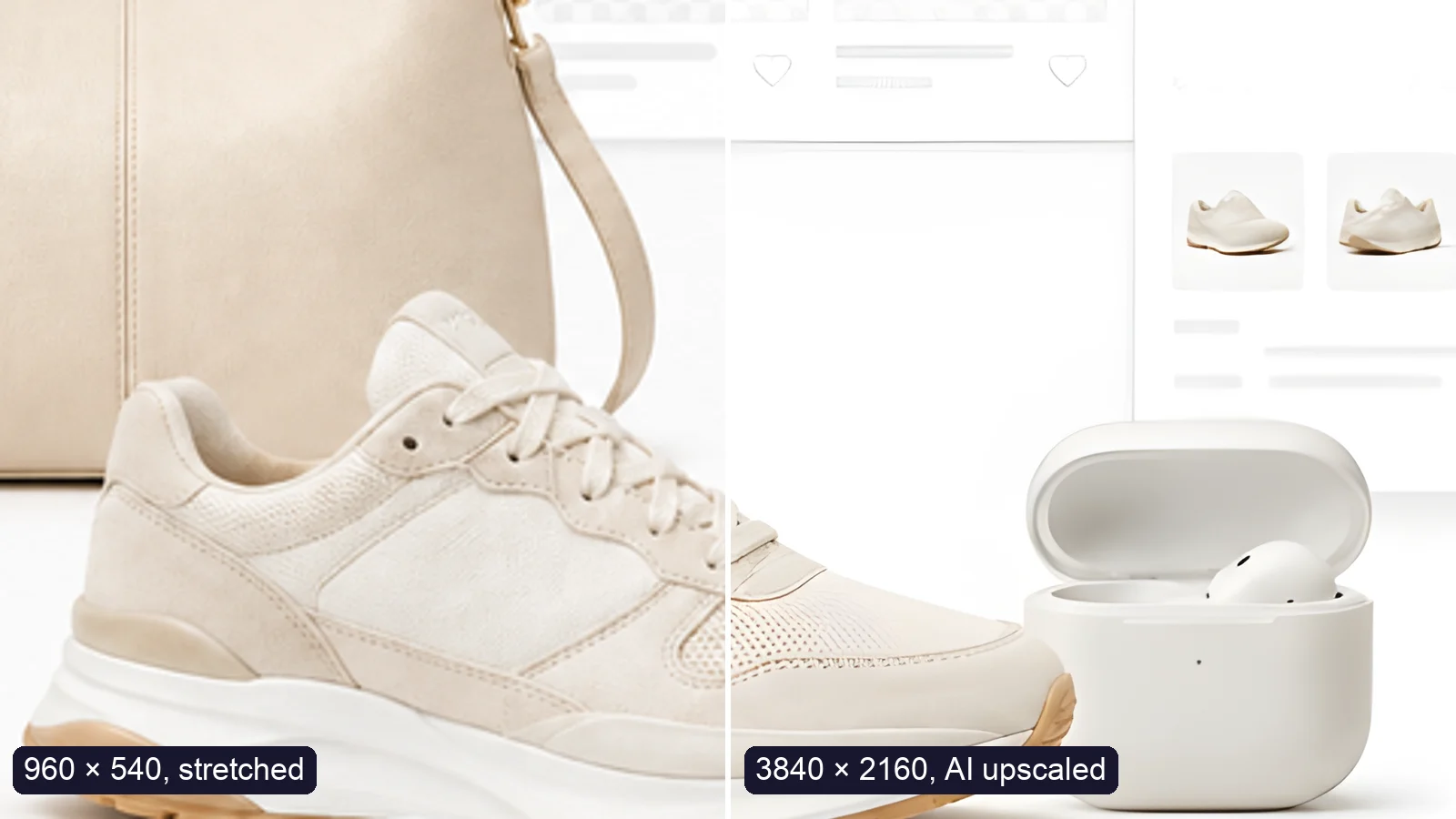
A sneaker photo: left half stretched from 960 × 540, right half upscaled to 3840 × 2160 with AI
Guide

How to Upscale an Image to 4K Without Losing Quality

Upscale an image to 4K (3840 × 2160) without losing quality: what AI can and can’t recover, free vs Pro tools, and a real 4× test.

Read article
MORE TOOLS

Explore more tools

Free image tools

Free · In-browser processing

Remove BackgroundRemove BackgroundMake any image transparent — free PNG.Image ConverterImage ConverterHEIC to JPG, WebP to PNG, JPG to WebP & more.PDF to ImagePDF to ImageTurn PDF pages into JPG, PNG or WebP images — pick pages and DPI.Image to PDFImage to PDFCombine JPG, PNG or HEIC photos into one PDF — A4, Letter or fit.Compress PDFCompress PDFShrink scanned and image-heavy PDFs, keep selectable text, or hit a target size in KB.Passport PhotoPassport PhotoFrame your face to passport, visa or ID sizes, change the background and print several on one sheet.Compress ImageCompress ImageReduce image size, keep the quality.Resize ImageResize ImageResize for YouTube thumbnails & any size.Crop ImageCrop ImageCrop and reframe with precision.AI UpscalerAI UpscalerAI upscale image resolution up to 4×.

Free video tools

Free · In-browser processing

Compress VideoCompress VideoShrink a video to a set file size, in your browser.

Pro tools

Server AI · Uses credits

AI Background Remover HDAI Background Remover HDHigh-precision edges for hair, fur and fine detail.HD Image ConverterHD Image ConverterAI upscale, then convert to high-res WebP, PNG or JPG.AI Image EnhancerAI Image EnhancerEnhance and upscale photos with multiple AI models.
All Passport Photo optionsUse this tool with an AI agent

Tags on this page

Media
Image›
Pricing
Free›
Runs on
Local AI · no upload›
Task
Passport photo›
Format
JPG›PDF›
Platform
Print›
Use case
ID & passport photos›Documents & scans›
For
Office & students›
Feature
Solid background color›Size presets›Batch processing›No upload›
AI model
MODNetYuNet











