PDF and image tools
Turn PDF pages into images and images into a PDF.
PixVibe handles the image side of PDFs. PDF to JPG renders the pages you pick as JPG or PNG at the DPI you choose, which is handy for posting a page on social media or dropping it into slides. JPG to PDF combines up to 20 photos or scans into one PDF on A4, Letter or fit-to-image pages, without recompressing JPG and PNG. To sign a document, turn a photo of your signature into a transparent PNG. Everything runs in your browser, so contracts and scans are never uploaded.
Tools
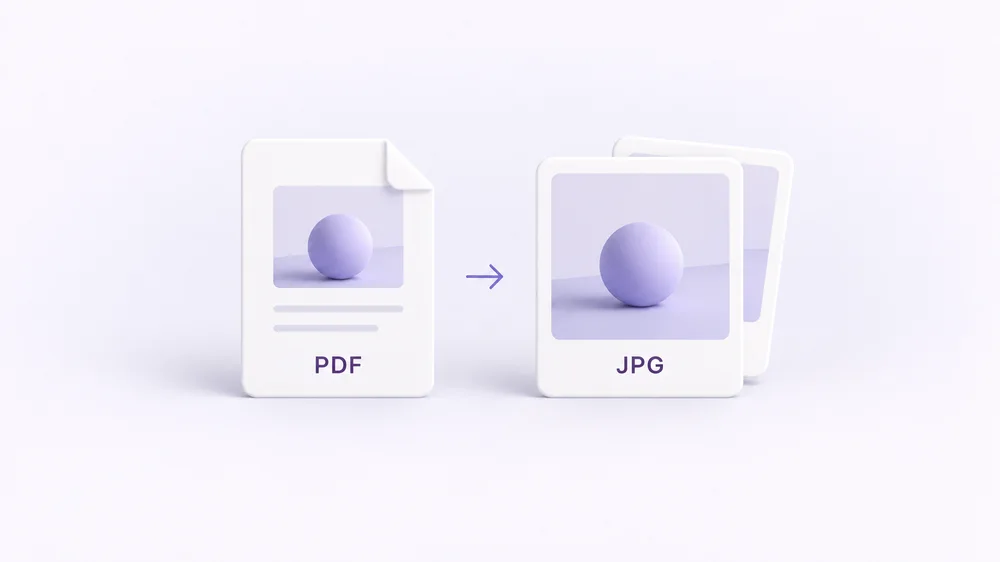
PDF to Image
Turn every PDF page into a JPG, PNG or WebP — pick pages and DPI.
Open tool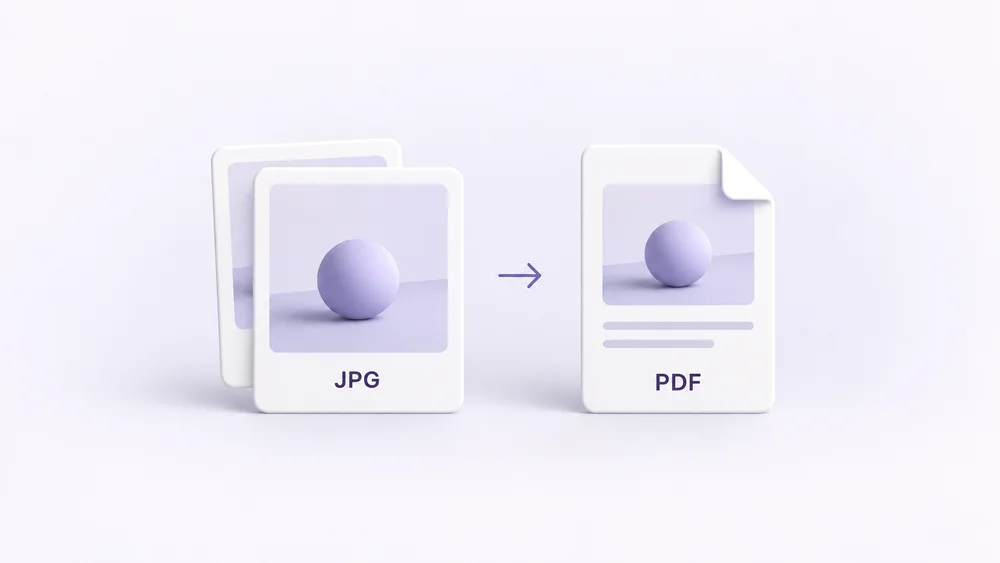
Image to PDF
Combine JPG, PNG or HEIC photos into one PDF — A4, Letter or fit.
Open tool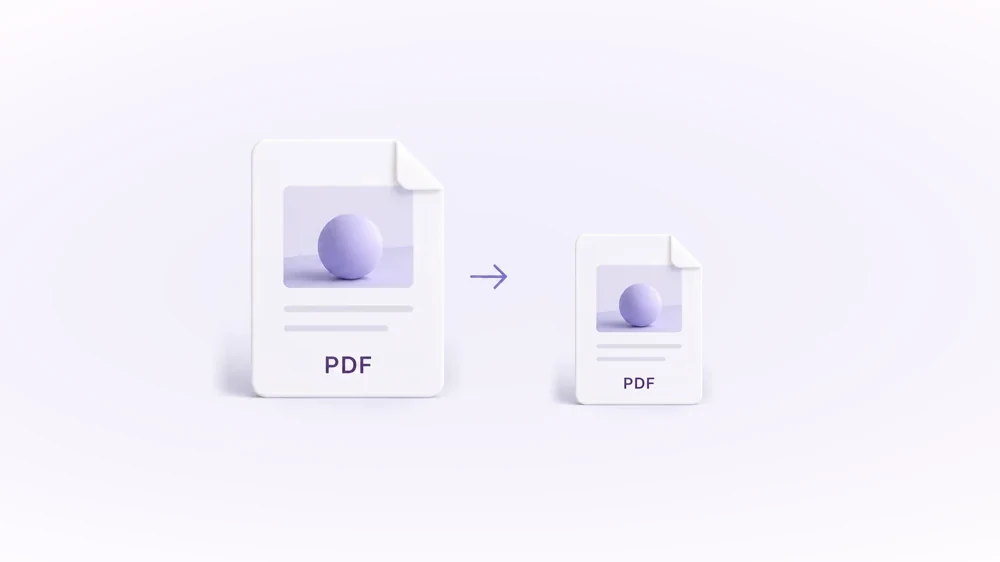
Compress PDF
Shrink scanned and image-heavy PDFs to a target size, without uploading them.
Open tool
Passport Photo Maker
Passport and ID photos at the right size and background, ready to download or print, without uploading.
Open tool