Home

Pricing

Blog

Free image tools

Free · In-browser processing

Remove BackgroundTransparent PNG in seconds.Image ConverterSwitch between image formats.PDF to ImageTurn PDF pages into JPG, PNG and more.Image to PDFCombine images into one PDF.Compress PDFMake a PDF smaller, down to a target size.Passport PhotoPassport and ID photos in the right size, ready to print.Compress ImageSmaller files, crisp images.Resize ImageExact sizes for any platform.Crop ImageFrame your image just right.AI UpscalerEnlarge images up to 4×.

Free video tools

Free · In-browser processing

Compress VideoShrink a video to a set file size, in your browser.

Pro tools

Server AI · Uses credits

AI Background Remover HDPrecise hair and fine edges.HD Image ConverterUpscale and convert in HD.AI Image EnhancerEnhance detail with advanced AI.
View all tools
PixVibe
Home

Free image tools

Free · In-browser processing

Remove BackgroundTransparent PNG in seconds.Image ConverterSwitch between image formats.PDF to ImageTurn PDF pages into JPG, PNG and more.Image to PDFCombine images into one PDF.Compress PDFMake a PDF smaller, down to a target size.Passport PhotoPassport and ID photos in the right size, ready to print.Compress ImageSmaller files, crisp images.Resize ImageExact sizes for any platform.Crop ImageFrame your image just right.AI UpscalerEnlarge images up to 4×.

Free video tools

Free · In-browser processing

Compress VideoShrink a video to a set file size, in your browser.

Pro tools

Server AI · Uses credits

AI Background Remover HDPrecise hair and fine edges.HD Image ConverterUpscale and convert in HD.AI Image EnhancerEnhance detail with advanced AI.
View all tools
PricingBlog
PixVibe

Free AI image tools — remove backgrounds, convert, compress, resize & upscale in seconds.

Product

Remove BackgroundImage ConverterPDF to ImageImage to PDFCompress PDFPassport PhotoCompress ImageResize ImageCrop ImageAI UpscalerCompress VideoPricing

Pro tools

AI Background Remover HDHD Image ConverterAI Image Enhancer

Resources

ToolsBlogFor AI agentsHow we keep files localAI Font Prompts

Legal

Terms of ServicePrivacy PolicyLegalThird-party licensesContact

© 2026 PixVibe. All rights reserved.A Funovate Technology product

Notifications

No notifications yet

We'll let you know when something important happens.

HomeToolsPassport PhotoInfantil Size Photo: Mexico's 2.5 × 3 cm Tamaño Infantil
Local AI · no upload›Print›ID & passport photos›JPG›Office & students›

Infantil Size Photo: Mexico's 2.5 × 3 cm Tamaño Infantil

An infantil size photo, "tamaño infantil" in Spanish, is the small ID photo that Mexican schools and offices ask for, usually 2.5 cm wide by 3 cm tall. This page opens with that size selected: add a picture, the face is centred on a white background, and you download one photo of 295 × 354 pixels or a 4 × 6 in sheet of 12 to print. The work happens in your browser and the picture is not uploaded.

WHY USE IT

Features

2.5 × 3 cm is preselected

The size list shows "Tamaño infantil · 2.5 × 3 cm". The saved file is 295 × 354 pixels, which prints 2.5 cm wide by 3 cm tall at 300 dpi.

Head centred automatically

The face is located and the head centred at roughly 68% of the photo height. That figure is our starting point; drag or zoom to change it.

White or original background

Change colour puts plain white, or a colour you choose, behind the person. Keep original leaves the background untouched.

12 on a 4 × 6 sheet

Under Output, Print sheet starts on 4 × 6 in paper with 12 copies and cut lines. Letter takes 60 and A4 takes 63.

WHAT IT'S FOR

Use cases

School certificates in Mexico

Mexico City's education ministry (SECTEI) asks for three tamaño infantil photos, in black and white, for its certificate procedure.

Enrolment paperwork

IPN's CECyT 19 school asks for tamaño infantil photos in colour on a white background for its enrolment documents.

Forms with a small photo box

If a form has a photo box and gives no measurements, measure the box first. Custom size in the list accepts any width and height.

HOW IT WORKS

How to make a passport or ID photo

01

Add a photo

Choose a front-facing, evenly lit picture: JPG, PNG, WebP, HEIC, AVIF, TIFF, BMP, or TGA, up to 100MB. iPhone HEIC files are accepted as they are.

02

Check the result

The finished photo appears next to the editor. Shift or zoom the frame if needed; Size check flags a face that is off-centre or tilted.

03

Download or print

Download saves the 295 × 354 pixel file. To print, choose Print sheet under Output and download the 4 × 6 in page with 12 copies.

Infantil size photo dimensions

A tamaño infantil photo is commonly 2.5 cm wide by 3 cm tall (25 × 30 mm, about 1 × 1.2 in). We found no national rule that defines it; each institution publishes its own. One official example is Mexico City's SECTEI certificate procedure, whose diagram shows 2.5 cm across and 3 cm down, with 2 cm from the top edge to the chin and 1 cm below it.

At 300 dpi, 2.5 × 3 cm is 295 × 354 pixels, the size this page saves. If your instructions give another measurement, pick Custom size and enter it.

What institutions ask for besides size

Size is only part of it. SECTEI asks for a studio photo in black and white, retouched, on matte photo paper with a white background, and does not accept rounded corners. IPN's CECyT 19 wants colour on white, taken in a studio and printed on matte paper, and states «NO UTILIZAR FOTOGRAFÍAS DE CELULAR» (do not use mobile-phone photos).

Read your own instructions before printing. This page sets size, framing and background. It does not convert a photo to black and white or choose the paper, and the institution decides whether to accept a photo.

Other Mexican photo sizes

Infantil is one of several named sizes. The University of Guadalajara (CUCSur) describes tamaño credencial as 3.5 cm wide by 5 cm tall and tamaño título as 9 cm tall by 6 cm wide. For a Mexican visa, a 2025 requirements sheet from the Consulate General of Mexico in Houston asks for a passport-size photo with «Medidas: 39mm x 31mm». A Mexican passport needs no photo from you: the Consulate General in New York says a digital photo is taken inside the consulate.

Credencial and título measurements can be typed into Custom size, and the Mexican visa size is in the list under Mexico. The 35 × 45 mm passport size photo has its own page.

Printing at true size

The sheet is saved at 4 × 6 in (10 × 15 cm) and 300 dpi. Ask the lab for 100% scale with no fit-to-page so every copy measures 2.5 × 3 cm, then cut along the grey lines.

FAQ

Frequently asked questions

Commonly 2.5 cm wide by 3 cm tall (25 × 30 mm). Mexico has no single national rule for it, so check the measurement your institution publishes.

295 × 354 pixels at 300 dpi, which is the file this page downloads.

It depends on who asks. Mexico City's SECTEI wants black and white; IPN's CECyT 19 wants colour. This page keeps the colours of your photo and has no black-and-white option.

Twelve on 4 × 6 in paper (the same on 10 × 15 cm), 60 on Letter and 63 on A4.

No. Framing, background and the print sheet are produced in your browser, and the picture stays on your device.

RELATED

You might also need

Passport size photoPhoto requirements by country3x4 photo2x2 pictureUS visa photoBaby passport photo5 × 7 cm photoSpanish passport photo

Related articles

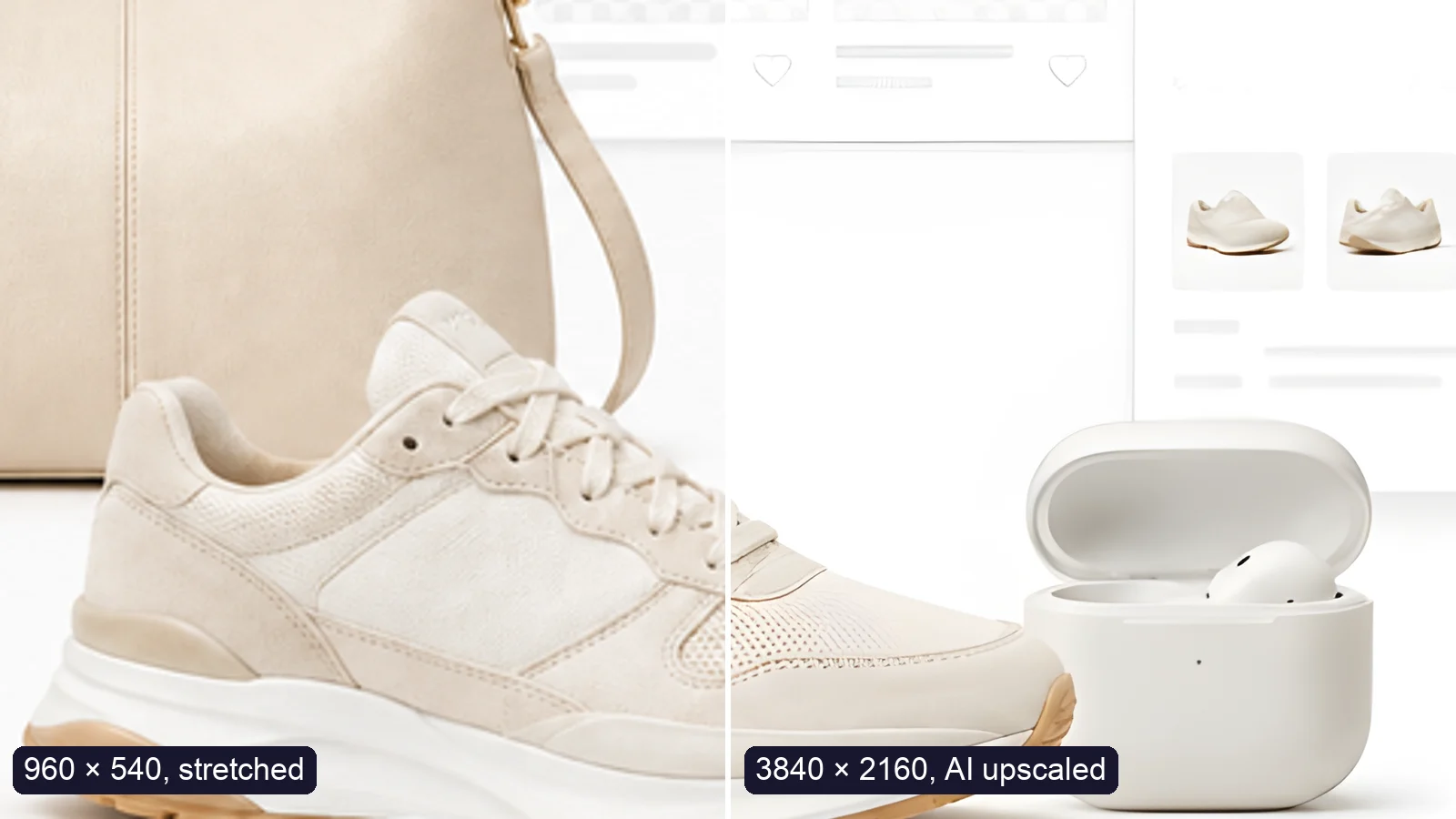
A sneaker photo: left half stretched from 960 × 540, right half upscaled to 3840 × 2160 with AI
Guide

How to Upscale an Image to 4K Without Losing Quality

Upscale an image to 4K (3840 × 2160) without losing quality: what AI can and can’t recover, free vs Pro tools, and a real 4× test.

Read article
MORE TOOLS

Explore more tools

Free image tools

Free · In-browser processing

Remove BackgroundRemove BackgroundMake any image transparent — free PNG.Image ConverterImage ConverterHEIC to JPG, WebP to PNG, JPG to WebP & more.PDF to ImagePDF to ImageTurn PDF pages into JPG, PNG or WebP images — pick pages and DPI.Image to PDFImage to PDFCombine JPG, PNG or HEIC photos into one PDF — A4, Letter or fit.Compress PDFCompress PDFShrink scanned and image-heavy PDFs, keep selectable text, or hit a target size in KB.Passport PhotoPassport PhotoFrame your face to passport, visa or ID sizes, change the background and print several on one sheet.Compress ImageCompress ImageReduce image size, keep the quality.Resize ImageResize ImageResize for YouTube thumbnails & any size.Crop ImageCrop ImageCrop and reframe with precision.AI UpscalerAI UpscalerAI upscale image resolution up to 4×.

Free video tools

Free · In-browser processing

Compress VideoCompress VideoShrink a video to a set file size, in your browser.

Pro tools

Server AI · Uses credits

AI Background Remover HDAI Background Remover HDHigh-precision edges for hair, fur and fine detail.HD Image ConverterHD Image ConverterAI upscale, then convert to high-res WebP, PNG or JPG.AI Image EnhancerAI Image EnhancerEnhance and upscale photos with multiple AI models.
All Passport Photo optionsUse this tool with an AI agent

Tags on this page

Media
Image›
Pricing
Free›
Runs on
Local AI · no upload›
Task
Passport photo›
Format
JPG›PNG›PDF›
Platform
Print›Websites›
Use case
ID & passport photos›Documents & scans›
For
Office & students›
Feature
Solid background color›Size presets›Batch processing›No upload›
AI model
MODNetYuNet











