Convert JPG & Images to PDF
Convert JPG to PDF free, right in your browser — your images are never uploaded. This image to PDF converter takes JPG, PNG, WebP, HEIC, AVIF, TIFF, BMP, and TGA files and turns photos, scans and screenshots into one PDF that is easy to email, print or submit. Add up to 1,000 images, pick and order the pages, set the page size, and download one PDF or several.
Popular shortcuts
Features
Pick, order and combine up to 1,000 images
Check the images you want in the PDF, one page each, and put them in order. Use “New PDF” to make several different PDFs from the same images.
JPG quality stays untouched
JPG and PNG files go into the PDF as they are, with no recompression. HEIC, WebP and AVIF photos are converted first so every PDF reader can open them.
Fit, A4 or Letter pages
Keep each page the size of its image, or place images on A4 or Letter with portrait, landscape or automatic orientation and 0, 10 or 20 mm margins.
Your images stay on your device
The PDF is built in your browser. Your photos are never sent to a server, stored or seen by anyone.
Use cases
Send scanned documents as one file
Turn phone photos of receipts, contracts or ID pages into one PDF for email or an online form.
Submit homework and applications
Many schools and job portals accept a single PDF. Combine all pages in the right order before uploading.
Print photos on standard paper
Put photos on A4 or Letter pages with margins so they print at a predictable size.
How to turn images into a PDF
Add your images
Drop, paste or select JPG, PNG, HEIC, WebP or other images. Each image becomes one PDF page.
Pick the pages and set the order
Click an image to add it to or remove it from the PDF. Drag to reorder on a computer, or use the earlier / later arrows on each image (they work on phones too). Then choose the paper size, orientation and margins.
Download the PDF
With up to 30 images (10 on a phone), the PDF updates as you change settings. Larger sets are built when you click “Download PDF”, with a page counter on the button. If you made more than one PDF, “Download all” saves them as a ZIP.
Frequently asked questions
Drop your JPG images into the tool above and they become one PDF. Click images to include or leave them out, arrange the order, then click “Download PDF”.
Related articles

Product Photos With Your Phone: Amazon, Etsy & Shopify Sizes
Shoot product photos on a phone, remove the background, and size them for Amazon, Etsy, Shopify and eBay. Official rules in one table.

How to Let Your AI Agent Edit Images with PixVibe
Let an AI agent edit images with PixVibe: one link per job, no API key. We tested Claude, Codex and ChatGPT agent, and show what to check.
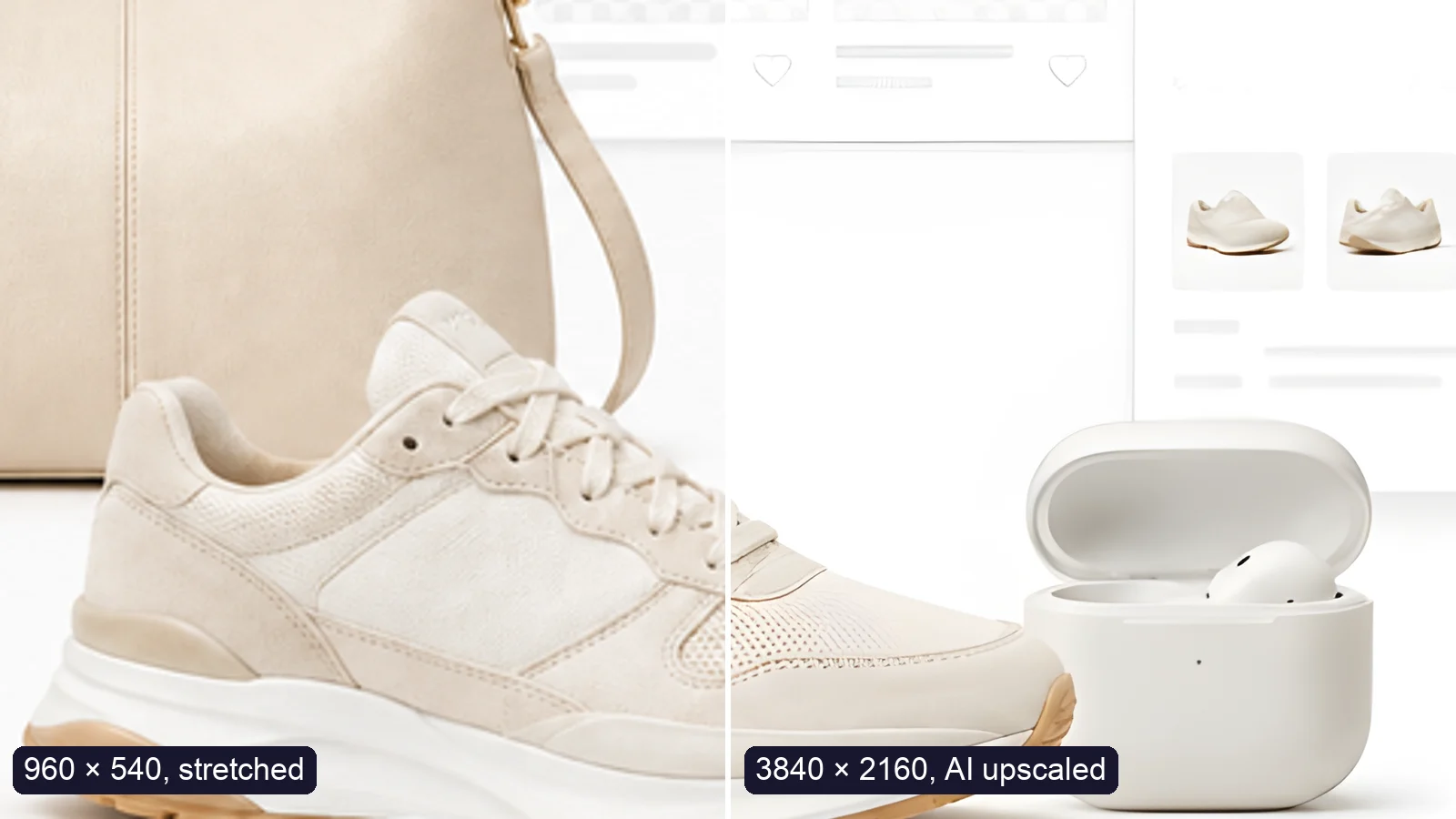
How to Upscale an Image to 4K Without Losing Quality
Upscale an image to 4K (3840 × 2160) without losing quality: what AI can and can’t recover, free vs Pro tools, and a real 4× test.
Explore more tools
Free image tools
Free · In-browser processing
 Remove BackgroundMake any image transparent — free PNG.
 Image ConverterHEIC to JPG, WebP to PNG, JPG to WebP & more.
 PDF to ImageTurn PDF pages into JPG, PNG or WebP images — pick pages and DPI.
 Image to PDFCombine JPG, PNG or HEIC photos into one PDF — A4, Letter or fit.
 Compress PDFShrink scanned and image-heavy PDFs, keep selectable text, or hit a target size in KB.
 Passport PhotoFrame your face to passport, visa or ID sizes, change the background and print several on one sheet.
 Compress ImageReduce image size, keep the quality.
 Resize ImageResize for YouTube thumbnails & any size.
 Crop ImageCrop and reframe with precision.
 AI UpscalerAI upscale image resolution up to 4×.
Free video tools
Free · In-browser processing

Pro tools
Server AI · Uses credits


