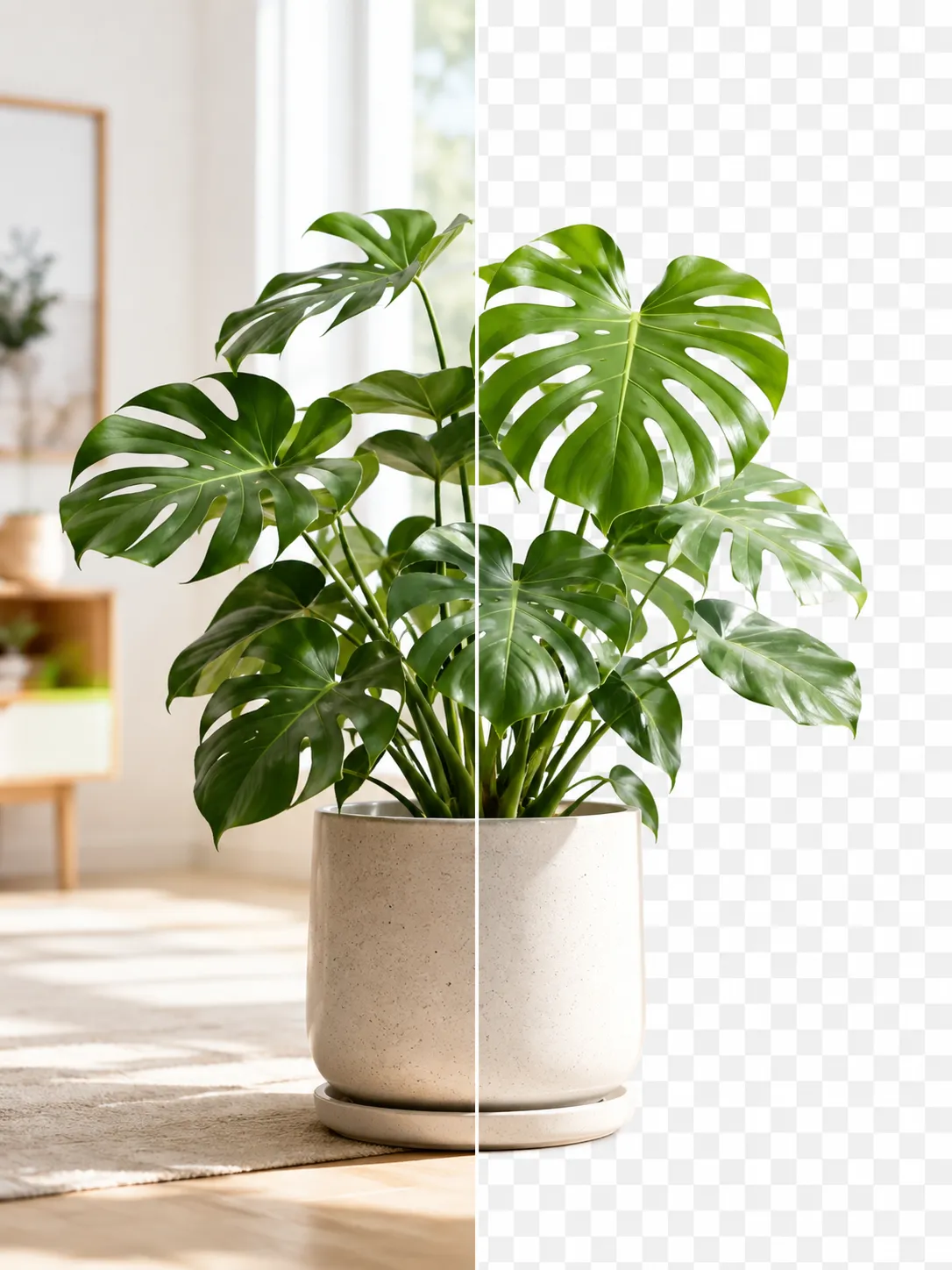
Product Photos With Your Phone: Amazon, Etsy & Shopify Sizes
Shoot product photos on a phone, remove the background, and size them for Amazon, Etsy, Shopify and eBay. Official rules in one table.
A phone camera takes product photos that are large enough for every major marketplace. The work happens after the shot: a white background for Amazon, no transparency for Etsy, and the right pixel size for each store. This guide walks through each step with the official requirements from Amazon, Etsy, Shopify and eBay.
1. Shoot with room around the product
Leave space around the item. Etsy's help center recommends taking the original picture "from a far enough vantage point where you can see the entire product with extra negative space around your product". Etsy crops listing thumbnails to square, portrait and landscape, and the extra space keeps the product whole in all three.
Keep the whole product in the frame. Amazon's image guide requires the main image to show the entire product, with nothing cut off, and the product filling 85% of the image. Shooting with space around the item and cropping later meets both rules.
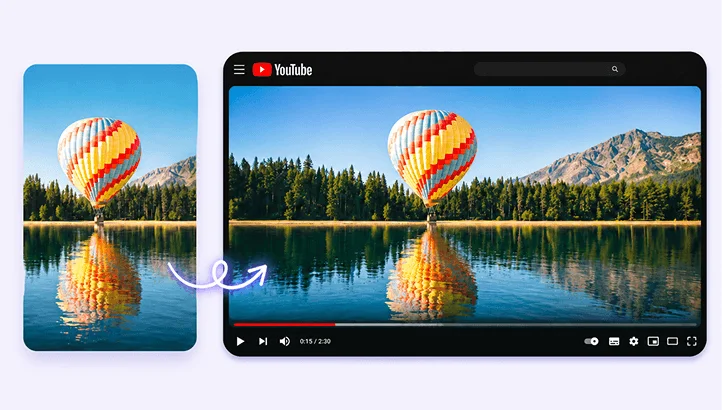
Shoot horizontally for Etsy. Etsy asks for the first listing photo to be landscape or square, and recommends horizontal photos because vertical photos lose more of the image when Etsy crops the thumbnail.
Phone photos are big enough. A 12-megapixel photo measures 4032 × 3024 pixels. Amazon recommends at least 1000 pixels on the longest side, Etsy recommends at least 2000 pixels in width and height, and Shopify recommends 2048 × 2048 pixels for square images. A 12-megapixel photo covers all three.
Check the file format. An iPhone with Camera Formats set to High Efficiency saves photos in HEIF, as .heic files; Most Compatible switches new photos to JPEG. Etsy, Shopify and eBay accept HEIC. Amazon's list of supported formats is JPEG, TIFF, PNG and non-animated GIF, so HEIC photos need converting to JPG before they go to Amazon. PixVibe's image converter converts HEIC to JPG in the browser.
2. Remove the background and use white
Amazon requires a pure white main image. The main image background must be pure white, RGB 255, 255, 255, and it must show only the product, without text, logos or props that are not included with it.
Etsy shows transparency as black. Etsy does not support transparent PNG files. In Etsy's words, "the transparent parts of the image will appear black on Etsy." A cutout for Etsy needs a white or colored background, not transparency.
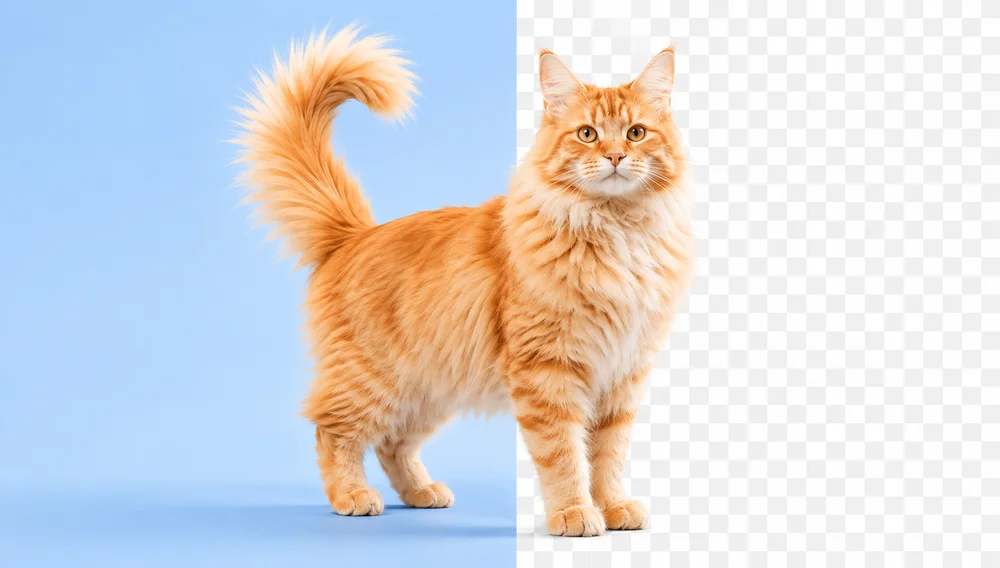
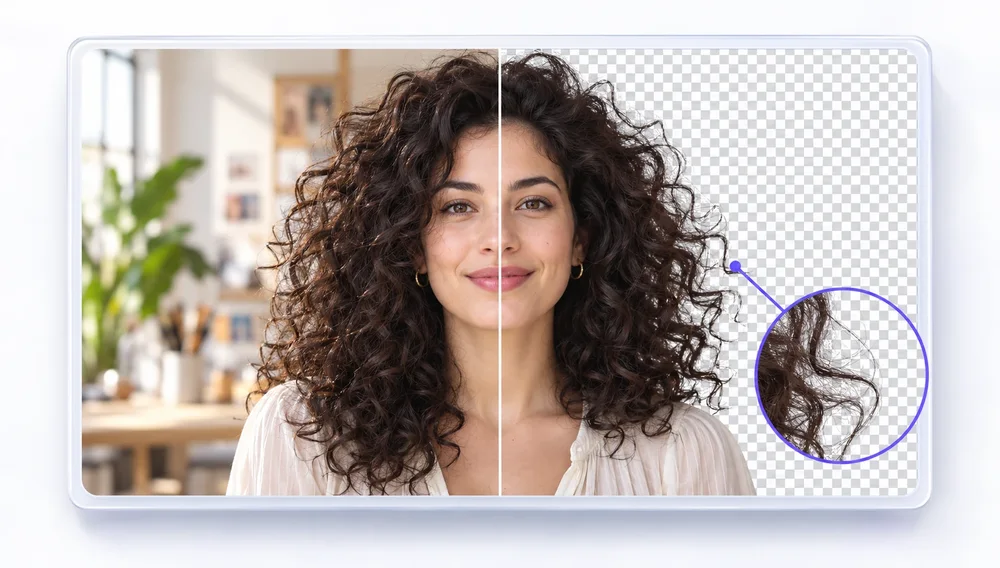
Remove the background in the browser. PixVibe's background remover runs the AI model in your browser, so product photos are not uploaded. Pick White as the background and download a JPG: the result is ready for an Amazon main image or an Etsy listing. With a free account, it processes 20 photos at a time and downloads the whole batch as JPG or PNG in one ZIP.
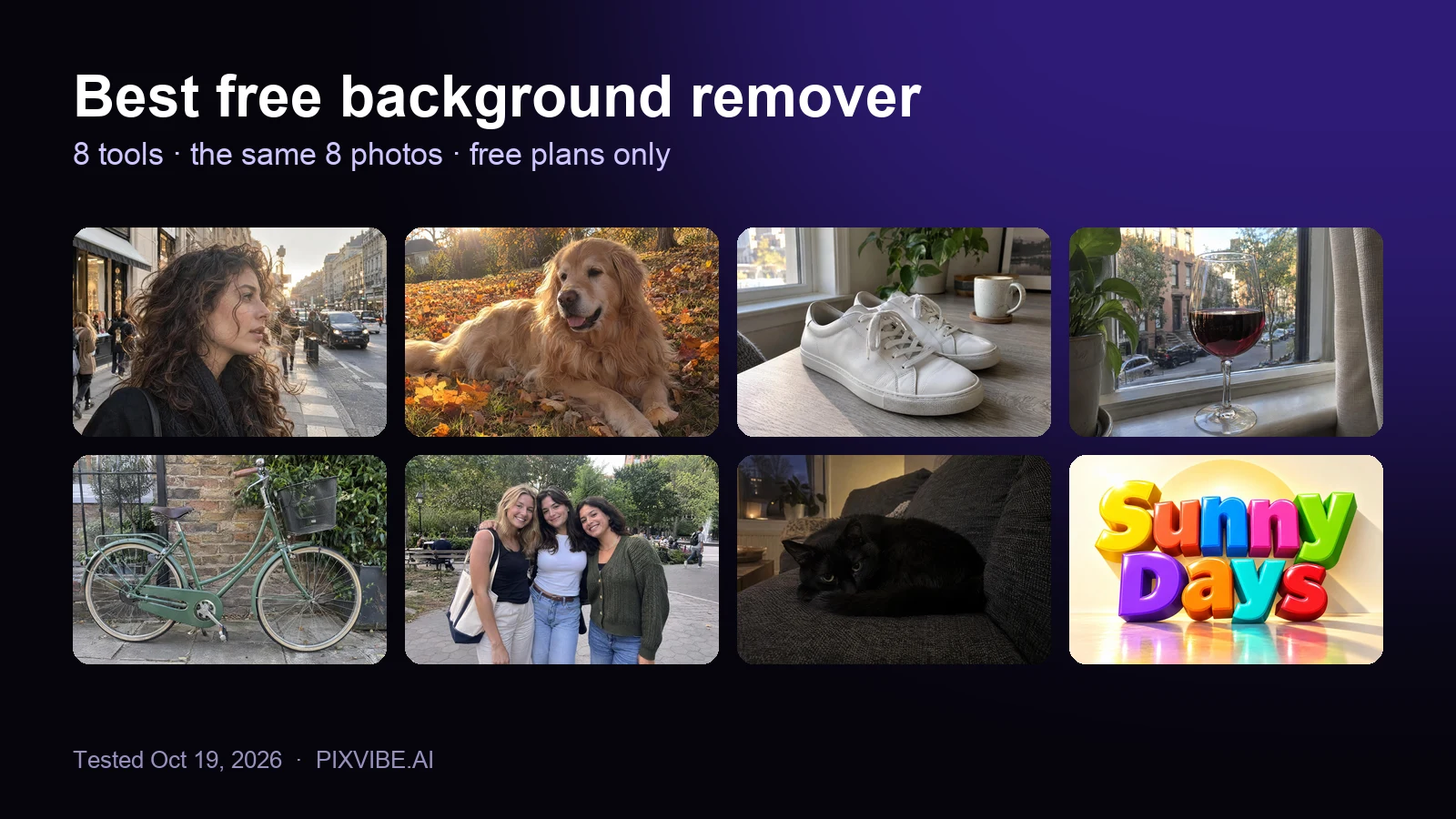
Shoot on a plain surface for the cleanest cutout. When a product is photographed in a room and touches furniture, the in-browser model can keep part of the furniture. For those photos, the Pro cloud cutout runs a larger model on PixVibe's server; it uploads the photo, costs credits, and deletes the photo within 24 hours. In a test of 8 background removers on the same 8 photos, PixVibe and one other tool were the only ones that removed backgrounds in batches for free (full results).
3. Image requirements by marketplace
| Amazon | Etsy | Shopify | eBay | |
|---|---|---|---|---|
| Recommended size | 1000+ px on the longest side (turns on zoom) | At least 2000 px width and height | 2048 × 2048 px for square images | About 1600 × 1600 px |
| Minimum / maximum | 500 to 10,000 px on the longest side | First photo at least 635 px | Up to 5000 × 5000 px or 25 megapixels | At least 500 × 500 px |
| File size | — | Files over 1 MB "may not finish uploading" on slow connections | Under 20 MB | Up to 12 MB |
| File formats | JPEG (recommended), TIFF, PNG, non-animated GIF | JPG, GIF, PNG, SVG, HEIC (no animated GIF, no transparent PNG) | PNG (best), JPEG, plus TIFF, BMP, GIF, SVG, HEIC, WebP | JPEG, PNG, GIF, TIFF, BMP, WEBP, HEIC, AVIF |
| Background and graphics | Pure white (RGB 255, 255, 255) on the main image | Transparency shows as black | No rule listed | No badges, logos or watermarks (affects search placement) |
| Shape | Product fills 85% of the main image | First photo landscape or square | Square displays best at 2048 px | 1:1 or 16:9 |
Sources: Amazon Seller Central, Product image guide; Etsy Help, Requirements and Best Practices for Images in Your Etsy Shop; Shopify Help Center, Product media types; eBay Help, Adding pictures to your listings. Checked October 2026.
4. Size a whole batch for each store
Resize to the store's size in one step. PixVibe's image resizer has presets for Amazon (2000 × 2000), Etsy (2667 × 2000), Shopify (2048 × 2048) and eBay (1600 × 1600), and resizes 20 photos at a time. These presets fit the whole photo inside the store's size and fill the rest with white, so every photo comes out at the exact pixel size with nothing cut off. A tall product photo in the Amazon preset becomes a 2000 × 2000 square with white on both sides.
The presets trim empty space first. Before resizing, the four store presets cut away the plain white or transparent space around the product and keep a 5% margin, so the product spans about 91% of the image width or height. Amazon asks for the product to fill 85% of the main image. Trimming works on photos with a plain or transparent background, such as the white-background result from step 2; the option is also available for any resize.
Small photos are flagged. When a photo is smaller than the preset, the resizer enlarges it and the result shows how many times it was enlarged, with a link to the AI image upscaler for a sharper version.
Pass results to the next tool. Continue with sends the result to another PixVibe tool, such as from the background remover to the resizer, without downloading and uploading again.
Where the preset sizes come from. The Shopify and eBay presets use the sizes those stores recommend. Amazon gives no exact size, only 1000 pixels or more on the longest side, so the Amazon preset uses 2000 × 2000. The Etsy preset is a 4:3 landscape photo with both sides at 2000 pixels or more, as Etsy recommends for the first listing photo.
Crop when the framing matters. PixVibe's crop tool has the same four presets and lets you place the frame by hand, for example to center a product that sits at the edge of the shot. When the frame extends past the photo, the empty area is filled with white.
Compress if the files are too heavy. Etsy notes that files over 1 MB can stall on slow connections. PixVibe's image compressor compresses each photo to a target size in KB.
Let an AI agent run the steps. Each PixVibe tool opens from one link with the image and settings in the address: pixvibe.ai/tools/resize-image?preset=etsy opens the resizer with the Etsy preset. An AI agent can run the same steps without clicking through the page (how it works).