Home

Pricing

Blog

Free image tools

Free · In-browser processing

Remove BackgroundTransparent PNG in seconds.Image ConverterSwitch between image formats.PDF to ImageTurn PDF pages into JPG, PNG and more.Image to PDFCombine images into one PDF.Compress PDFMake a PDF smaller, down to a target size.Passport PhotoPassport and ID photos in the right size, ready to print.Compress ImageSmaller files, crisp images.Resize ImageExact sizes for any platform.Crop ImageFrame your image just right.AI UpscalerEnlarge images up to 4×.

Free video tools

Free · In-browser processing

Compress VideoShrink a video to a set file size, in your browser.

Pro tools

Server AI · Uses credits

AI Background Remover HDPrecise hair and fine edges.HD Image ConverterUpscale and convert in HD.AI Image EnhancerEnhance detail with advanced AI.
View all tools
PixVibe
Home

Free image tools

Free · In-browser processing

Remove BackgroundTransparent PNG in seconds.Image ConverterSwitch between image formats.PDF to ImageTurn PDF pages into JPG, PNG and more.Image to PDFCombine images into one PDF.Compress PDFMake a PDF smaller, down to a target size.Passport PhotoPassport and ID photos in the right size, ready to print.Compress ImageSmaller files, crisp images.Resize ImageExact sizes for any platform.Crop ImageFrame your image just right.AI UpscalerEnlarge images up to 4×.

Free video tools

Free · In-browser processing

Compress VideoShrink a video to a set file size, in your browser.

Pro tools

Server AI · Uses credits

AI Background Remover HDPrecise hair and fine edges.HD Image ConverterUpscale and convert in HD.AI Image EnhancerEnhance detail with advanced AI.
View all tools
PricingBlog
PixVibe

Free AI image tools — remove backgrounds, convert, compress, resize & upscale in seconds.

Product

Remove BackgroundImage ConverterPDF to ImageImage to PDFCompress PDFPassport PhotoCompress ImageResize ImageCrop ImageAI UpscalerCompress VideoPricing

Pro tools

AI Background Remover HDHD Image ConverterAI Image Enhancer

Resources

ToolsBlogFor AI agentsHow we keep files localAI Font Prompts

Legal

Terms of ServicePrivacy PolicyLegalThird-party licensesContact

© 2026 PixVibe. All rights reserved.A Funovate Technology product

Notifications

No notifications yet

We'll let you know when something important happens.

HomeBlogGuide
Guide
Jul 15, 20264 min read

How to Remove an Image Background for Free (No Signup)

Get a clean transparent cut-out in seconds in your browser — no watermark, no account. The fastest free method, plus tips for tricky edges.

PV
PixVibe teamTools for the moments between idea and done.

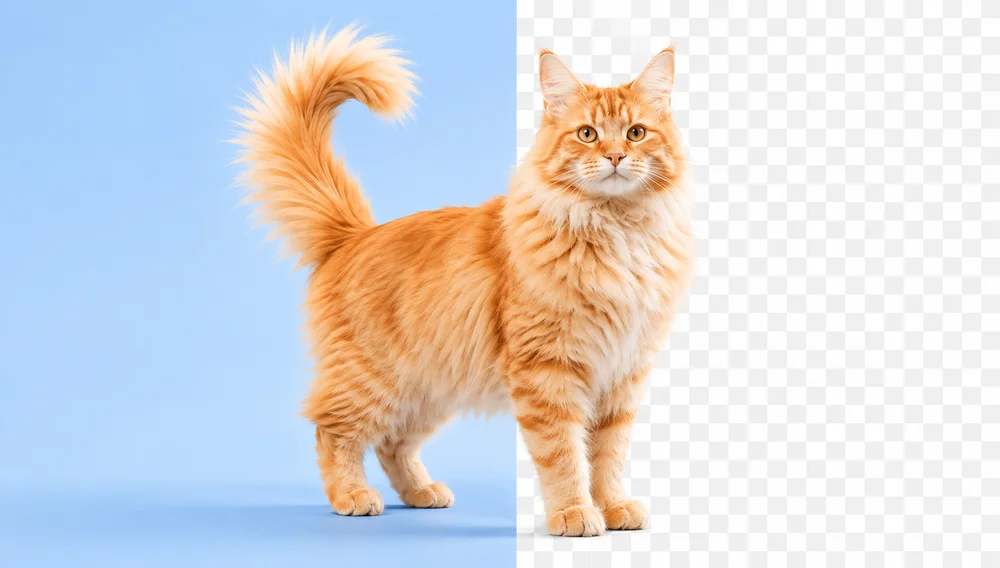
Removing the background from an image used to mean opening Photoshop, grabbing the pen tool, and spending twenty minutes tracing edges. Today an AI model does it in about a second — and you don’t need to install anything or create an account.

This guide shows you the fastest free way to get a clean, transparent PNG, and what to do when the edges get tricky.

The fastest way: do it in your browser

With PixVibe’s Background Remover, the whole thing runs locally in your browser. Your photo is never uploaded to a server, there’s no watermark, and there’s no sign-up wall for the basic tool.

  1. Open the Background Remover.
  2. Drag in a photo, paste it (Ctrl/⌘+V), or click to choose one. PNG, JPG, WebP and HEIC all work.
  3. Wait about a second while the AI separates the subject from the background.
  4. Download a transparent PNG — or swap the background for a solid white, black, or custom color.

When the edges get tricky

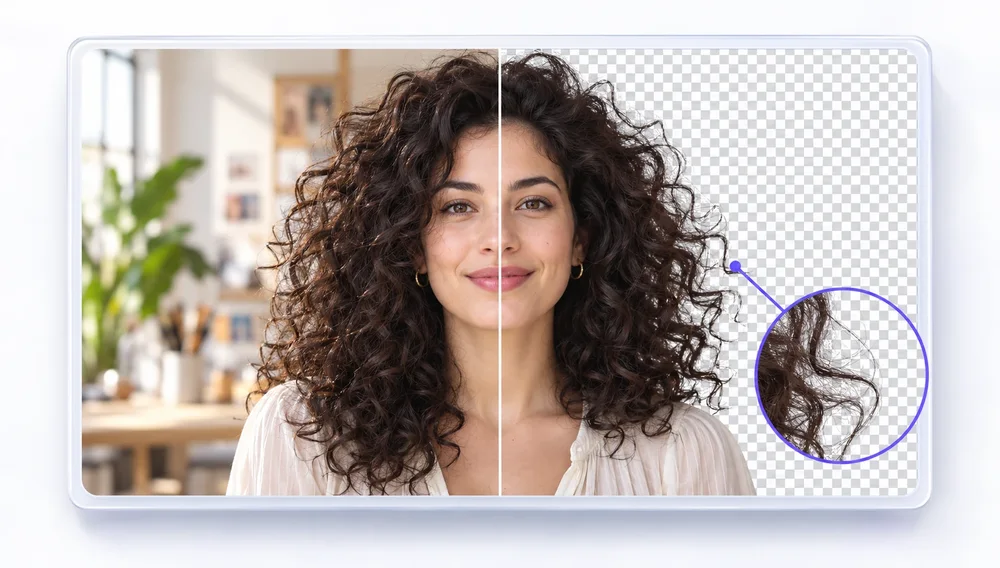
AI cut-outs are great, but hair, fur, and semi-transparent objects (glass, smoke) are genuinely hard. A few things that help:

  • Start with good contrast. A subject that stands out from its background gives the model cleaner edges to find.
  • Use the touch-up brush. If a stray patch survives or an edge gets clipped, paint it back or erase it by hand — no need to redo the whole image.
  • Try an advanced model. For hair-fine detail, the advanced models (InSPyReNet, Seedream) refine edges the fast local model can miss.

What to do with a transparent cut-out

  • Product photos. Drop your product onto a clean white background for Amazon, Etsy or Shopify.
  • Profile pictures & avatars. Cut yourself out and place yourself on any color or scene.
  • Logos & stickers. Turn any icon into a reusable transparent asset.
  • Design mock-ups. A transparent PNG drops cleanly onto any layout.

Tip: export as PNG (not JPG) to keep the transparency. JPG has no alpha channel, so it fills the transparent area with white.

Ready to try it?

Open the free Background Remover and drop in a photo — no signup, nothing stored, and it’s done in seconds.
Tags
Transparent background›No upload›

Add PixVibe as a preferred source on Google

ON THIS PAGE

The fastest way: do it in your browserWhen the edges get trickyWhat to do with a transparent cut-outReady to try it?

Good tools should feel invisible

PixVibe keeps everyday image editing simple — the free tools run right in your browser.

Explore all tools

Tools for this

Background Remover

Background Remover

Make any image transparent — free PNG.

Open tool
AI Background Remover HDPRO

AI Background Remover HD

High-precision edges for hair, fur and fine detail.

Server AI · uses creditsFrom 10 credits
Open tool

Related articles

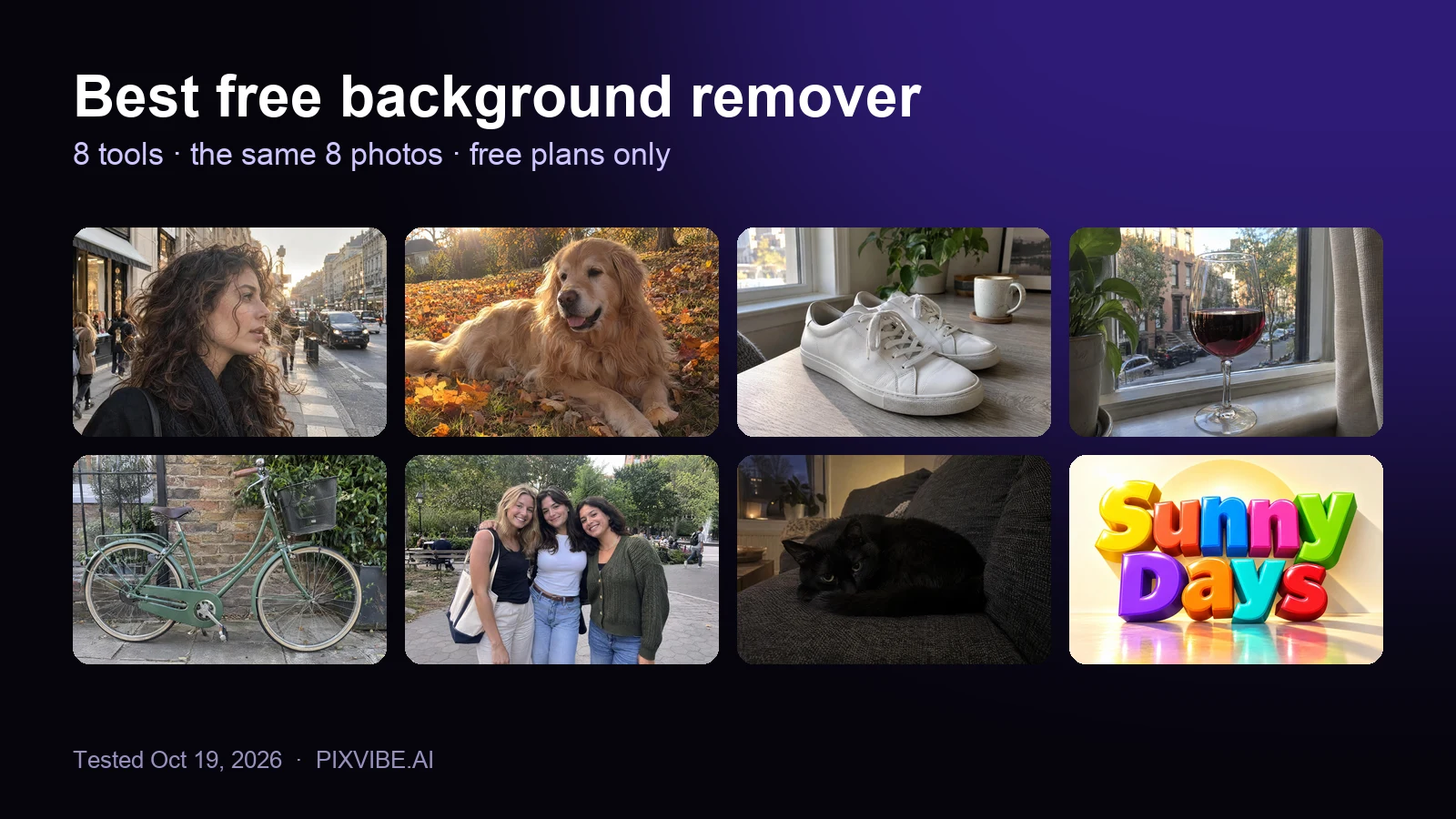
The eight test photos used to compare free background removers: curly hair, a golden retriever, sneakers, a wine glass, a bicycle, three friends, a black cat and a 3D text logo
Review

Best Free Background Remover (2026): 8 Tools Tested

I tested 8 free background removers on the same 8 photos. Scores, free download sizes, batch limits and which ones upload your photo.

Read article
PixVibe, the private image toolkit for you and your AI agents: an agent opens a link and downloads a transparent candle cutout
Guide

How to Let Your AI Agent Edit Images with PixVibe

Let an AI agent edit images with PixVibe: one link per job, no API key. We tested Claude, Codex and ChatGPT agent, and show what to check.

Read article
A perfume bottle and a watch photographed on a phone, each turned into a 2000 × 2000 product photo on a pure white background
Guide

Product Photos With Your Phone: Amazon, Etsy & Shopify Sizes

Shoot product photos on a phone, remove the background, and size them for Amazon, Etsy, Shopify and eBay. Official rules in one table.

Read article
Back to all storiesRemove Background