Home

Pricing

Blog

Free image tools

Free · In-browser processing

Remove BackgroundTransparent PNG in seconds.Image ConverterSwitch between image formats.PDF to ImageTurn PDF pages into JPG, PNG and more.Image to PDFCombine images into one PDF.Compress PDFMake a PDF smaller, down to a target size.Passport PhotoPassport and ID photos in the right size, ready to print.Compress ImageSmaller files, crisp images.Resize ImageExact sizes for any platform.Crop ImageFrame your image just right.AI UpscalerEnlarge images up to 4×.

Free video tools

Free · In-browser processing

Compress VideoShrink a video to a set file size, in your browser.

Pro tools

Server AI · Uses credits

AI Background Remover HDPrecise hair and fine edges.HD Image ConverterUpscale and convert in HD.AI Image EnhancerEnhance detail with advanced AI.
View all tools
PixVibe
Home

Free image tools

Free · In-browser processing

Remove BackgroundTransparent PNG in seconds.Image ConverterSwitch between image formats.PDF to ImageTurn PDF pages into JPG, PNG and more.Image to PDFCombine images into one PDF.Compress PDFMake a PDF smaller, down to a target size.Passport PhotoPassport and ID photos in the right size, ready to print.Compress ImageSmaller files, crisp images.Resize ImageExact sizes for any platform.Crop ImageFrame your image just right.AI UpscalerEnlarge images up to 4×.

Free video tools

Free · In-browser processing

Compress VideoShrink a video to a set file size, in your browser.

Pro tools

Server AI · Uses credits

AI Background Remover HDPrecise hair and fine edges.HD Image ConverterUpscale and convert in HD.AI Image EnhancerEnhance detail with advanced AI.
View all tools
PricingBlog
PixVibe

Free AI image tools — remove backgrounds, convert, compress, resize & upscale in seconds.

Product

Remove BackgroundImage ConverterPDF to ImageImage to PDFCompress PDFPassport PhotoCompress ImageResize ImageCrop ImageAI UpscalerCompress VideoPricing

Pro tools

AI Background Remover HDHD Image ConverterAI Image Enhancer

Resources

ToolsBlogFor AI agentsHow we keep files localAI Font Prompts

Legal

Terms of ServicePrivacy PolicyLegalThird-party licensesContact

© 2026 PixVibe. All rights reserved.A Funovate Technology product

Notifications

No notifications yet

We'll let you know when something important happens.

Feature

Transparent background tools

Turn any image into a transparent PNG.

HomeTagsTransparent background

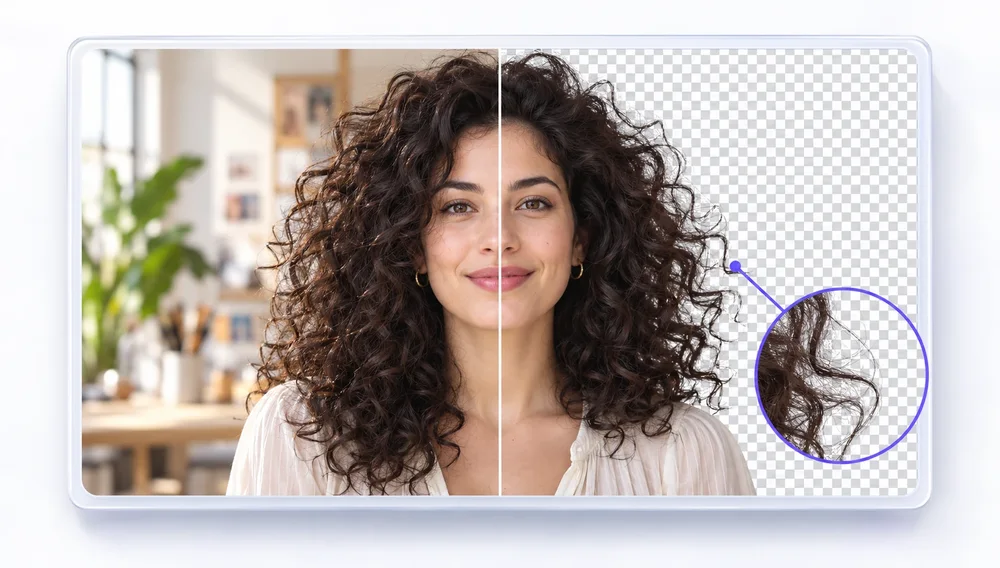
A transparent background lets you place a product, person, logo or signature on any color, slide or document. PixVibe’s background remover runs an AI segmentation model in your browser and outputs a transparent PNG, with standard, high and ultra quality levels plus a brush to fix edges by hand. There is a dedicated version for signatures, and if you need a solid backdrop instead you can fill it with white, black or any color. For fine hair and fur, the Pro background remover uses a server-side AI model for a cleaner edge.

Tools
Background Remover

Background Remover

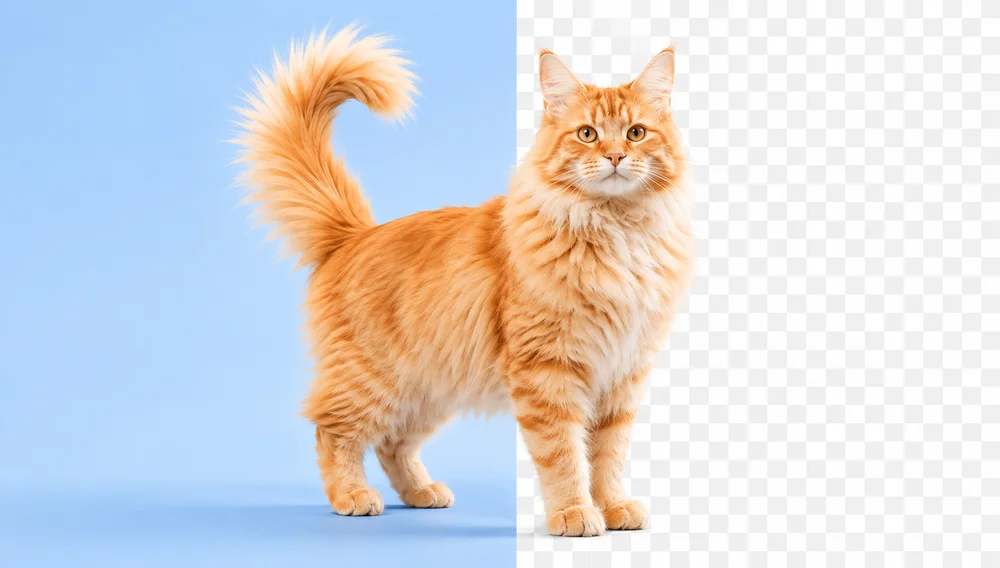
Make any image transparent — free PNG.

Open tool
AI Background Remover HDPRO

AI Background Remover HD

High-precision edges for hair, fur and fine detail.

Server AI · uses creditsFrom 10 credits
Open tool

Focused tools

GIF to PNGPNG ConverterWebP to PNGPNG to PDFWebP to PDFCompress PNGCompress WebPAVIF to PNG

Articles

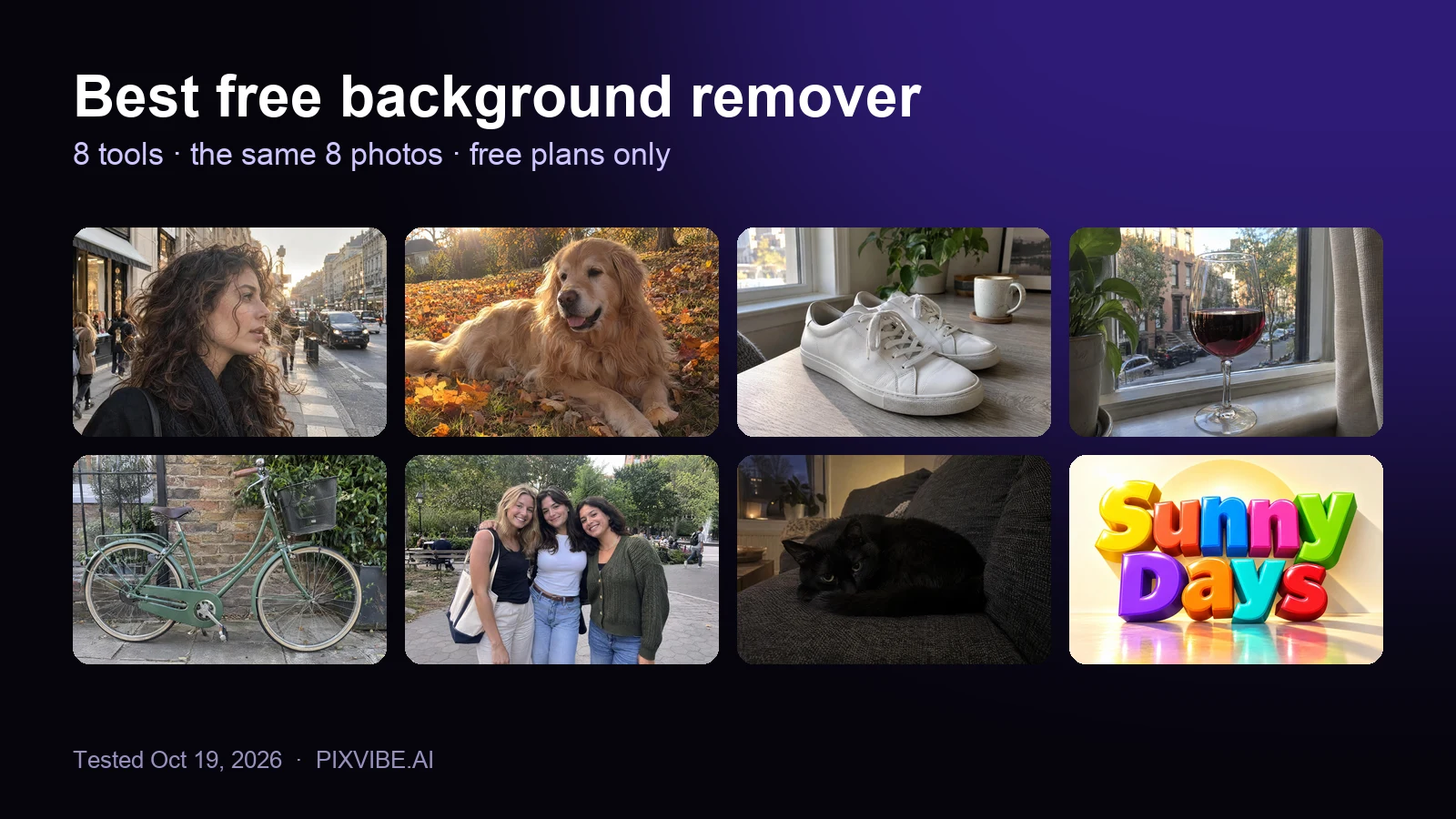
The eight test photos used to compare free background removers: curly hair, a golden retriever, sneakers, a wine glass, a bicycle, three friends, a black cat and a 3D text logo
Review

Best Free Background Remover (2026): 8 Tools Tested

I tested 8 free background removers on the same 8 photos. Scores, free download sizes, batch limits and which ones upload your photo.
Read article
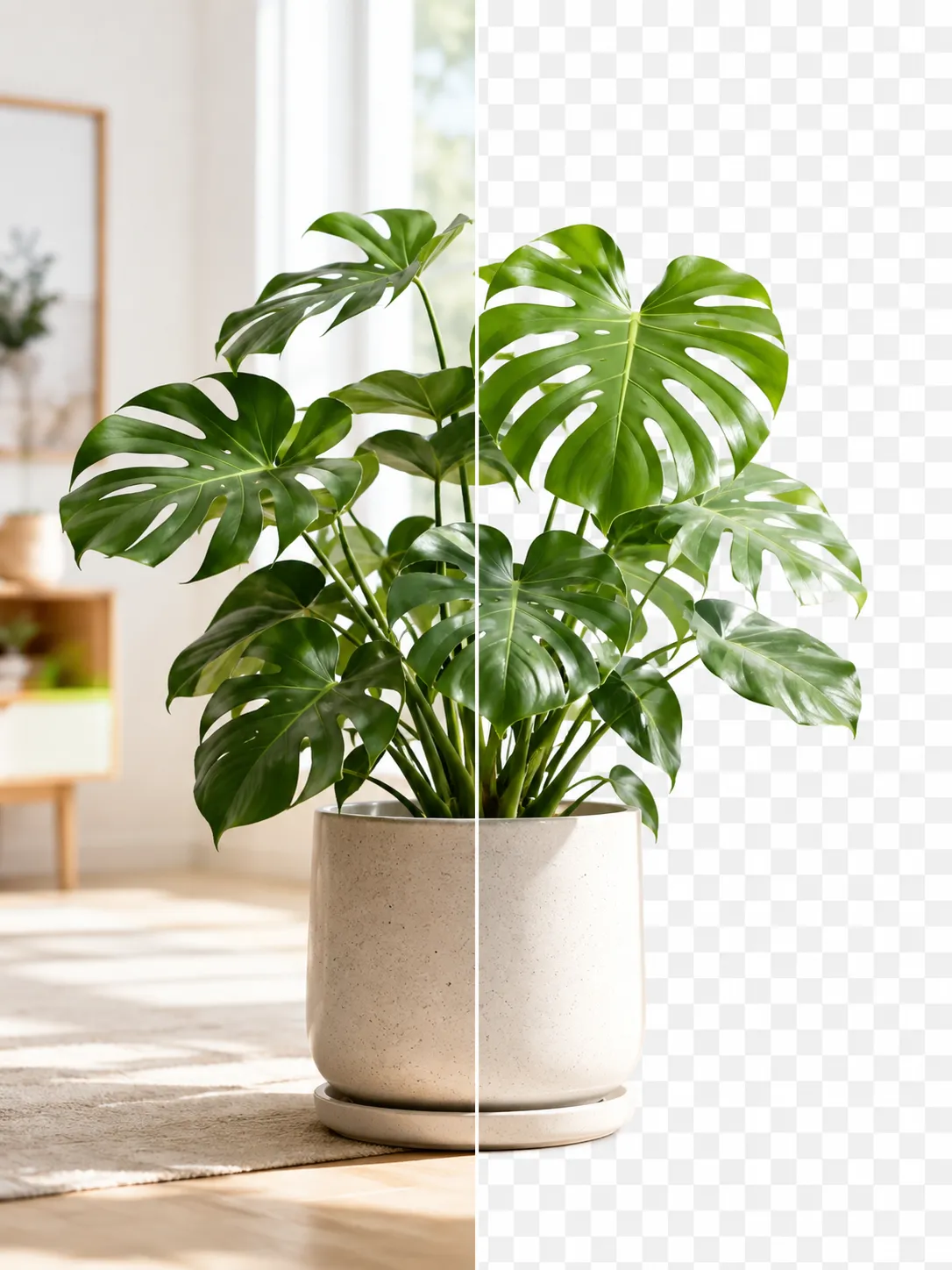
A product photo shown before and after background removal
Guide

How to Remove an Image Background for Free (No Signup)

Get a clean transparent cut-out in seconds in your browser — no watermark, no account. The fastest free method, plus tips for tricky edges.

Read article

Related tags

No upload›PNG›Batch processing›Websites›Designers›Logos & icons›Documents & scans›Product photos›Online sellers›WebP›PDF›Print›