Batch image tools
Process up to 20 images or 10 videos in one go.
When you have a folder of photos, doing them one by one is the slow part. PixVibe’s free tools take up to 20 images at once — remove backgrounds, convert formats, compress and resize — and the video compressor takes up to 10 videos. Settings apply to the whole batch, and you can still open any single image to adjust it on its own. Results download as a ZIP. Batch processing is free with a free account, and like single images, it runs in your browser without uploading.
Tools
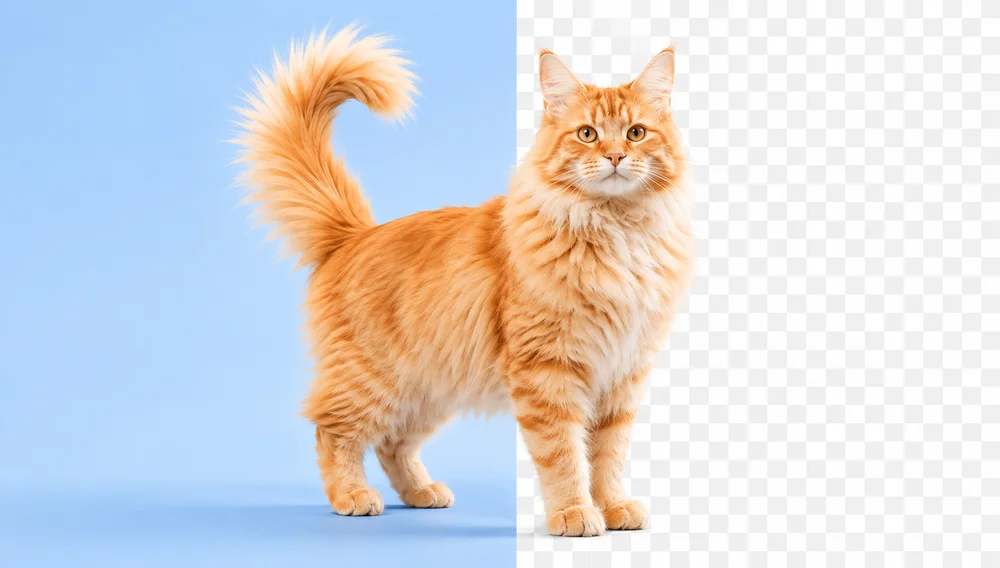
Background Remover
Make any image transparent — free PNG.
Open tool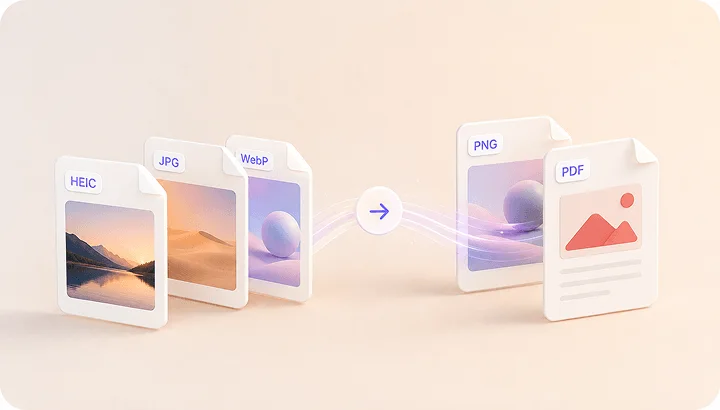
Image Converter
HEIC to JPG, WebP to PNG, JPG to WebP & more.
Open tool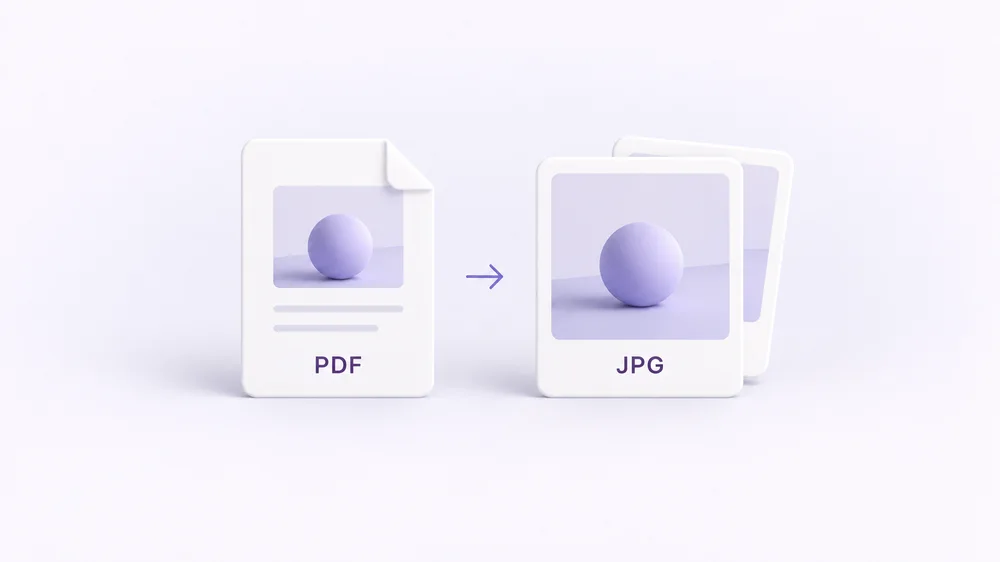
PDF to Image
Turn every PDF page into a JPG, PNG or WebP — pick pages and DPI.
Open tool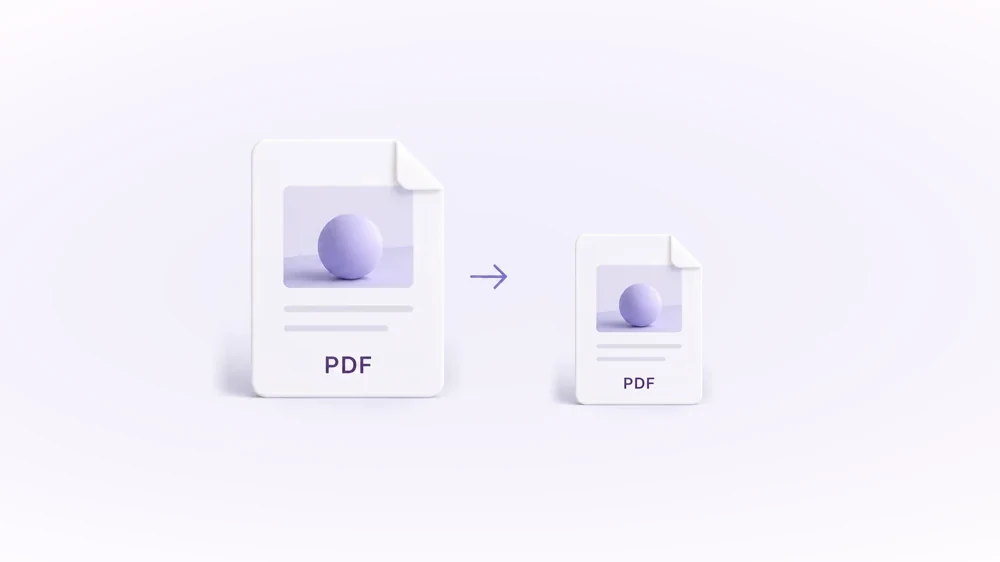
Compress PDF
Shrink scanned and image-heavy PDFs to a target size, without uploading them.
Open tool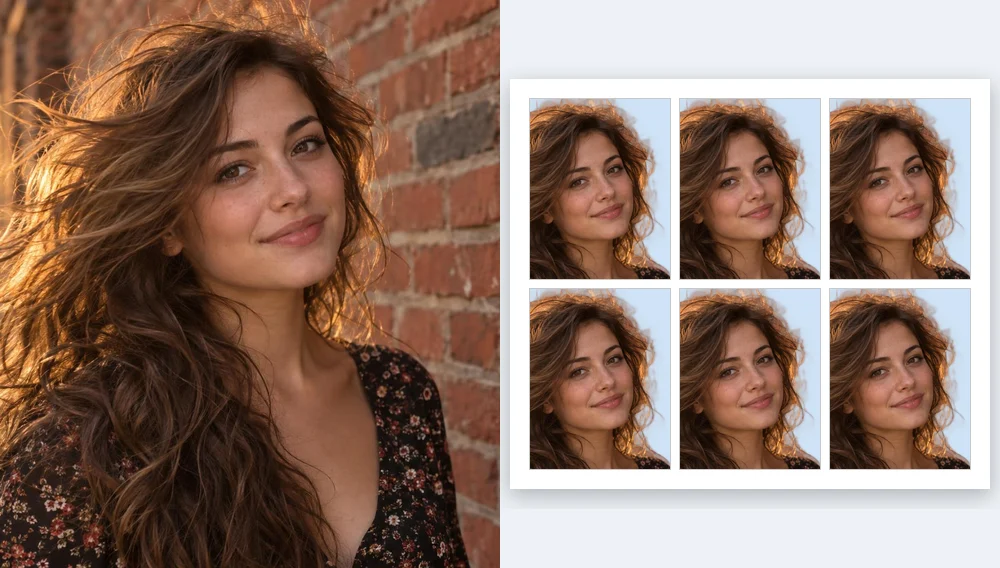
Passport Photo Maker
Passport and ID photos at the right size and background, ready to download or print, without uploading.
Open tool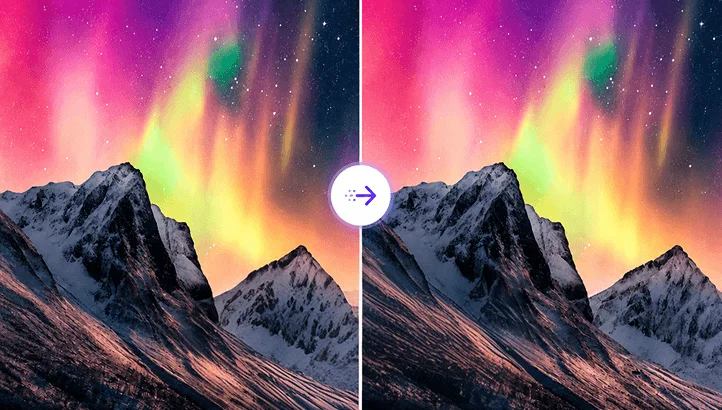
Compress Image
Reduce image size, keep the quality.
Open tool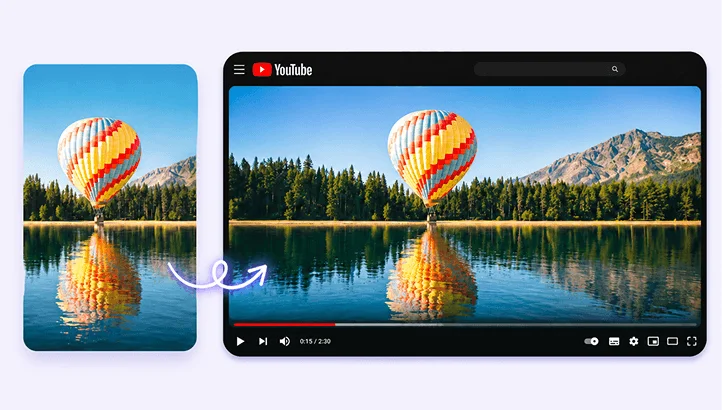
Resize Image
Resize for YouTube thumbnails & any size.
Open tool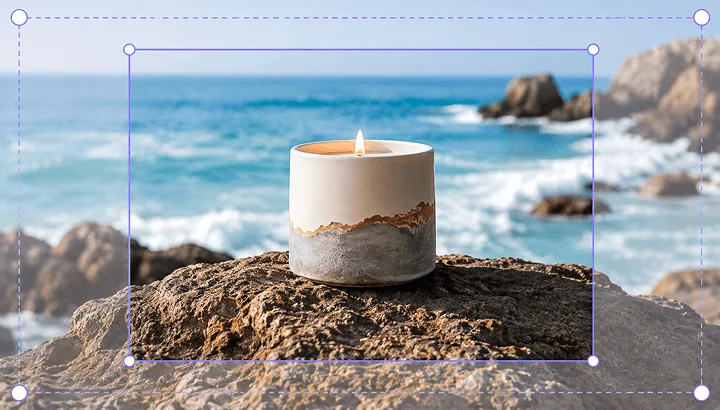
Crop Image
Crop and reframe with precision.
Open tool
AI Upscaler
Upscale image resolution up to 4×.
Open tool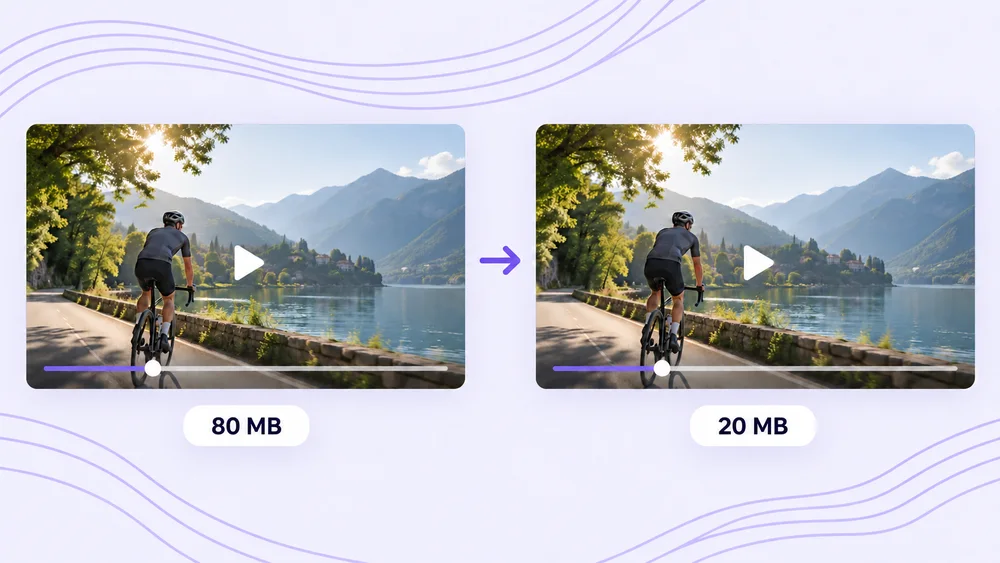
Compress Video
Shrink a video to a set file size, in your browser.
Open tool