Scans too heavy to email
Office scanners often save documents and old photos as TIFF. A JPG is small enough to attach and opens on any phone.
Convert TIFF to JPG to turn a heavy scan or print master into a picture that opens anywhere and fits in an email. Both .tif and .tiff work, in any browser, even ones that cannot display TIFF. Output is set to JPG at quality 90, and files stay on your device. Multi-page TIFFs give the first page.
A built-in decoder reads the file, so Chrome and Firefox work the same as Safari, with nothing to install.
We tested uncompressed, LZW, Deflate, Group 4 black-and-white, grayscale, CMYK and 16-bit files; each gave a usable JPG.
Fast saves at quality 90. Compact drops to 58 for a lighter file, Quality goes up to 95, and the slider covers 10–100%.
One TIFF works without signing in; a free account takes 20 per batch and hands them back as a ZIP.
| Made for | TIFF: scanning, archiving and print work | JPG: sharing, web and email |
|---|---|---|
| Pages | TIFF: one file can hold many pages | JPG: always one picture |
| Transparency | TIFF: can store it | JPG: none, so clear areas become white |
| Opens on | TIFF: Chrome and Firefox won't show it | JPG: practically everything |
Office scanners often save documents and old photos as TIFF. A JPG is small enough to attach and opens on any phone.
A photographer or designer needs a light preview of a TIFF to post online or send to a client.
Application and insurance forms commonly turn down .tif files even when the scan itself is fine.
Pick or drag them in. A single file converts straight away; for more, sign in and press “Convert all”.
JPG is set and Fast is the default. Compact gives smaller files, Quality gives cleaner detail.
Save each picture alone, or take the whole set as a ZIP.
Only the first page is converted. A TIFF can store many images in one file, and the Library of Congress format description lists multi-page files as one of its functions.
This tool does not split those pages yet. If your file has several, export the remaining pages from your scanner software first, then convert them here.
JPG is a lossy format, so some fine detail is discarded to save space. At quality 90 that is hard to see in photos, but sharp black-and-white text can show faint smudges around letters.
A 16-bit TIFF comes out at 8 bits per channel, and a CMYK file comes out as RGB. Keep the original if it is your archive or going to a print shop. Transparent areas turn white. Tags stored in the TIFF, such as scanner details, are not copied across.
Group 4 compression is extremely efficient for pure black and white, and JPG is not designed for that kind of image. In our test a Group 4 TIFF grew by about 80% as a JPG.
For document scans like this, PNG is usually the better target, or put the page into a PDF.
Add the file to the tool above. JPG is already selected, so the converted picture appears on its own, ready to download.

Let an AI agent edit images with PixVibe: one link per job, no API key. We tested Claude, Codex and ChatGPT agent, and show what to check.

Shoot product photos on a phone, remove the background, and size them for Amazon, Etsy, Shopify and eBay. Official rules in one table.
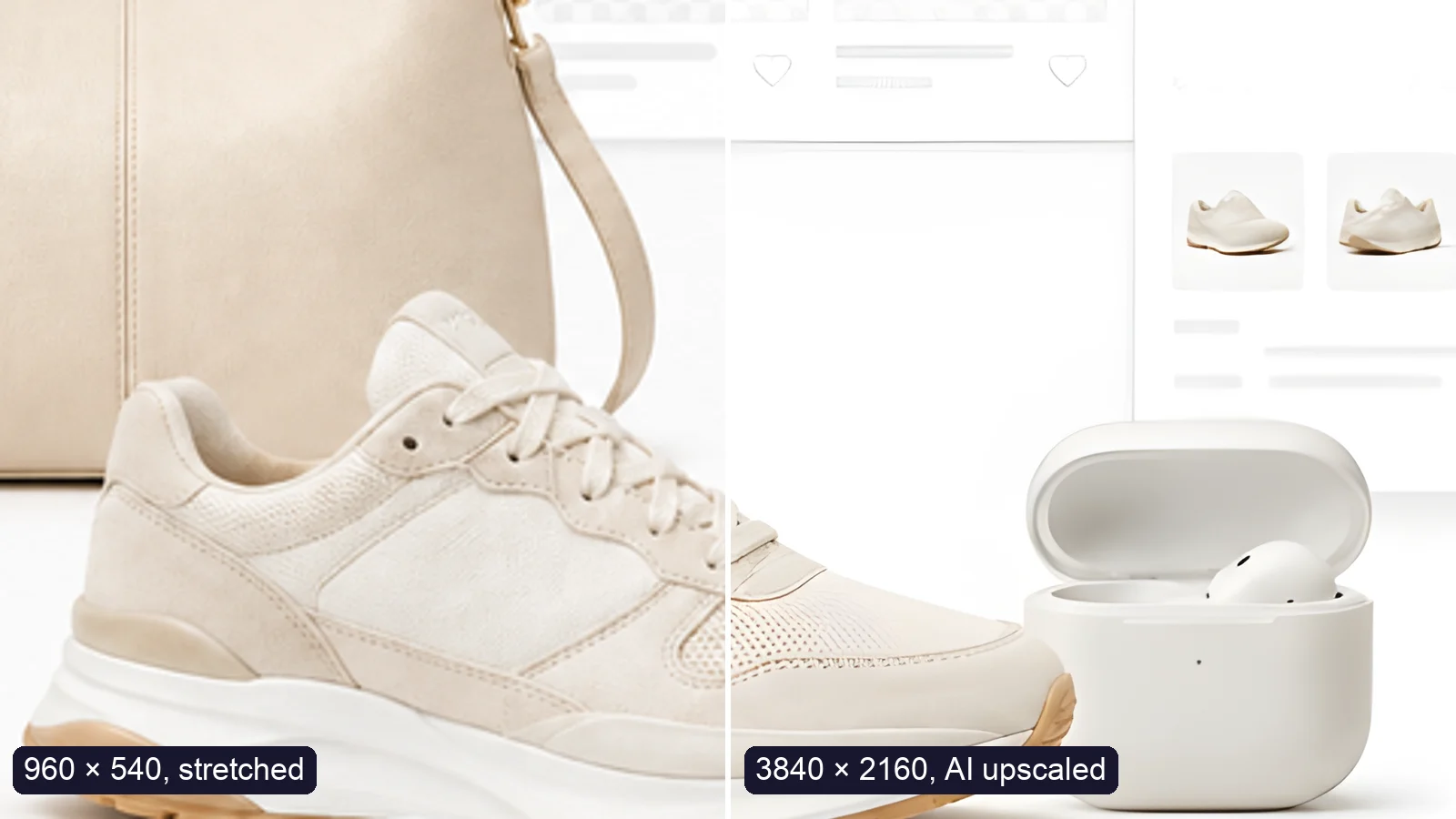
Upscale an image to 4K (3840 × 2160) without losing quality: what AI can and can’t recover, free vs Pro tools, and a real 4× test.
Free · In-browser processing
 Remove BackgroundMake any image transparent — free PNG.
 Image ConverterHEIC to JPG, WebP to PNG, JPG to WebP & more.
 PDF to ImageTurn PDF pages into JPG, PNG or WebP images — pick pages and DPI.
 Image to PDFCombine JPG, PNG or HEIC photos into one PDF — A4, Letter or fit.
 Compress PDFShrink scanned and image-heavy PDFs, keep selectable text, or hit a target size in KB.
 Passport PhotoFrame your face to passport, visa or ID sizes, change the background and print several on one sheet.
 Compress ImageReduce image size, keep the quality.
 Resize ImageResize for YouTube thumbnails & any size.
 Crop ImageCrop and reframe with precision.
 AI UpscalerAI upscale image resolution up to 4×.
Free · In-browser processing
Server AI · Uses credits



