Real-ESRGAN
Up to 4×. Enlarges without redrawing: removes blur, noise and compression artifacts, then encodes to your target format. Content stays true to the original.
An HD image converter that converts an image to high resolution in one step: Real-ESRGAN upscales the image on our servers, then it is encoded to PNG, JPG, WebP, or AVIF at the quality or target size you set. Ideal when the source is small or soft and you need a clean, larger file in a specific format.
Note: this feature uploads your image to our servers and processes it with a third-party AI service (deleted from our servers within 24 hours). It uses credits.
Before conversion, the image is upscaled pixel by pixel with Real-ESRGAN on our servers, then encoded in the format, quality or target size you choose. Fixed price, charged per image in credits.
Up to 4×. Enlarges without redrawing: removes blur, noise and compression artifacts, then encodes to your target format. Content stays true to the original.
2× or 4× AI enlargement with Real-ESRGAN, then straight to PNG, JPG, WebP, or AVIF.
Pick an encoding quality, or give a target size in KB and the encoder finds the best quality that fits.
The enhanced file sits next to the free conversion, with dimensions and file size for both.
Real-ESRGAN sharpens and enlarges without changing content, so logos, screenshots and photos stay true.
Turn a 600px logo or thumbnail into a crisp 2400px WebP for a hero banner.
Enlarge then compress to a size budget, in the format your site needs.
Move old JPGs to PNG or WebP while adding detail instead of losing it.
Drop a JPG, PNG, WebP, HEIC, AVIF, TIFF, BMP, or TGA here, or arrive from the free converter with your image loaded.
Choose the scale, the target format, and either a quality or a target file size.
The enhanced result appears next to the free one. Download the file you prefer.
The free converter changes format and size in your browser. This tool first runs Real-ESRGAN on our servers to enlarge the image 2× or 4× with rebuilt detail, then converts it. Use it when the source is too small or too soft.

Let an AI agent edit images with PixVibe: one link per job, no API key. We tested Claude, Codex and ChatGPT agent, and show what to check.

Shoot product photos on a phone, remove the background, and size them for Amazon, Etsy, Shopify and eBay. Official rules in one table.
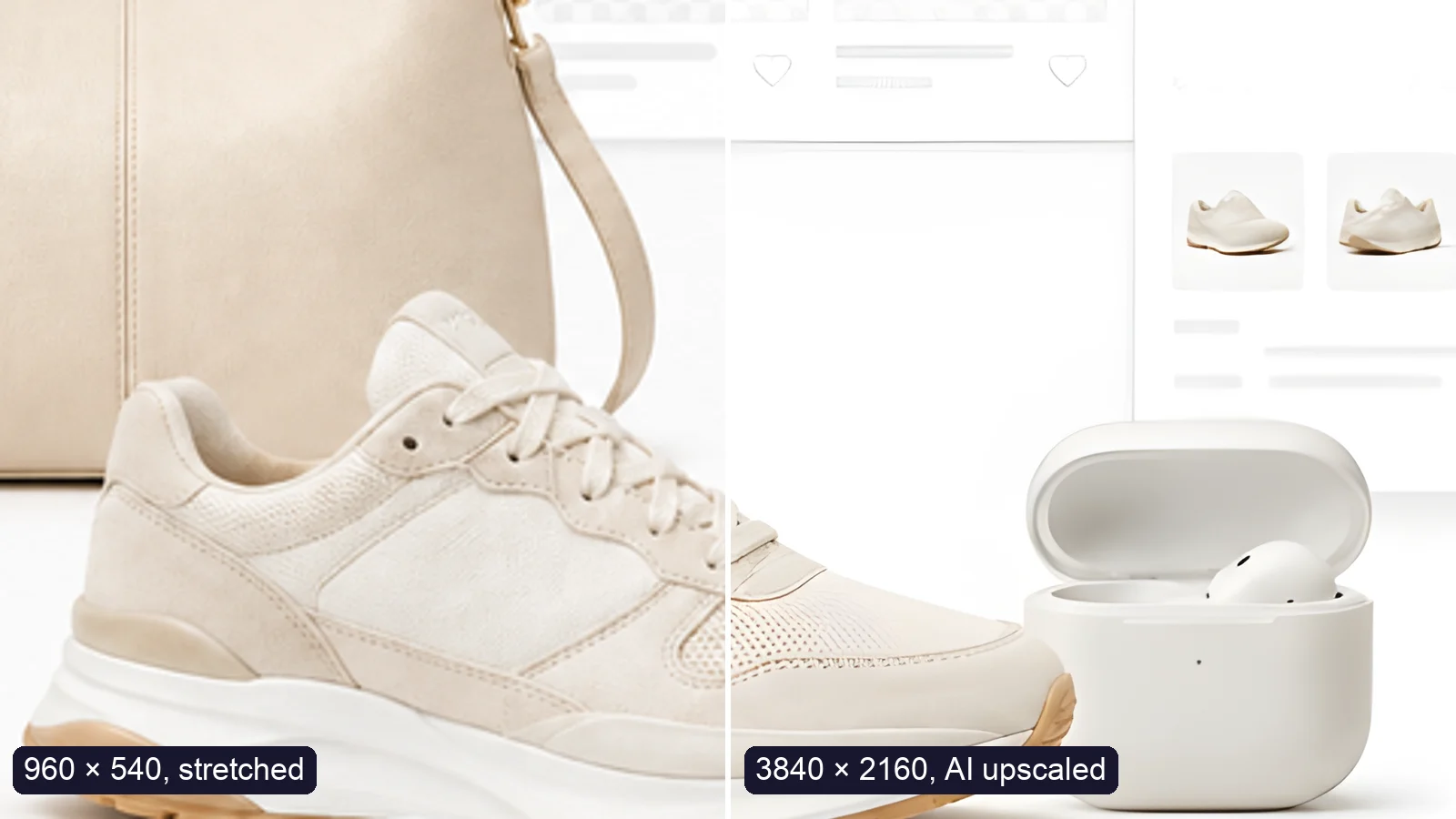
Upscale an image to 4K (3840 × 2160) without losing quality: what AI can and can’t recover, free vs Pro tools, and a real 4× test.
Free · In-browser processing
 Remove BackgroundMake any image transparent — free PNG.
 Image ConverterHEIC to JPG, WebP to PNG, JPG to WebP & more.
 PDF to ImageTurn PDF pages into JPG, PNG or WebP images — pick pages and DPI.
 Image to PDFCombine JPG, PNG or HEIC photos into one PDF — A4, Letter or fit.
 Compress PDFShrink scanned and image-heavy PDFs, keep selectable text, or hit a target size in KB.
 Passport PhotoFrame your face to passport, visa or ID sizes, change the background and print several on one sheet.
 Compress ImageReduce image size, keep the quality.
 Resize ImageResize for YouTube thumbnails & any size.
 Crop ImageCrop and reframe with precision.
 AI UpscalerAI upscale image resolution up to 4×.
Free · In-browser processing
Server AI · Uses credits



