Home

Pricing

Blog

Free image tools

Free · In-browser processing

Remove BackgroundTransparent PNG in seconds.Image ConverterSwitch between image formats.PDF to ImageTurn PDF pages into JPG, PNG and more.Image to PDFCombine images into one PDF.Compress PDFMake a PDF smaller, down to a target size.Passport PhotoPassport and ID photos in the right size, ready to print.Compress ImageSmaller files, crisp images.Resize ImageExact sizes for any platform.Crop ImageFrame your image just right.AI UpscalerEnlarge images up to 4×.

Free video tools

Free · In-browser processing

Compress VideoShrink a video to a set file size, in your browser.

Pro tools

Server AI · Uses credits

AI Background Remover HDPrecise hair and fine edges.HD Image ConverterUpscale and convert in HD.AI Image EnhancerEnhance detail with advanced AI.
View all tools
PixVibe
Home

Free image tools

Free · In-browser processing

Remove BackgroundTransparent PNG in seconds.Image ConverterSwitch between image formats.PDF to ImageTurn PDF pages into JPG, PNG and more.Image to PDFCombine images into one PDF.Compress PDFMake a PDF smaller, down to a target size.Passport PhotoPassport and ID photos in the right size, ready to print.Compress ImageSmaller files, crisp images.Resize ImageExact sizes for any platform.Crop ImageFrame your image just right.AI UpscalerEnlarge images up to 4×.

Free video tools

Free · In-browser processing

Compress VideoShrink a video to a set file size, in your browser.

Pro tools

Server AI · Uses credits

AI Background Remover HDPrecise hair and fine edges.HD Image ConverterUpscale and convert in HD.AI Image EnhancerEnhance detail with advanced AI.
View all tools
PricingBlog
PixVibe

Free AI image tools — remove backgrounds, convert, compress, resize & upscale in seconds.

Product

Remove BackgroundImage ConverterPDF to ImageImage to PDFCompress PDFPassport PhotoCompress ImageResize ImageCrop ImageAI UpscalerCompress VideoPricing

Pro tools

AI Background Remover HDHD Image ConverterAI Image Enhancer

Resources

ToolsBlogFor AI agentsHow we keep files localAI Font Prompts

Legal

Terms of ServicePrivacy PolicyLegalThird-party licensesContact

© 2026 PixVibe. All rights reserved.A Funovate Technology product

Notifications

No notifications yet

We'll let you know when something important happens.

HomeToolsImage ConverterWebP to JPG Converter
Local · no upload›Websites›Product photos›WebP›Online sellers›

WebP to JPG Converter

This WebP to JPG converter turns .webp images saved from websites into JPG files that any app, form or print shop takes. Output format is already JPG, and the conversion happens on your own device — no file leaves the browser. The default Fast mode keeps detail; switch to Compact when the JPG has to stay as small as the WebP was.

WHY USE IT

Features

JPG preselected, three sizes

Output format opens on JPG. Three modes set the starting quality — Fast at 90, Compact at 58 for the lightest file, Quality at 95 for print — and the slider lets you pick any value between 10 and 100.

Compare each version with the original

Every conversion is kept as its own version, so you can try Fast and Compact on the same picture and check size and sharpness side by side before downloading.

Transparency becomes white, not black

JPG has no see-through pixels. Transparent parts of a WebP logo or sticker are filled with clean white.

One image free, twenty with an account

A single image needs no sign-in. With a free account you can convert up to 20 WebP files at once and download them as a ZIP.

FORMAT COMPARISON

WebP vs JPG at a glance

FormatWebPJPG
TransparencyYesNo
CompressionLossy or losslessLossy
AnimationYesNo
Best forImages on websitesPhotos
Opens inAll modern browsers; some older apps can’t open itOpens everywhere
WHAT IT'S FOR

Use cases

Product photos copied from a supplier's site

Images grabbed from a web shop are often .webp, while many listing forms and older tools still ask for JPG.

Pictures for documents and slides

Some office apps and photo printers do not take WebP; a JPG drops straight in.

Sharing with someone on an older device

A JPG opens in every gallery and email app, so the other person does not see an unknown file.

HOW IT WORKS

How to convert an image

01

Add your WebP images

Drag the .webp files in, or pick them from a folder. A single image is converted immediately; for a batch, press “Convert all”.

02

Pick a Mode

Keep Fast for the best detail, choose Compact if the JPG should be small, or Quality for printing.

03

Download the JPGs

Save the JPGs one at a time, or as a single ZIP.

Why is my JPG bigger than the WebP?

WebP stores the same photo in fewer bytes than JPG, so converting usually adds weight. In our test, a 1536 × 1024 photo saved as WebP (268 KB) became a 433 KB JPG on Fast (61% larger) and a 176 KB JPG on Compact (34% smaller).

If a site sets a size limit, use Compact. If the JPG is for printing or further editing, Fast or Quality is the better choice.

Should I convert WebP to JPG or to PNG?

Choose JPG for photos: the file stays reasonably small and opens everywhere. Choose PNG when the image has a transparent background you want to keep, or sharp text and flat colours that JPG compression can blur slightly. Converting a photo to PNG keeps every pixel but usually makes the file several times larger.

What happens to animated and transparent WebP files?

An animated WebP becomes a single still JPG of its first frame, because JPG holds only one picture. Transparent areas are painted white. If you need the transparency, convert to PNG instead.

FAQ

Frequently asked questions

Add the .webp images to the converter above — the output is set to JPG already — and save each result when it appears.

Hardly any at the default quality of 90. Most WebP images online were compressed when they were published, and saving as JPG compresses once more; for print or editing, Quality (95) keeps the loss smallest.

Yes. Signed in with a free account, each batch can hold up to 20 images, saved individually or zipped together.

Because the JPG format has no transparency channel, anything that was see-through is painted white. Use WebP to PNG to keep the transparent background.

No. The WebP files are read and re-encoded on your device; nothing is sent to our servers.

RELATED

You might also need

JPG ConverterPNG ConverterPNG to JPGWebP to PNG

Related articles

A perfume bottle and a watch photographed on a phone, each turned into a 2000 × 2000 product photo on a pure white background
Guide

Product Photos With Your Phone: Amazon, Etsy & Shopify Sizes

Shoot product photos on a phone, remove the background, and size them for Amazon, Etsy, Shopify and eBay. Official rules in one table.

Read article
PixVibe, the private image toolkit for you and your AI agents: an agent opens a link and downloads a transparent candle cutout
Guide

How to Let Your AI Agent Edit Images with PixVibe

Let an AI agent edit images with PixVibe: one link per job, no API key. We tested Claude, Codex and ChatGPT agent, and show what to check.
Read article
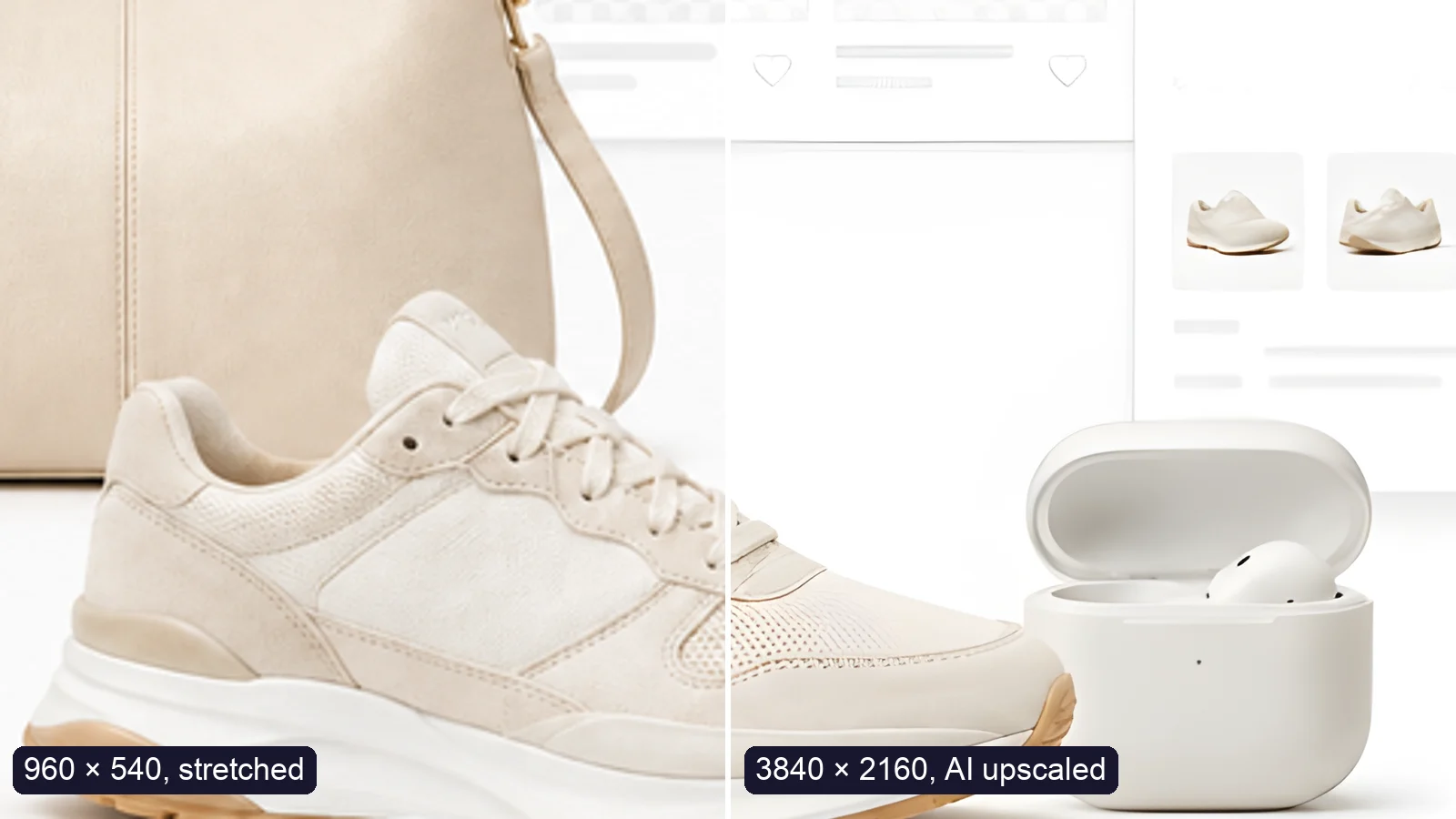
A sneaker photo: left half stretched from 960 × 540, right half upscaled to 3840 × 2160 with AI
Guide

How to Upscale an Image to 4K Without Losing Quality

Upscale an image to 4K (3840 × 2160) without losing quality: what AI can and can’t recover, free vs Pro tools, and a real 4× test.

Read article
MORE TOOLS

Explore more tools

Free image tools

Free · In-browser processing

Remove BackgroundRemove BackgroundMake any image transparent — free PNG.Image ConverterImage ConverterHEIC to JPG, WebP to PNG, JPG to WebP & more.PDF to ImagePDF to ImageTurn PDF pages into JPG, PNG or WebP images — pick pages and DPI.Image to PDFImage to PDFCombine JPG, PNG or HEIC photos into one PDF — A4, Letter or fit.Compress PDFCompress PDFShrink scanned and image-heavy PDFs, keep selectable text, or hit a target size in KB.Passport PhotoPassport PhotoFrame your face to passport, visa or ID sizes, change the background and print several on one sheet.Compress ImageCompress ImageReduce image size, keep the quality.Resize ImageResize ImageResize for YouTube thumbnails & any size.Crop ImageCrop ImageCrop and reframe with precision.AI UpscalerAI UpscalerAI upscale image resolution up to 4×.

Free video tools

Free · In-browser processing

Compress VideoCompress VideoShrink a video to a set file size, in your browser.

Pro tools

Server AI · Uses credits

AI Background Remover HDAI Background Remover HDHigh-precision edges for hair, fur and fine detail.HD Image ConverterHD Image ConverterAI upscale, then convert to high-res WebP, PNG or JPG.AI Image EnhancerAI Image EnhancerEnhance and upscale photos with multiple AI models.
All Image Converter optionsUse this tool with an AI agent

Tags on this page

Media
Image›
Pricing
Free›
Runs on
Local · no upload›
Task
Convert›
Format
WebP›JPG›
Platform
Websites›Print›
Use case
Product photos›Documents & scans›
For
Online sellers›Office & students›
Feature
Batch processing›No upload›












