Home

Pricing

Blog

Free image tools

Free · In-browser processing

Remove BackgroundTransparent PNG in seconds.Image ConverterSwitch between image formats.PDF to ImageTurn PDF pages into JPG, PNG and more.Image to PDFCombine images into one PDF.Compress PDFMake a PDF smaller, down to a target size.Passport PhotoPassport and ID photos in the right size, ready to print.Compress ImageSmaller files, crisp images.Resize ImageExact sizes for any platform.Crop ImageFrame your image just right.AI UpscalerEnlarge images up to 4×.

Free video tools

Free · In-browser processing

Compress VideoShrink a video to a set file size, in your browser.

Pro tools

Server AI · Uses credits

AI Background Remover HDPrecise hair and fine edges.HD Image ConverterUpscale and convert in HD.AI Image EnhancerEnhance detail with advanced AI.
View all tools
PixVibe
Home

Free image tools

Free · In-browser processing

Remove BackgroundTransparent PNG in seconds.Image ConverterSwitch between image formats.PDF to ImageTurn PDF pages into JPG, PNG and more.Image to PDFCombine images into one PDF.Compress PDFMake a PDF smaller, down to a target size.Passport PhotoPassport and ID photos in the right size, ready to print.Compress ImageSmaller files, crisp images.Resize ImageExact sizes for any platform.Crop ImageFrame your image just right.AI UpscalerEnlarge images up to 4×.

Free video tools

Free · In-browser processing

Compress VideoShrink a video to a set file size, in your browser.

Pro tools

Server AI · Uses credits

AI Background Remover HDPrecise hair and fine edges.HD Image ConverterUpscale and convert in HD.AI Image EnhancerEnhance detail with advanced AI.
View all tools
PricingBlog
PixVibe

Free AI image tools — remove backgrounds, convert, compress, resize & upscale in seconds.

Product

Remove BackgroundImage ConverterPDF to ImageImage to PDFCompress PDFPassport PhotoCompress ImageResize ImageCrop ImageAI UpscalerCompress VideoPricing

Pro tools

AI Background Remover HDHD Image ConverterAI Image Enhancer

Resources

ToolsBlogFor AI agentsHow we keep files localAI Font Prompts

Legal

Terms of ServicePrivacy PolicyLegalThird-party licensesContact

© 2026 PixVibe. All rights reserved.A Funovate Technology product

Notifications

No notifications yet

We'll let you know when something important happens.

HomeToolsPDF to ImagePDF to PNG Converter
Local · no upload›Print›Documents & scans›PDF›Office & students›

PDF to PNG Converter

This PDF to PNG converter saves the pages of a PDF as PNG images — lossless, so text, lines and charts keep crisp edges instead of the haze JPG leaves around them. Output format is already PNG: add the PDF, choose the pages and the resolution, and keep a white page or switch to a transparent one. Pages are rendered in your browser and the PDF is never uploaded.

WHY USE IT

Features

PNG is already selected

Output format opens on PNG. Switch to JPG or WebP whenever a page is mostly photo.

Clean edges on text and diagrams

PNG stores every pixel exactly, so small type, table lines and chart labels look the way the PDF drew them, with no compression smudge.

Transparent pages when you need them

Set Background to Transparent and the blank paper is left out, so a logo, signature or diagram can sit on any colour.

72 to 600 DPI

150 DPI is the default. Choose 300 for print, or 600 on a computer when you need to zoom deep into the page.

WHAT IT'S FOR

Use cases

Slides and diagrams for another document

Drop a chart or a slide from a PDF report into a presentation, wiki or website without blurry text.

A logo or signature without its white box

Export the page with a transparent background and place the mark over a coloured layout or a photo.

Sharp page images for documentation

Screenshots of a manual, contract clause or form page that need to stay readable when people zoom in.

HOW IT WORKS

How to turn PDF pages into images

01

Add the PDF

Drop a PDF onto the box or click Choose PDF. Every page appears as a thumbnail, all selected.

02

Pick pages and settings

Deselect any page you don't need, or enter a range in Pages. PNG is set; choose the Resolution and the Background.

03

Download images

Click “Download images”. Several pages arrive together in a ZIP.

PDF to PNG or PDF to JPG?

Go by what is on the page. PNG is lossless: text, thin lines and flat colour stay crisp, and it is the format to pick for documents, slides, forms and diagrams. For pages that are mostly photographs or scans, PNG files get large without looking better, and JPG is the sensible choice — use PDF to JPG for those.


Does PDF to PNG keep a transparent background?

Only where the PDF itself leaves the page empty. With Background set to Transparent, the white paper is not painted, so objects drawn straight onto the page — a logo, a vector diagram, a signature — come out on transparency.

Many PDFs paint their own white rectangle behind the content, and a scan is one big picture that includes the paper. Those pages stay white even with Transparent selected, because the white is part of what the PDF draws.

Which resolution for PDF to PNG?

For an A4 page: 72 DPI gives 595 × 842 pixels, the default 150 DPI gives 1,240 × 1,754, 300 DPI gives 2,480 × 3,508, and 600 DPI (computers only) about 4,961 × 7,016. Each doubling of DPI makes roughly four times as many pixels, and the PNG grows with it. Screens and slides rarely need more than 150; printing calls for 300.

FAQ

Frequently asked questions

Drop the PDF into the tool above. PNG is already the output format; pick pages and resolution, then click “Download images”.

The PNG files are lossless: nothing is thrown away when they are saved. How much detail they hold depends on the Resolution you choose when the page is rendered.

Yes. Type a range such as 1-3, 5, 8- in Pages, or click pages to deselect them. An empty box converts every page.

Up to 100 pages of a PDF on a computer and 30 on a phone or tablet. A free account lets you convert up to 20 PDFs in one go.

No. The pages are rendered in your browser and the PDF never leaves your device.

RELATED

You might also need

PDF to Long Image

Related articles

PixVibe, the private image toolkit for you and your AI agents: an agent opens a link and downloads a transparent candle cutout
Guide

How to Let Your AI Agent Edit Images with PixVibe

Let an AI agent edit images with PixVibe: one link per job, no API key. We tested Claude, Codex and ChatGPT agent, and show what to check.

Read article
A perfume bottle and a watch photographed on a phone, each turned into a 2000 × 2000 product photo on a pure white background
Guide

Product Photos With Your Phone: Amazon, Etsy & Shopify Sizes

Shoot product photos on a phone, remove the background, and size them for Amazon, Etsy, Shopify and eBay. Official rules in one table.

Read article
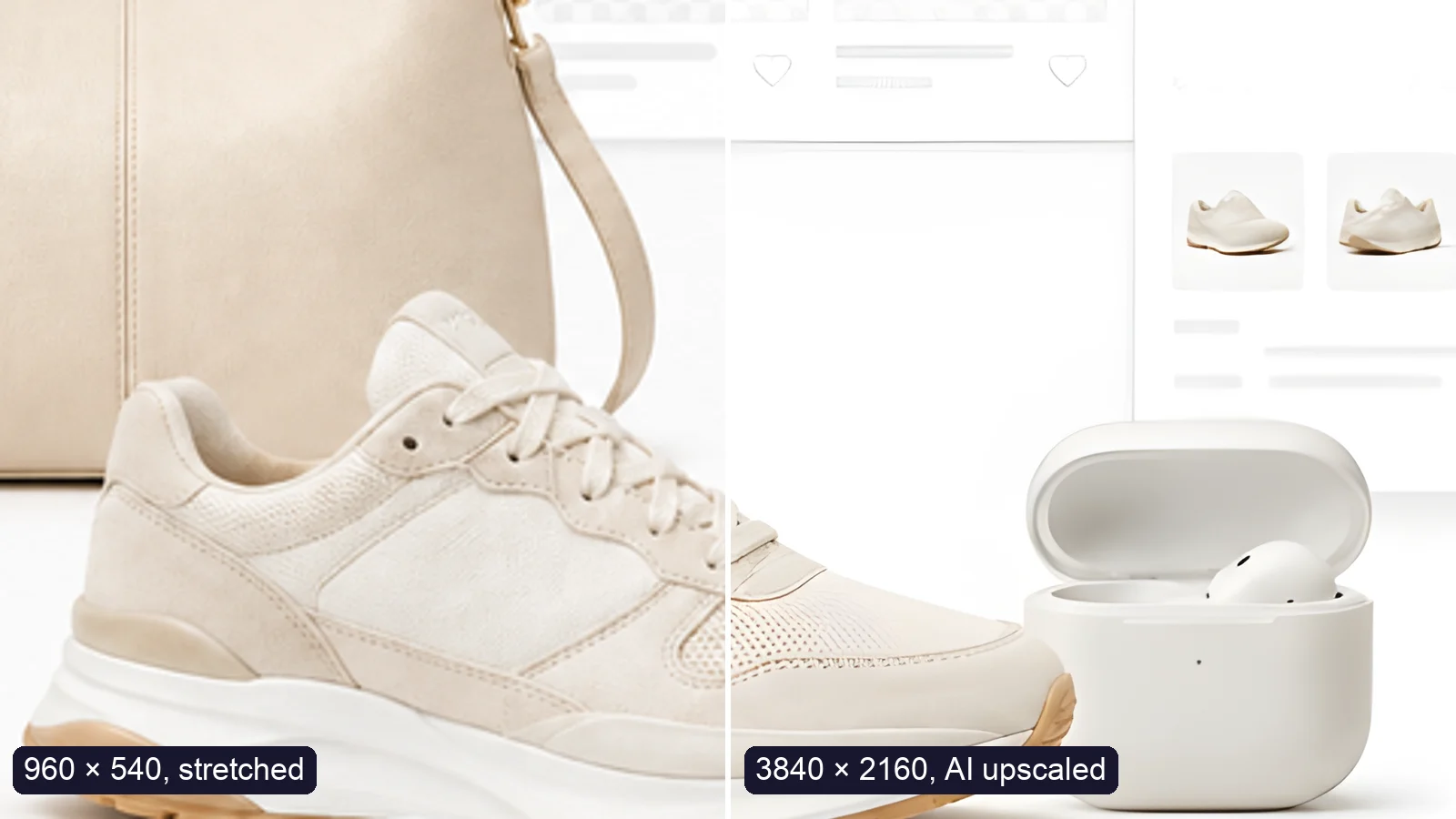
A sneaker photo: left half stretched from 960 × 540, right half upscaled to 3840 × 2160 with AI
Guide

How to Upscale an Image to 4K Without Losing Quality

Upscale an image to 4K (3840 × 2160) without losing quality: what AI can and can’t recover, free vs Pro tools, and a real 4× test.

Read article
MORE TOOLS

Explore more tools

Free image tools

Free · In-browser processing

Remove BackgroundRemove BackgroundMake any image transparent — free PNG.Image ConverterImage ConverterHEIC to JPG, WebP to PNG, JPG to WebP & more.PDF to ImagePDF to ImageTurn PDF pages into JPG, PNG or WebP images — pick pages and DPI.Image to PDFImage to PDFCombine JPG, PNG or HEIC photos into one PDF — A4, Letter or fit.Compress PDFCompress PDFShrink scanned and image-heavy PDFs, keep selectable text, or hit a target size in KB.Passport PhotoPassport PhotoFrame your face to passport, visa or ID sizes, change the background and print several on one sheet.Compress ImageCompress ImageReduce image size, keep the quality.Resize ImageResize ImageResize for YouTube thumbnails & any size.Crop ImageCrop ImageCrop and reframe with precision.AI UpscalerAI UpscalerAI upscale image resolution up to 4×.

Free video tools

Free · In-browser processing

Compress VideoCompress VideoShrink a video to a set file size, in your browser.

Pro tools

Server AI · Uses credits

AI Background Remover HDAI Background Remover HDHigh-precision edges for hair, fur and fine detail.HD Image ConverterHD Image ConverterAI upscale, then convert to high-res WebP, PNG or JPG.AI Image EnhancerAI Image EnhancerEnhance and upscale photos with multiple AI models.
All PDF to Image optionsUse this tool with an AI agent

Tags on this page

Media
Image›PDF›
Pricing
Free›
Runs on
Local · no upload›
Task
Convert›
Format
PDF›PNG›
Platform
Print›Websites›
Use case
Documents & scans›
For
Office & students›
Feature
Batch processing›No upload›