Home

Pricing

Blog

Free image tools

Free · In-browser processing

Remove BackgroundTransparent PNG in seconds.Image ConverterSwitch between image formats.PDF to ImageTurn PDF pages into JPG, PNG and more.Image to PDFCombine images into one PDF.Compress PDFMake a PDF smaller, down to a target size.Passport PhotoPassport and ID photos in the right size, ready to print.Compress ImageSmaller files, crisp images.Resize ImageExact sizes for any platform.Crop ImageFrame your image just right.AI UpscalerEnlarge images up to 4×.

Free video tools

Free · In-browser processing

Compress VideoShrink a video to a set file size, in your browser.

Pro tools

Server AI · Uses credits

AI Background Remover HDPrecise hair and fine edges.HD Image ConverterUpscale and convert in HD.AI Image EnhancerEnhance detail with advanced AI.
View all tools
PixVibe
Home

Free image tools

Free · In-browser processing

Remove BackgroundTransparent PNG in seconds.Image ConverterSwitch between image formats.PDF to ImageTurn PDF pages into JPG, PNG and more.Image to PDFCombine images into one PDF.Compress PDFMake a PDF smaller, down to a target size.Passport PhotoPassport and ID photos in the right size, ready to print.Compress ImageSmaller files, crisp images.Resize ImageExact sizes for any platform.Crop ImageFrame your image just right.AI UpscalerEnlarge images up to 4×.

Free video tools

Free · In-browser processing

Compress VideoShrink a video to a set file size, in your browser.

Pro tools

Server AI · Uses credits

AI Background Remover HDPrecise hair and fine edges.HD Image ConverterUpscale and convert in HD.AI Image EnhancerEnhance detail with advanced AI.
View all tools
PricingBlog
PixVibe

Free AI image tools — remove backgrounds, convert, compress, resize & upscale in seconds.

Product

Remove BackgroundImage ConverterPDF to ImageImage to PDFCompress PDFPassport PhotoCompress ImageResize ImageCrop ImageAI UpscalerCompress VideoPricing

Pro tools

AI Background Remover HDHD Image ConverterAI Image Enhancer

Resources

ToolsBlogFor AI agentsHow we keep files localAI Font Prompts

Legal

Terms of ServicePrivacy PolicyLegalThird-party licensesContact

© 2026 PixVibe. All rights reserved.A Funovate Technology product

Notifications

No notifications yet

We'll let you know when something important happens.

HomeToolsRemove BackgroundMake Background White
Local AI · no upload›Amazon›Product photos›PNG›Online sellers›

Make Background White

Make background white on any photo without opening an editor. This page opens with Background already set to White: add a picture, the AI cuts out the person or product, and pure white fills everything behind it. Download the result as PNG or JPG. The work happens on your own device, so the photo is never uploaded.

WHY USE IT

Features

White is already selected

You skip the step of picking a color. The first photo you add is processed straight onto white, and the preview shows exactly what you will download.

True #FFFFFF, in PNG or JPG

The fill is pure white, RGB 255, 255, 255, not an off-white. Both download formats keep it: Download PNG gives a lossless file, Download JPG a smaller one.

Change your mind without redoing it

Switching Background to Transparent, Gray, Black or a custom color only repaints the preview. The cut-out stays as it is, so trying a few backdrops costs no extra processing time.

Optional tight framing

Turn on Crop to subject under Framing and the empty area around the subject is trimmed, leaving a 5% margin, so a small product does not float in a big white field.

WHAT IT'S FOR

Use cases

Product shots for an online shop

Product shots for an online shop

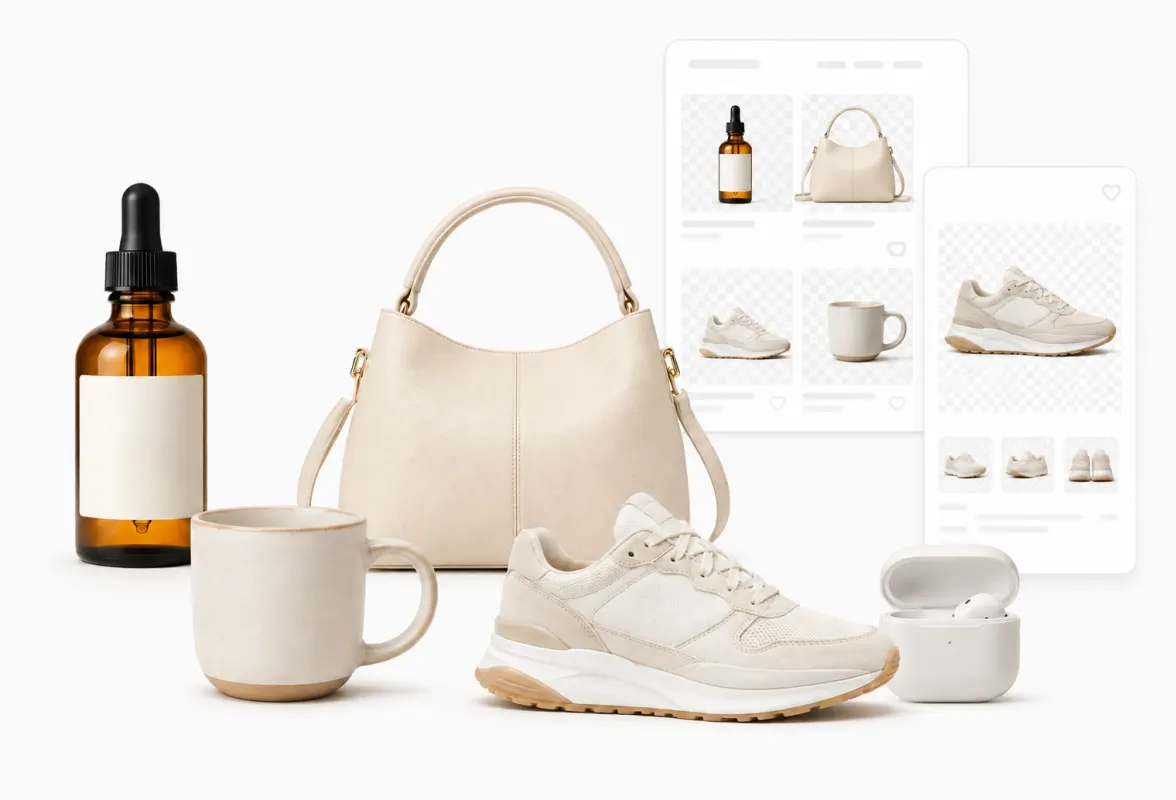
Items photographed on a desk, a bedsheet or the kitchen counter all end up on the same white backdrop, so the listing grid looks like one consistent catalogue.

A headshot for a résumé or team page

A headshot for a résumé or team page

A phone portrait taken in a living room becomes a clean picture on white that sits neatly next to colleagues' photos.

Slides and printed handouts

Slides and printed handouts

A white backdrop disappears on a white slide or page, so the object reads clearly without a box of busy scenery around it.

HOW IT WORKS

How to remove an image background

01

Add a photo

Drop in JPG, PNG, WebP, HEIC, AVIF, TIFF, BMP, or TGA, up to 100MB. The first image is processed right away, already on white.

02

Check the edges

Zoom into hair or fine edges. If they look rough, pick a higher Quality setting and click Remove again; each run is kept as a version to compare.

03

Download

Open Download and choose Download PNG or Download JPG. The file name ends in white-bg so you can tell it apart from the original.

Make background white, or keep it transparent?

Pick white when the image will be shown as it is: a shop listing, a printed sheet, a profile photo. Every viewer and every app sees the same plain backdrop, and JPG, which cannot store transparency, works fine.

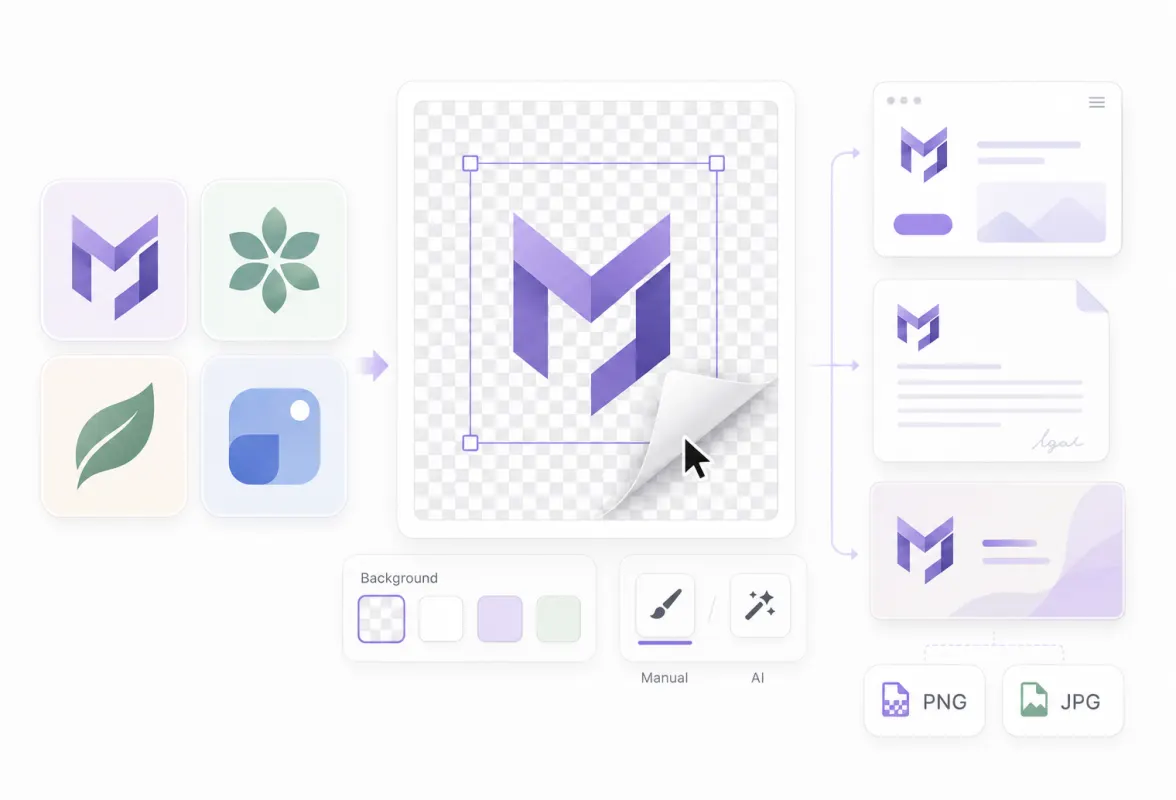
Keep it transparent when the picture will be placed on top of something else later, such as a colored banner or a design file. A transparent PNG takes on whatever sits behind it, while a white one always brings its own white rectangle along. If you are unsure, download both: switching Background between White and Transparent here does not redo the cut-out.

What happens to hair and soft edges on white

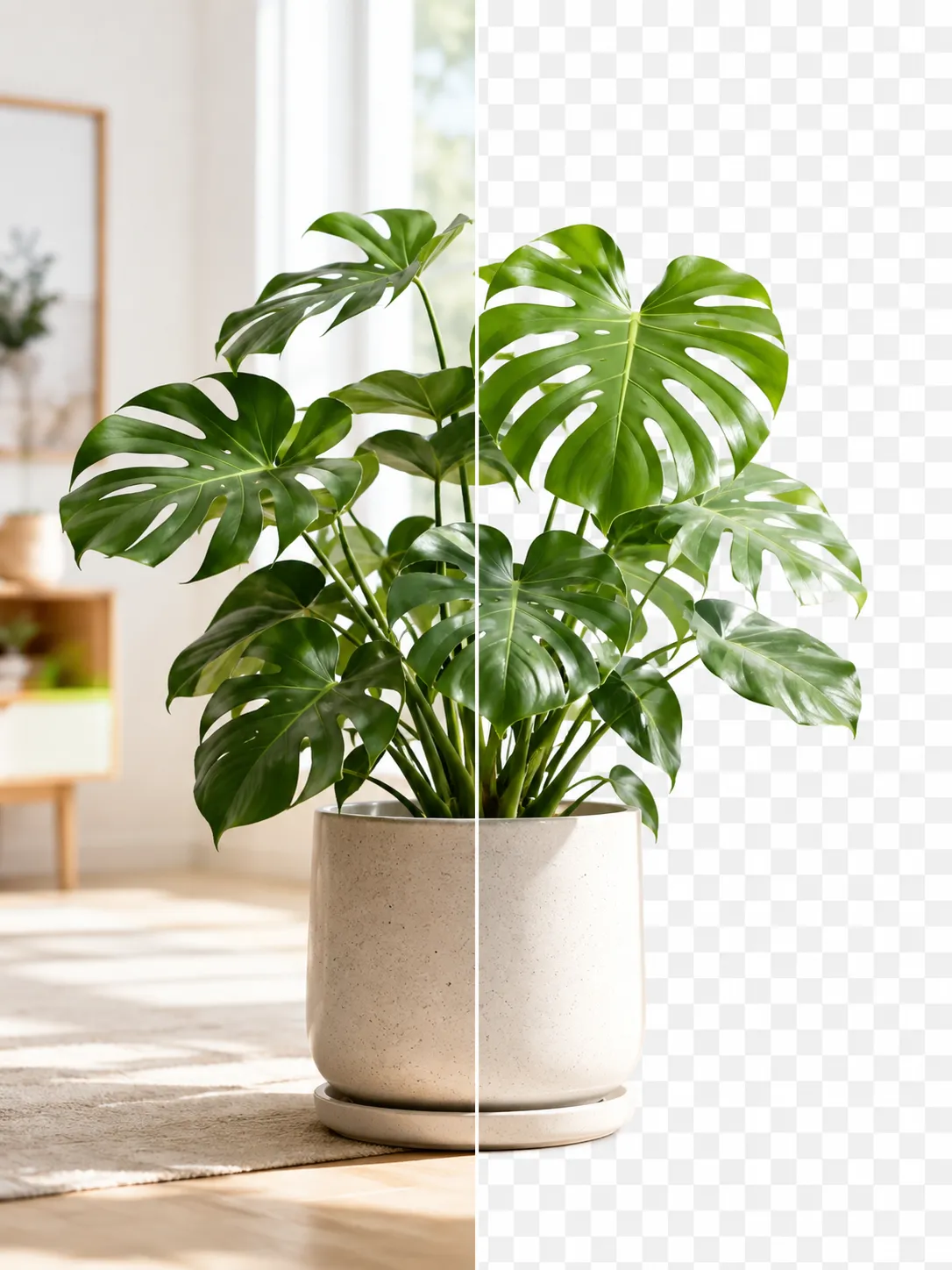
The AI does not draw a hard outline. Pixels on the edge of hair, fur or a blurred contour are partly see-through, and they are blended with pure white when the file is made. Fine strands therefore fade softly into the backdrop instead of ending in a jagged cut.

When the original background was close in color to the subject, for example a white mug against a white wall, the model has less contrast to work with and edges can come out uneven. Shooting the subject in front of a contrasting backdrop helps more than any setting. For a hard case, try the Ultra detail quality, or Cloud refine, which runs on our servers and uses credits.

FAQ

Frequently asked questions

Add the photo to the tool on this page. Background is preset to White, so the AI removes the original backdrop and fills pure white behind the subject; then open Download and choose PNG or JPG.

Yes. The fill is #FFFFFF (RGB 255, 255, 255) in both the PNG and the JPG download, not a light gray or cream.

Yes. One photo works without an account. Sign in with a free account to add up to 20 at a time, then use Download all (ZIP).

No. The background is removed by an AI model running in your browser, so the photo stays on your device. Only Cloud refine, an optional step that uses credits, uploads the image, and it tells you so before it starts.

Yes. Change Background to Transparent, Gray, Black or a custom color at any time; the preview updates without running the AI again.

RELATED

You might also need

Change background colorBlur background

Related articles

A perfume bottle and a watch photographed on a phone, each turned into a 2000 × 2000 product photo on a pure white background
Guide

Product Photos With Your Phone: Amazon, Etsy & Shopify Sizes

Shoot product photos on a phone, remove the background, and size them for Amazon, Etsy, Shopify and eBay. Official rules in one table.

Read article
A product photo shown before and after background removal
Guide

How to Remove an Image Background for Free (No Signup)

Get a clean transparent cut-out in seconds in your browser — no watermark, no account. The fastest free method, plus tips for tricky edges.

Read article
PixVibe, the private image toolkit for you and your AI agents: an agent opens a link and downloads a transparent candle cutout
Guide

How to Let Your AI Agent Edit Images with PixVibe

Let an AI agent edit images with PixVibe: one link per job, no API key. We tested Claude, Codex and ChatGPT agent, and show what to check.

Read article
MORE TOOLS

Explore more tools

Free image tools

Free · In-browser processing

Remove BackgroundRemove BackgroundMake any image transparent — free PNG.Image ConverterImage ConverterHEIC to JPG, WebP to PNG, JPG to WebP & more.PDF to ImagePDF to ImageTurn PDF pages into JPG, PNG or WebP images — pick pages and DPI.Image to PDFImage to PDFCombine JPG, PNG or HEIC photos into one PDF — A4, Letter or fit.Compress PDFCompress PDFShrink scanned and image-heavy PDFs, keep selectable text, or hit a target size in KB.Passport PhotoPassport PhotoFrame your face to passport, visa or ID sizes, change the background and print several on one sheet.Compress ImageCompress ImageReduce image size, keep the quality.Resize ImageResize ImageResize for YouTube thumbnails & any size.Crop ImageCrop ImageCrop and reframe with precision.AI UpscalerAI UpscalerAI upscale image resolution up to 4×.

Free video tools

Free · In-browser processing

Compress VideoCompress VideoShrink a video to a set file size, in your browser.

Pro tools

Server AI · Uses credits

AI Background Remover HDAI Background Remover HDHigh-precision edges for hair, fur and fine detail.HD Image ConverterHD Image ConverterAI upscale, then convert to high-res WebP, PNG or JPG.AI Image EnhancerAI Image EnhancerEnhance and upscale photos with multiple AI models.
All Remove Background optionsUse this tool with an AI agent

Tags on this page

Media
Image›
Pricing
Free›
Runs on
Local AI · no upload›
Task
Remove background›
Format
PNG›JPG›
Platform
Amazon›Etsy›Shopify›eBay›Print›
Use case
Product photos›Profile pictures›
For
Online sellers›Office & students›
Feature
Solid background color›Trim whitespace›Brush touch-up›Batch processing›No upload›
AI model
IS-NetBiRefNetBEN2













