Sharing game mod textures
Modders who extract or repaint TGA textures can post them as PNG on a forum, wiki or chat. Chrome doesn't display TGA, so a .tga posted there tends to appear as a file to download rather than a picture.
TGA to PNG turns a Targa texture, sprite or render into a file that browsers, forums and documents can show, and PixVibe does it on your own device without uploading anything. A 32-bit TGA keeps its alpha channel: in our test every alpha value came through unchanged. What is not kept is the color stored under fully transparent pixels, and faint semi-transparent pixels can shift in color. That only matters when the alpha channel holds a mask or other data rather than plain transparency. Two kinds of TGA currently convert with wrong results, 16-bit files and some 32-bit files whose header says they have no alpha, and two rarer kinds cannot be read at all; all are explained below, with what to do instead.
PixVibe converted a 256 × 256 32-bit TGA with alpha running from 0 to 255 in Chrome (November 2026): all 65,536 alpha values in the PNG matched the TGA, and every fully opaque pixel kept its exact color. Soft edges and shadows on sprites and icons stay soft.
Run-length encoded (RLE) and uncompressed files, images stored bottom row first or top row first, 24-bit and 32-bit color, 8-bit grayscale, grayscale with alpha, and 8-bit palette images with 24-bit colors all converted in our tests, upright and with the right colors.
Fast relies on the PNG encoder built into the browser; Compact adds a lossless optimizer. Our 1024 × 1024 sprite came out at 37.5 KB on Fast and 5.2 KB on Compact, with identical pixels both times.
A single texture converts without an account. Sign in free to queue as many as 20 TGAs, then save every PNG together as a ZIP.
| Test texture (made by us) | TGA | PNG on Fast | PNG on Compact |
|---|---|---|---|
| Photo texture, 24-bit, uncompressed | 3.15 MB | 2.38 MB (−24%) | 1.65 MB (−47%) |
| Photo texture, 24-bit, RLE | 3.01 MB | 2.38 MB (−21%) | 1.65 MB (−45%) |
| Flat-color sprite with transparency, 32-bit, uncompressed | 4.19 MB | 37.5 KB (−99%) | 5.2 KB (−99.9%) |
| Flat-color sprite with transparency, 32-bit, RLE | 56.4 KB | 37.5 KB (−34%) | 5.2 KB (−91%) |
Modders who extract or repaint TGA textures can post them as PNG on a forum, wiki or chat. Chrome doesn't display TGA, so a .tga posted there tends to appear as a file to download rather than a picture.
A README, design document or asset list can show PNG previews of the textures that the game engine itself loads as TGA.
Some 3D programs and older games write renders, animation frames or screenshots as TGA. As PNG they open in any image viewer and usually take less space; in our test a photo-like texture shrank by 24–47%.
Choose a .tga file or drop it into the box. The tool starts with PNG output, Fast mode and “Reduce colors” at Lossless, and converts as soon as the file is in. Signed in, you can add up to 20 files and press “Convert all”.
A result that is completely empty or tinted yellow is one of the two problem cases described below: save the file again as 24-bit or 32-bit in the program that made it. For a smaller PNG, pick Compact and press “Convert again”.
Save it on its own, or download every PNG in one ZIP.
Yes, the alpha channel itself comes through intact, but the colors under fully transparent pixels do not. PixVibe tested this in Chrome in November 2026 with a 256 × 256 32-bit TGA whose alpha rises from 0 at the left edge to 255 at the right, over colors that change from row to row. In the PNG, all 65,536 alpha values matched and every fully opaque pixel kept its exact color.
The remaining pixels changed. All 256 fully transparent pixels came out black (0, 0, 0) with alpha 0, whatever color the TGA had stored there. Of the 65,024 semi-transparent pixels, 44,456 (68%) changed in at least one color channel: by at most 1 on the 0–255 scale where alpha was 128 or more, by up to 8 at alpha 16, and by up to 127 at alpha 1. Fast and Compact gave the same pixels. The cause is the browser canvas the tool paints the decoded image on: the HTML standard has a canvas store each color premultiplied by its alpha, and says that conversion loses information for any pixel that is not fully opaque.
For a sprite, icon or decal whose alpha is ordinary transparency, none of this is visible: hidden pixels stay hidden. It matters when the alpha channel carries data instead, such as a mask or a specular or height map, or when the color under transparent areas is meant to be kept. TGA is common in exactly that kind of work: the Library of Congress description of TGA 2.0 (fdd000180, checked 16 November 2026) says it is “Used in particular for "texture" files used for image composition and 3D-rendering techniques.” For such textures, keep the TGA, or export the PNG directly from the program that made it.
Most common TGA variants converted correctly in our test. PixVibe converted 15 test TGAs of the same 320 × 200 picture in Chrome in November 2026. These came out right, upright and with correct colors: uncompressed and RLE files, 24-bit and 32-bit color, files stored bottom row first and top row first, 8-bit grayscale, grayscale with alpha, and 8-bit palette images whose colors are stored in 24 bits.
Could not be read: a file with a pixel depth of 15, and a palette image whose colors are stored in 32 bits. Both stopped with the message “Couldn't read this image”.
Converted, but wrong: 16-bit TGAs. In both of our 16-bit test files, colors shifted toward yellow (pure white came out as 248, 248, 3). In the one that used its 1-bit alpha to mark visible pixels, transparency was also reversed: the picture turned transparent and the background black.
Converted, but blank: a 32-bit TGA whose header declares no alpha bits while the fourth byte of every pixel is 0. The TGA 2.0 specification (Truevision, header field 5.6, read in an archived copy on 16 November 2026) says of the low four bits of that field: “These bits specify the number of attribute bits per pixel.” The decoder the tool uses reads the fourth byte as alpha anyway, so such a file comes out fully transparent. The same file with 255 in every fourth byte converted normally.
For the 16-bit and blank cases, open the TGA in the program that made it, save it again as 24-bit, or as 32-bit with real alpha, and convert that file. A TGA cut off partway also converts without a warning: in our test the missing half came out transparent, so check the preview of any file that might be damaged. We tested Chrome only.
An uncompressed TGA stores every pixel in full, 3 bytes each at 24 bits and 4 at 32 bits, so a 1024 × 1024 32-bit texture takes about 4.19 MB (1 MB = 1,000,000 bytes) whatever it shows. TGA's own RLE compression only shortens runs of identical neighboring pixels. On our flat-color sprite that cut the file from 4.19 MB to 56.4 KB; on our photo texture, where neighboring pixels rarely match exactly, it saved just 4%, from 3.15 MB to 3.01 MB.
PNG compresses far better than RLE on both kinds of picture. In Chrome, the photo texture became a 2.38 MB PNG on Fast and 1.65 MB on Compact, from either TGA. The sprite became 37.5 KB on Fast and 5.2 KB on Compact, 91% smaller than even its RLE version. On each texture, Fast and Compact produced identical pixels; the difference in size comes only from compression. If a photo texture has to be much smaller and may lose some detail, “Reduce colors” or the JPG converter will go further, but a JPG has no alpha channel.
Drop the .tga file into PixVibe's TGA to PNG tool above. It starts with PNG output, Fast mode and “Reduce colors” at Lossless, converts as soon as the file is added, and Download saves the result.

Let an AI agent edit images with PixVibe: one link per job, no API key. We tested Claude, Codex and ChatGPT agent, and show what to check.
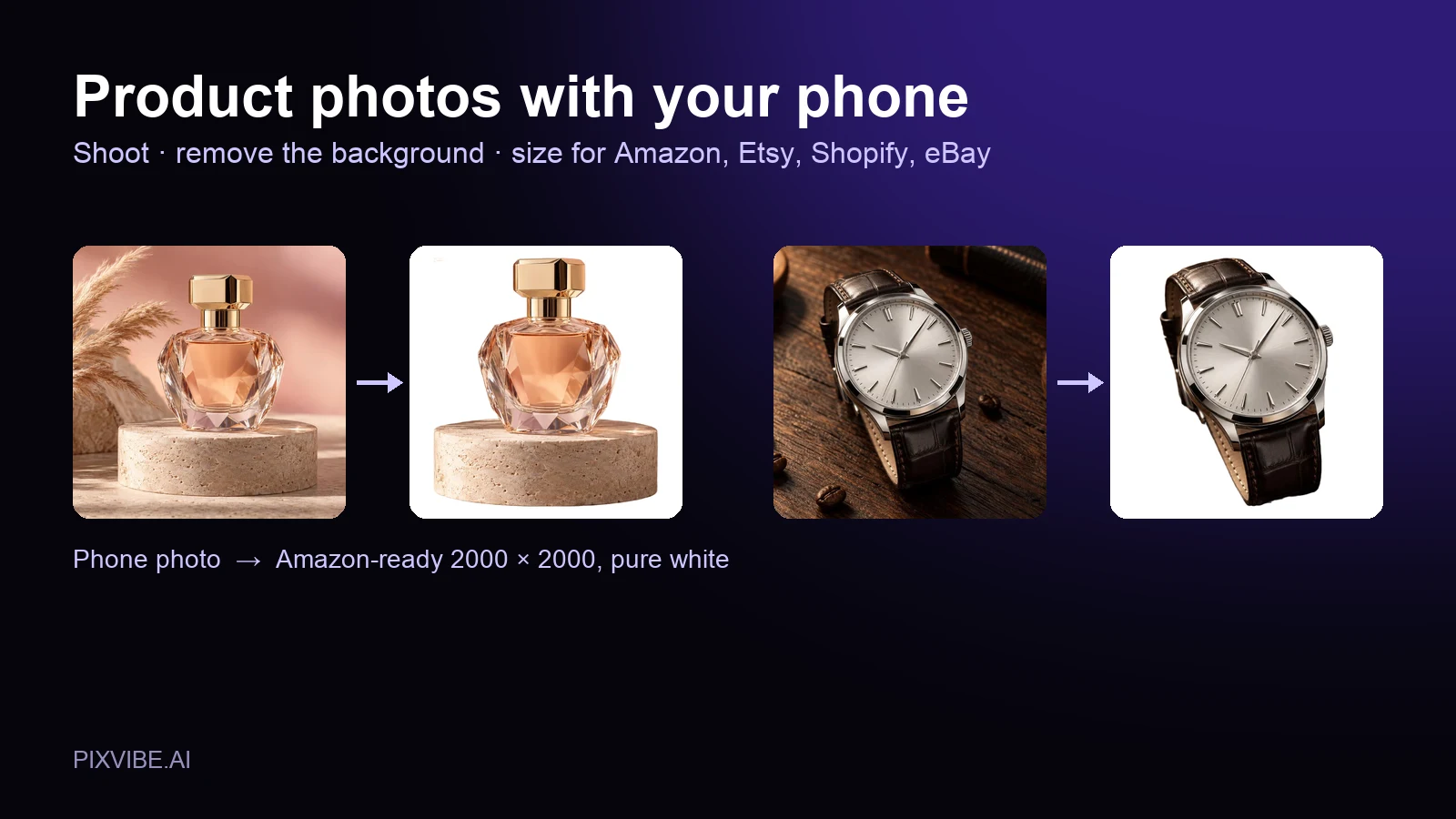
Shoot product photos on a phone, remove the background, and size them for Amazon, Etsy, Shopify and eBay. Official rules in one table.
Free · In-browser processing
 Remove BackgroundMake any image transparent — free PNG.
 Image ConverterHEIC to JPG, WebP to PNG, JPG to WebP & more.
 PDF to ImageTurn PDF pages into JPG, PNG or WebP images — pick pages and DPI.
 Image to PDFCombine JPG, PNG or HEIC photos into one PDF — A4, Letter or fit.
 Compress PDFShrink scanned and image-heavy PDFs, keep selectable text, or hit a target size in KB.
 Passport PhotoFrame your face to passport, visa or ID sizes, change the background and print several on one sheet.
 Compress ImageReduce image size, keep the quality.
 Resize ImageResize for YouTube thumbnails & any size.
 Crop ImageCrop and reframe with precision.
 AI UpscalerAI upscale image resolution up to 4×.
Free · In-browser processing
Server AI · Uses credits