Pictures from scanners, older software and Paint
Some scanner software, older Windows programs and Paint save pictures as .bmp. As a JPG, our test photo took about a tenth of the space, and a JPG opens in any phone gallery or photo app.
BMP to JPG turns a bulky bitmap into a file a fraction of the size, in a format almost every website, form and email accepts. In a November 2026 PixVibe test in Chrome, our 4.8 MB test photo saved as BMP became a 487 KB JPG on the default Fast mode, and we could not tell it from the original even when zoomed in. JPG is lossy, though, and the trade-off depends on the picture: on Fast and Quality, our screenshot and diagram came out larger as JPG than as lossless PNG, and on Compact, the smallest setting, their text and lines were visibly smudged. The measured sizes below will help you choose between JPG and PNG, and pick one of the three modes. Transparent areas turn white (some 32-bit files show the colors stored in those pixels instead, often black), and the DPI value is not kept. The conversion runs on your own device; the BMP is not uploaded.
In PixVibe's November 2026 test in Chrome, our 1600 × 1000 photo went from 4.8 MB as BMP to 487.5 KB as JPG on Fast, 90% smaller. Comparing it with the original at four times magnification, we saw no difference.
Fast and Compact store color more coarsely than brightness, which can tint thin lines and soften text on colored areas. Quality keeps color for every pixel; in our screenshot and diagram tests its JPGs looked the same as the BMP.
For a file that has to fit a size limit, use Compact: it cut our photo BMP by 96%, to 186.2 KB. Up close the photo looked slightly smoother; on screenshots and diagrams the loss was easy to see.
A single bitmap needs no sign-in. Log in with a free account to add up to 20 BMPs at a time and download the JPGs in one ZIP. Every file stays on your device.
| Test BMP | JPG Fast (KB) | JPG Quality (KB) | PNG lossless (KB) |
|---|---|---|---|
| Photo (4.8 MB) | 487.5 | 708.9 | 3,770.3 |
| Screenshot (4.8 MB) | 105.8 | 143.6 | 98.4 |
| Diagram (1.6 MB) | 334.2 | 468.0 | 208.4 |
Some scanner software, older Windows programs and Paint save pictures as .bmp. As a JPG, our test photo took about a tenth of the space, and a JPG opens in any phone gallery or photo app.
Job portals, government forms and marketplace listings often accept only JPG or cap files at a few megabytes. A 4.8 MB photo BMP comes in well under that as a JPG.
A handful of bitmaps can push an email past its attachment limit. Converted to JPG, the same photos send without trouble; keep the BMP files if you might edit them again.
Drag a .bmp onto the upload area or click to pick one. Output is already set to JPG and Mode to Fast, so the first JPG is ready right away. For a batch, sign in for free, add up to 20 bitmaps and start them with “Convert all”.
For screenshots, charts or text that must stay JPG, choose Quality (PNG is often the better format for them); for the smallest photo, choose Compact. Then press “Convert again”; every result is kept as a separate version labeled with its file size.
Download a single JPG, or grab all of them packed into one ZIP.
Convert photos to JPG, and screenshots, diagrams and logos to PNG. Most BMP files are stored without compression (the BMP to PNG page explains why they are so big), so both formats make them much smaller, but in different ways. JPG throws away detail the eye barely notices, which suits photos. PNG keeps every pixel and is very good at flat colors and sharp edges.
Our November 2026 test in Chrome shows the split clearly. The 4.8 MB photo BMP became a 487.5 KB JPG on Fast, against 3.77 MB as PNG. On Fast, the 4.8 MB screenshot became a 105.8 KB JPG, larger than its 98.4 KB PNG, and only the JPG lost detail; the 256-color diagram became a 334.2 KB JPG against a 208.4 KB PNG. Compact brings both below their PNG size (48.9 KB and 140.5 KB), but with text and lines visibly smudged. So if your BMP is a screenshot, chart or drawing, BMP to PNG gives a smaller file with no change at all.
Keep Fast, the default, for most photos; choose Quality for screenshots, charts and text that have to be JPG; choose Compact only when the file must be as small as possible. Fast saves at quality 90 with the browser's own encoder. Compact (quality 58) and Quality (quality 95) use a slower encoder that also writes a progressive JPG, one that loads in passes from blurry to sharp.
With our 4.8 MB photo BMP (PixVibe, Chrome, November 2026), Fast gave 487.5 KB, Compact 186.2 KB and Quality 708.9 KB. At four times magnification, Fast and Quality looked the same as the BMP, and Compact looked slightly smoother. On the screenshot, Compact reached 48.9 KB, half the size of the PNG, but when zoomed in, the text on colored bars was clearly smudged; Quality took 143.6 KB and looked unchanged. The diagram went down to 140.5 KB on Compact, with the same smudging. On our Mac mini M4 (headless Chromium 149), Fast took about one second for these files and Compact and Quality about 5 to 10 seconds; we did not time phones.
Largely because, on Fast and Compact, the JPG stores color at a lower resolution than brightness. When PixVibe checked the files in Chrome in November 2026, the JPGs from those two modes kept one color value for each 2 × 2 block of pixels (known as 4:2:0 chroma subsampling), while the JPGs from Quality kept a color value for every pixel (4:4:4). In a photo this is hard to see. But where a thin dark line crosses a colored box, or gray text sits on a blue bar, the color bleeds over the edge: in our diagram on Fast, dark lines crossing purple boxes took on a purple tint when zoomed in.
At normal viewing size the difference is small, but it shows up when the picture is zoomed, printed or cropped. Choose Quality for these images, or convert them to PNG, which keeps every pixel.
JPG has no transparency, so see-through areas are filled in. In PixVibe's tests in Chrome in November 2026, a 32-bit BMP with a V5 header (BITMAPV5HEADER) and an alpha mask came out with pure white (255, 255, 255) where it had been clear. A file that keeps transparency in the fourth byte of each pixel under the plain 40-byte BITMAPINFOHEADER came out opaque instead: the browser does not read that byte as transparency, so the colors stored in those pixels show, black (0, 0, 0) in our file. The BMP to PNG page covers the different 32-bit layouts in detail.
The tool offers no other fill color. For a different background, run the picture through Remove Background, which can place it on a color of your choice.
No. When PixVibe tried this in Chrome in November 2026, a bitmap tagged 300 dpi became a JPG with its density field set to 1:1 and no unit, so print programs fall back to their own default. Width and height in pixels stay as they were, so choose the print size yourself before printing.
Keep the original BMP as your master copy. Each JPG is a new lossy save, so if you need another size or mode later, convert again from the BMP rather than from an earlier JPG. To get a JPG under a set number of kilobytes, Compress Image can aim for a target size.
Drop the bitmap into PixVibe's BMP to JPG converter on this page. JPG output and Fast mode are selected for you, so the JPG is ready a moment later; click Download to keep it.
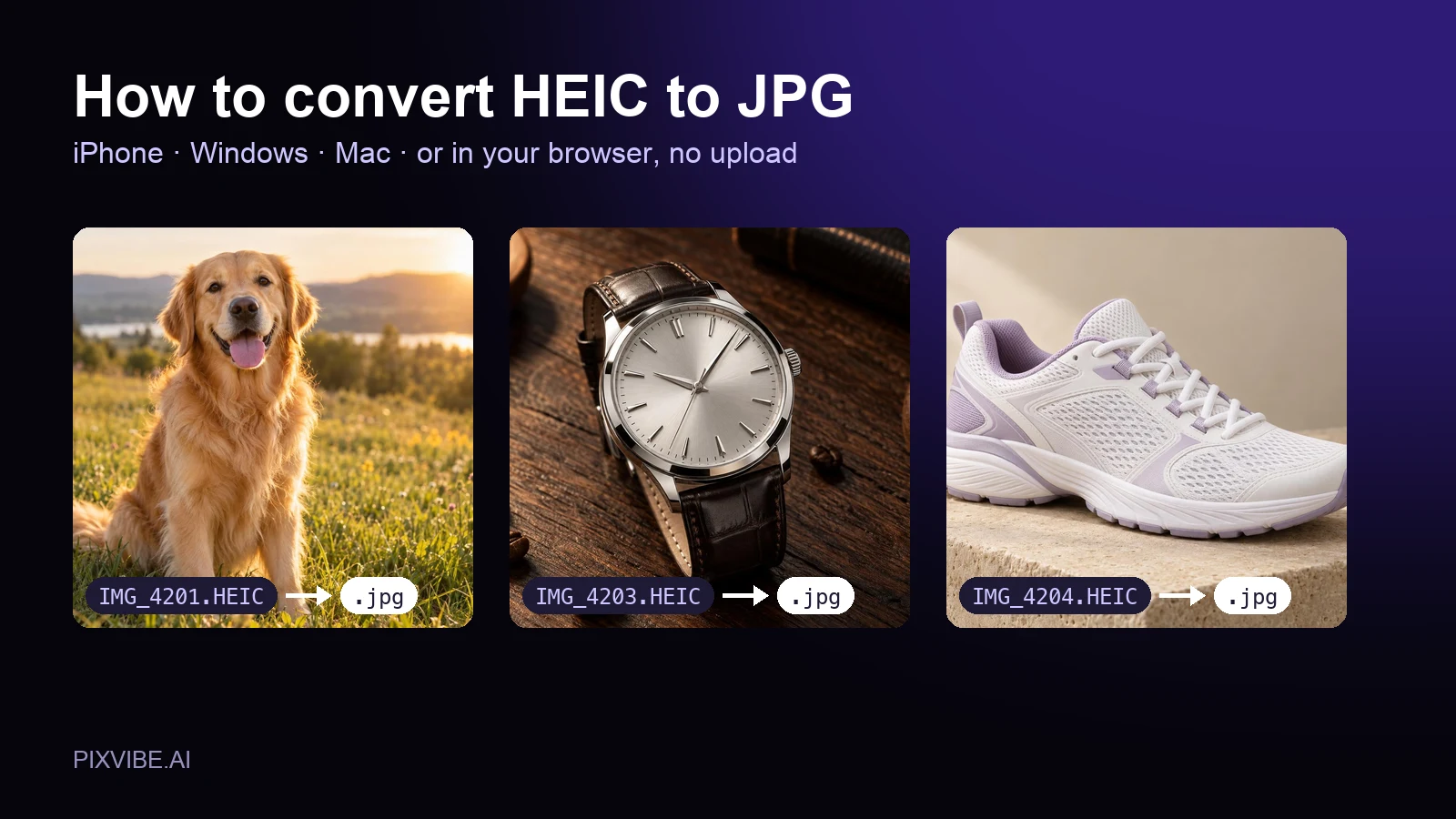
Convert HEIC to JPG on iPhone, Mac or Windows, or in your browser without uploading. Real test: what each JPG quality does to file size.
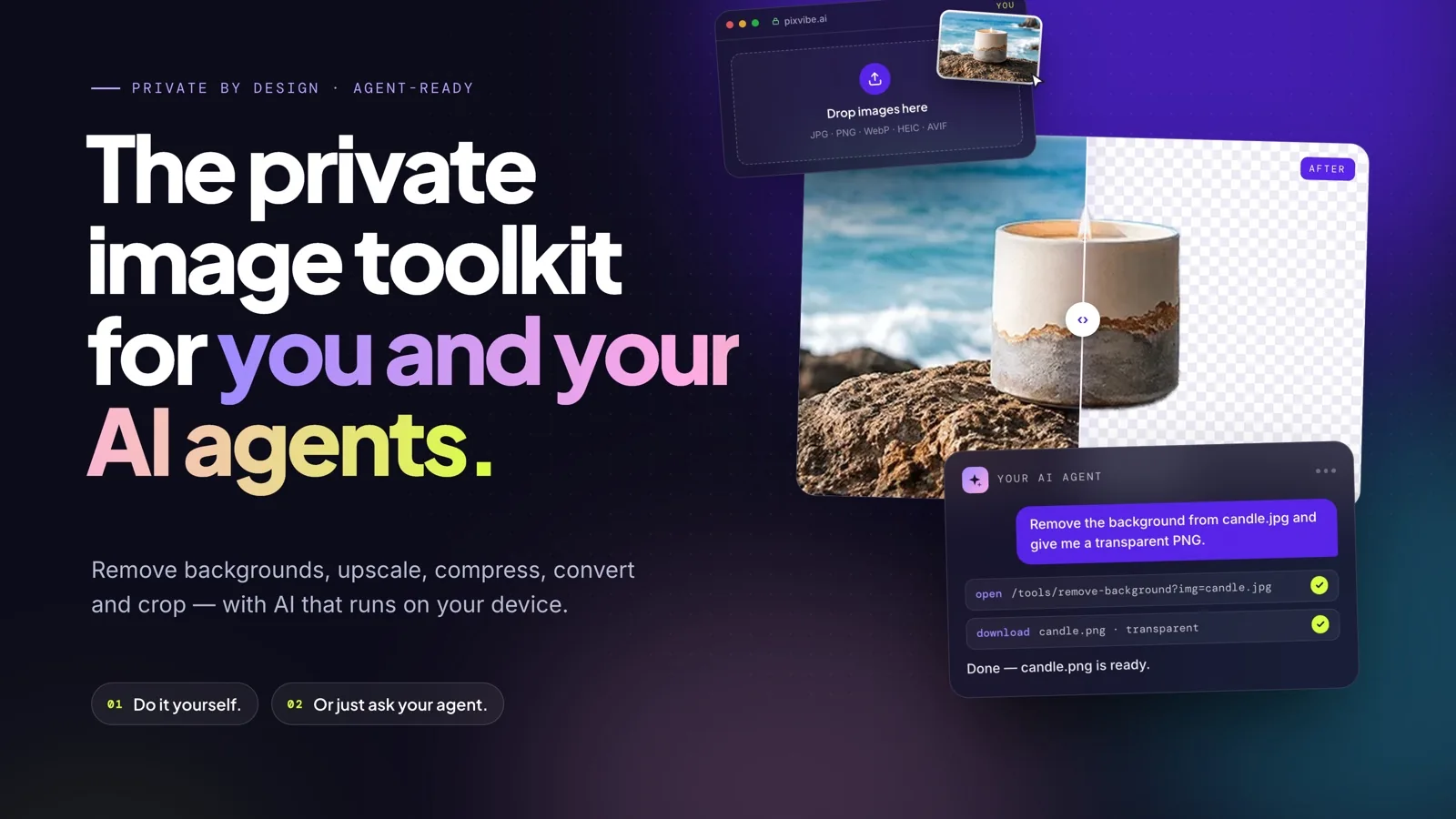
Let an AI agent edit images with PixVibe: one link per job, no API key. We tested Claude, Codex and ChatGPT agent, and show what to check.
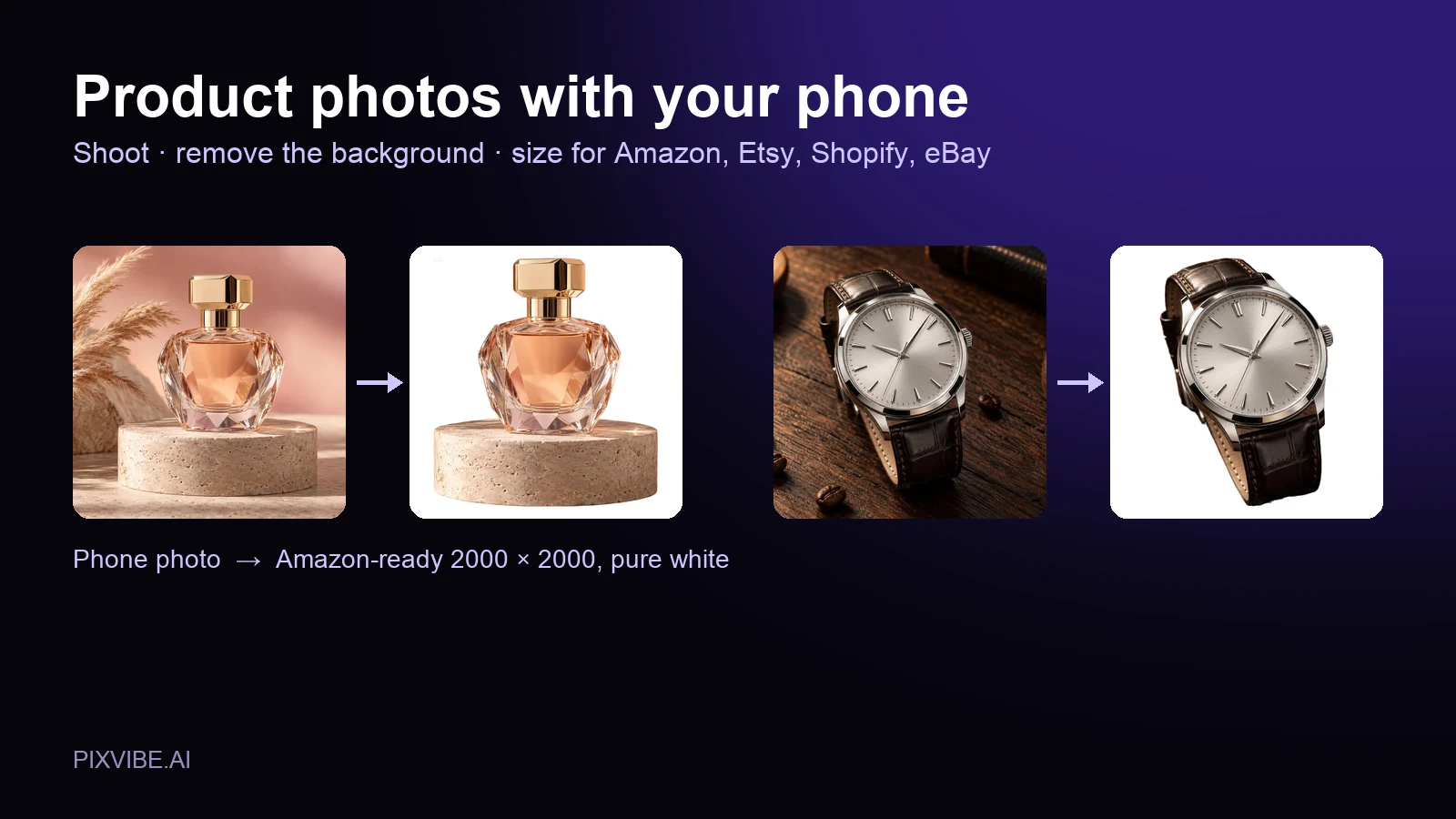
Shoot product photos on a phone, remove the background, and size them for Amazon, Etsy, Shopify and eBay. Official rules in one table.
Free · In-browser processing
 Remove BackgroundMake any image transparent — free PNG.
 Image ConverterHEIC to JPG, WebP to PNG, JPG to WebP & more.
 PDF to ImageTurn PDF pages into JPG, PNG or WebP images — pick pages and DPI.
 Image to PDFCombine JPG, PNG or HEIC photos into one PDF — A4, Letter or fit.
 Compress PDFShrink scanned and image-heavy PDFs, keep selectable text, or hit a target size in KB.
 Passport PhotoFrame your face to passport, visa or ID sizes, change the background and print several on one sheet.
 Compress ImageReduce image size, keep the quality.
 Resize ImageResize for YouTube thumbnails & any size.
 Crop ImageCrop and reframe with precision.
 AI UpscalerAI upscale image resolution up to 4×.
Free · In-browser processing
Server AI · Uses credits