Compress Image to 20KB

Compress image to 20KB, or compress a JPEG to 20KB, right here: this PixVibe page opens with the target already set to 20 KB, so all you add is the picture. The limit comes up a lot with signature uploads: IBPS's 2026 PO notification and SSC's 2026 CHSL notice both ask for a scanned signature of 10 to 20 KB in JPG. Our simulated phone photo of a signature came out at 19.7 KB and 1772 × 886 pixels, which suits a form like SSC's that sets only a file size. The lower limit is the hard part: at 140 × 60 pixels, the size IBPS prefers, none of our test signatures reached 10 KB even at JPEG quality 100. This page can't fix that, because it never makes a file bigger. Everything runs in your browser.

WHY USE IT

Features

Opens with a 20 KB target

"Compress by" is already set to "Target size", the box reads 20, and "Shrink dimensions if needed" is ticked, so the tool can scale the picture down proportionally when lowering the quality isn't enough. Type another number and press "Compress again" if your form names a different limit.

Signature images keep their strokes

Our simulated phone photo of a signature on paper (3000 × 1500) fitted in 19.7 KB at 1772 × 886 pixels, and a simulated 600 dpi scan (1417 × 472) fitted at its full size. Both stayed legible at normal size, with clean ink edges and no visible blocks.

20 KB is a ceiling, not a range

This page only makes sure a file ends up at or under 20 KB. It never adds bytes, so a file that is already under 20 KB in the same format comes back untouched. It also never goes above quality 95, so a small JPEG that was saved at quality 100 can shrink a long way: our 300 × 120 signature dropped from 26.9 KB to 8.9 KB.

A PNG signature stays a PNG

A PNG goes in and a PNG comes out, unless you change "Output format" (it defaults to "Original format"). A PNG that is already under 20 KB is handed back unchanged. If the form takes JPG or JPEG only, choose JPG. Transparent areas then turn white.

OUR TEST

Test results, 21 November 2026: signatures, photos and a document at a 20 KB target

Test file (original size)Output formatOutput sizeOutput pixels
Simulated phone photo of a signature (3000 × 1500 JPG, 629 KB)JPG19.7 KB1772 × 886
Simulated 600 dpi scan of a signature (1417 × 472 JPG, 124 KB)JPG19.6 KB1417 × 472, not resized
Signature on a transparent background (1200 × 400 PNG, 37.3 KB)PNG14.7 KB1200 × 400, not resized
Signature on a transparent background (1200 × 400 PNG, 37.3 KB)JPG19.7 KB1200 × 400, not resized
Signature on white (1200 × 400 PNG, 50.3 KB)PNG15.3 KB1200 × 400, not resized
Building-site photo (4032 × 3024 JPG, 8.20 MB)JPG19,977 bytes (shown as 20.0 KB)525 × 394
Building-site photo (4032 × 3024 JPG, 8.20 MB)WebP19,982 bytes (shown as 20.0 KB)431 × 323
Building-site photo (4032 × 3024 JPG, 8.20 MB)AVIF17.0 KB563 × 422
Papaya photo (4032 × 3024 JPG, 3.19 MB)JPG19.6 KB381 × 286
Papaya photo (4032 × 3024 JPG, 3.19 MB)WebP19.9 KB288 × 216
Papaya photo (4032 × 3024 JPG, 3.19 MB)AVIF19.2 KB409 × 307
Plain-background portrait (1536 × 1024 JPG, 236 KB)JPG19.5 KB558 × 372
Coloured noise pattern (4032 × 3024 JPG, 11.5 MB)JPG19.8 KB302 × 227
Coloured noise pattern (4032 × 3024 JPG, 11.5 MB)AVIF19.7 KB247 × 185
Simulated phone photo of a printed A4 page (3024 × 4032 JPG, 2.46 MB)JPG19.9 KB427 × 569
Simulated phone photo of a printed A4 page (3024 × 4032 JPG, 2.46 MB)PNG19.9 KB177 × 236
Phone screenshot (1179 × 2556 PNG, 371 KB)PNG19.7 KB298 × 645
Phone screenshot (1179 × 2556 PNG, 371 KB)JPG19,968 bytes (shown as 20.0 KB)489 × 1060
WHAT IT'S FOR

Use cases

A signature for an Indian recruitment form

IBPS and SSC notices published in 2026 ask for the signature as a JPG or JPEG of 10 to 20 KB. A phone photo of a signature, even cropped, is often several hundred kilobytes or more; our simulated one was 629 KB and came out at 19.7 KB on this page. That result works for SSC, which doesn't specify a pixel size. IBPS also prefers 140 × 60 pixels, which is harder to hit (see "Why our 140 × 60 signatures stayed under 10 KB").

A signature scanned on a flatbed or office scanner

A scan of just the signature area already has few pixels. Our simulated 600 dpi scan of a 6 × 2 cm box (1417 × 472 pixels, 124 KB) went under 20 KB without any resizing, at JPEG quality 80.

A signature drawn in an app and saved as PNG

Signatures drawn on a tablet or phone are often exported as PNG, sometimes with a transparent background. They stay PNG here unless you pick JPG: our 1200 × 400 transparent PNG became a 14.7 KB PNG, or a 19.7 KB JPG on a white background. On our M4 Mac mini the PNG took about 107 seconds and the JPG 16.

HOW IT WORKS

How to compress an image to 20KB

01

Add the signature or photo

Drop in a JPG, PNG, HEIC, WebP or other image file. Compression to 20 KB or under starts automatically. You can compress one file without an account. For up to 20 at once, sign in (it's free) and press "Compress all".

02

Read the result line

Under the picture you'll see how big the file is now and, if it had to be scaled down, its dimensions before and after. For our simulated signature photo that was 3000 × 1500 down to 1772 × 886.

03

Switch to JPG if the form asks for it, then download

If the form takes only JPG or JPEG and your file isn't a JPG already, choose JPG in "Output format"; otherwise PNG, WebP and AVIF files stay in their own format. HEIC photos come out as JPG either way. After changing anything, press "Compress again", then save the file and check its size before you upload it.

Compress image to 20KB for a signature: what the 2026 notices ask

Two Indian recruitment notices from 2026 set the same 10 to 20 KB window for a signature. IBPS's notification for CRP PO/MT-XVI (signed 1 July 2026, applications 1–21 July) says "The applicant has to sign on white paper with Black Ink pen", gives "Dimensions 140 x 60 pixels (preferred)" and a file size "between 10kb – 20kb", and wants the file in JPG or JPEG format. It also warns that "until photographs and signature are as per the specifications provided, the system will not allow the candidate to move forward to the next stage of application", so the 10 KB minimum matters as much as the maximum. SSC's CHSL 2026 notice asks candidates to "upload the scanned signature in JPEG/JPG format (10 to 20 KB)" and names no pixel size. It lists the signature size as about 6.0 × 2.0 cm in two places and about 4.0 × 2.0 cm in a third, and warns that "blurred/miniature signatures" lead to rejection.

When a form sets only the file size, as SSC's does, you can put a phone photo of your signature straight into this page; if it shows the whole sheet, crop it to the signature in Crop Image first. Our simulated 3000 × 1500 signature photo came out at 19.7 KB and 1772 × 886 pixels (JPEG quality 54), inside the window. When a form also names a pixel size, as IBPS does, resize first; the next section shows why the 10 KB minimum is then the problem, not the 20 KB maximum. These notices are examples. Read the one you are applying to, and treat this page as a way to hit a file size, nothing more.

Why our 140 × 60 signatures stayed under 10 KB

At 140 × 60 a signature has only 8,400 pixels, and none of our three test signatures reached 10 KB as a JPEG. We resized them to 140 × 60 in Resize Image ("Size", "Crop to fill", output JPG). At the tool's default quality of 90 the simulated phone photo came to 2.3 KB and the simulated scan to 2.0 KB. At quality 100, the maximum, they reached only 6.4 KB and 5.3 KB, and the PNG signature on white, saved as a JPG at quality 100, reached 4.1 KB. Dropped into this page, the 2.3 KB file came back unchanged, because PixVibe does not add bytes to a file. A real signature with more paper texture may come out a little larger, but our results were nowhere near 10 KB.

To get above 10 KB, you need more pixels. IBPS only calls 140 × 60 "preferred", so a larger signature may be fine, as long as the form's upload check accepts it. At quality 100, the phone photo passed 10 KB at 210 × 90 (13.5 KB; it was 9.7 KB at 175 × 75) and the scan only just did at 210 × 90 (10.4 KB). At 245 × 105 they were 19.0 KB and 13.5 KB. We also tried 300 × 120, the signature size India Post's 2026 GDS instructions recommend: the scan was 17.4 KB, but the phone photo, with its paper texture and noise, went over 20 KB, to 26.9 KB.

Don't try to bring a file like that under 20 KB here. Compressing to a target size uses quality 95 at most, and for a JPEG this small the step from 95 to 100 is large: the 26.9 KB signature came out at 8.9 KB, now under the minimum. Go back to Resize Image and lower "Quality" a little instead; for our simulated phone signature at 300 × 120, quality 99 still gave 21.2 KB, while 98 gave 16.3 KB and 96 gave 11.5 KB. Then check the saved file against both limits. PixVibe counts a kilobyte as 1,000 bytes, so a file it shows as 20.0 KB is at most 20,000 bytes. That is also under 20 KB on a form that counts 1,024 bytes to the kilobyte, but on such a form the 10 KB minimum means at least 10,240 bytes.

How big is a photo once it is compressed to 20 KB?

Small. Our two 12-megapixel test photos saved as JPG came out at 525 × 394 (building site) and 381 × 286 (papayas), keeping 1.7% and 0.9% of their pixels. On the same two photos, PixVibe's 100 KB page gave 1174 × 881 and 1013 × 760, and its 50 KB page 830 × 623 and 663 × 497. At 20 KB a photo is the size of a thumbnail or a profile picture; the portrait with a plain background did a little better, at 558 × 372.

On both photos AVIF kept the most pixels at this size, 563 × 422 and 409 × 307, and WebP the fewest (431 × 323 and 288 × 216). AVIF was also slow: on our Apple M4 Mac mini the two AVIF files took 220 and 107 seconds, against 22 and 28 for JPG. PNG output, which reduces colours as well as pixels, was slower still; our PNG results took between 107 and 285 seconds. The tool never goes below 200 pixels on the long side. None of our photos came near that: even a pattern of pure coloured noise, made to be as hard to compress as possible, stopped at 302 × 227 as JPG and 247 × 185 as AVIF (on that pattern AVIF kept fewer pixels than JPG).

If a form wants an ID-style photo of 20 to 50 KB with a fixed pixel size, such as IBPS's 200 × 230, use Compress Image to 50KB, which tests that case. For a photo between 50 and 100 KB, see Compress Image to 100KB. Tests ran on 21 November 2026 in Chromium 149 with this page's settings (20 KB target, "Shrink dimensions if needed" on); both photos come from Wikimedia Commons under CC0: a building site and papayas in a bowl. We generated the signatures, the noise pattern and the A4 form photo ourselves: the signature is an invented name set in a script typeface, rendered as a simulated phone photo (paper texture, uneven light, a shadow and sensor noise), as a simulated 600 dpi scan of a 6 × 2 cm box, and as a 1200 × 400 PNG with and without a transparent background. Table sizes are bytes ÷ 1,000 to one decimal place, rounded to the nearest; PixVibe's own display rounds up and can read 0.1 KB higher.

Photos of documents and screenshots at 20 KB

Text suffers at this size. Our simulated phone photo of a printed A4 form (3024 × 4032) came out as a 19.9 KB JPG of 427 × 569 pixels. The title and section headings were clear; the larger body text could be read when zoomed in; the smaller paragraphs and the fine print at the bottom could not. Saved as a PNG it shrank to 177 × 236 pixels with 178 colours, took 285 seconds on our Mac mini, and only the title and headings could be made out. For a page of text, JPG is the better of two poor choices at 20 KB.

A phone screenshot holds up better because it has flat colours. Our 1179 × 2556 screenshot kept 489 × 1060 pixels as a JPG and 298 × 645 with 64 colours as a PNG, so the JPG kept about 2.7 times as many pixels; body text was readable in both, while the smallest label had stair-stepped letters in the PNG. The PNG took 228 seconds on our Mac mini and the JPG 9.

If you must send a whole page in 20 KB, check whether the form wants a picture or a PDF. For a PDF, Compress PDF to 20KB tested five kinds of page at that size; only a scan cropped to an ID card and a page of plain black text on white fitted.
FAQ

Frequently asked questions

If the form names only a file size, as SSC's CHSL notice does, crop a photo or scan to the signature and drop it here; our simulated phone photo of a signature came out at 19.7 KB. If it also names a pixel size, as IBPS does with 140 × 60 (preferred), resize first in Resize Image and check the result, because a signature that small can stay under 10 KB; our test signatures passed 10 KB at 210 × 90 and up, at quality 100. Choose JPG if the form takes JPG only.

RELATED

You might also need

Related articles

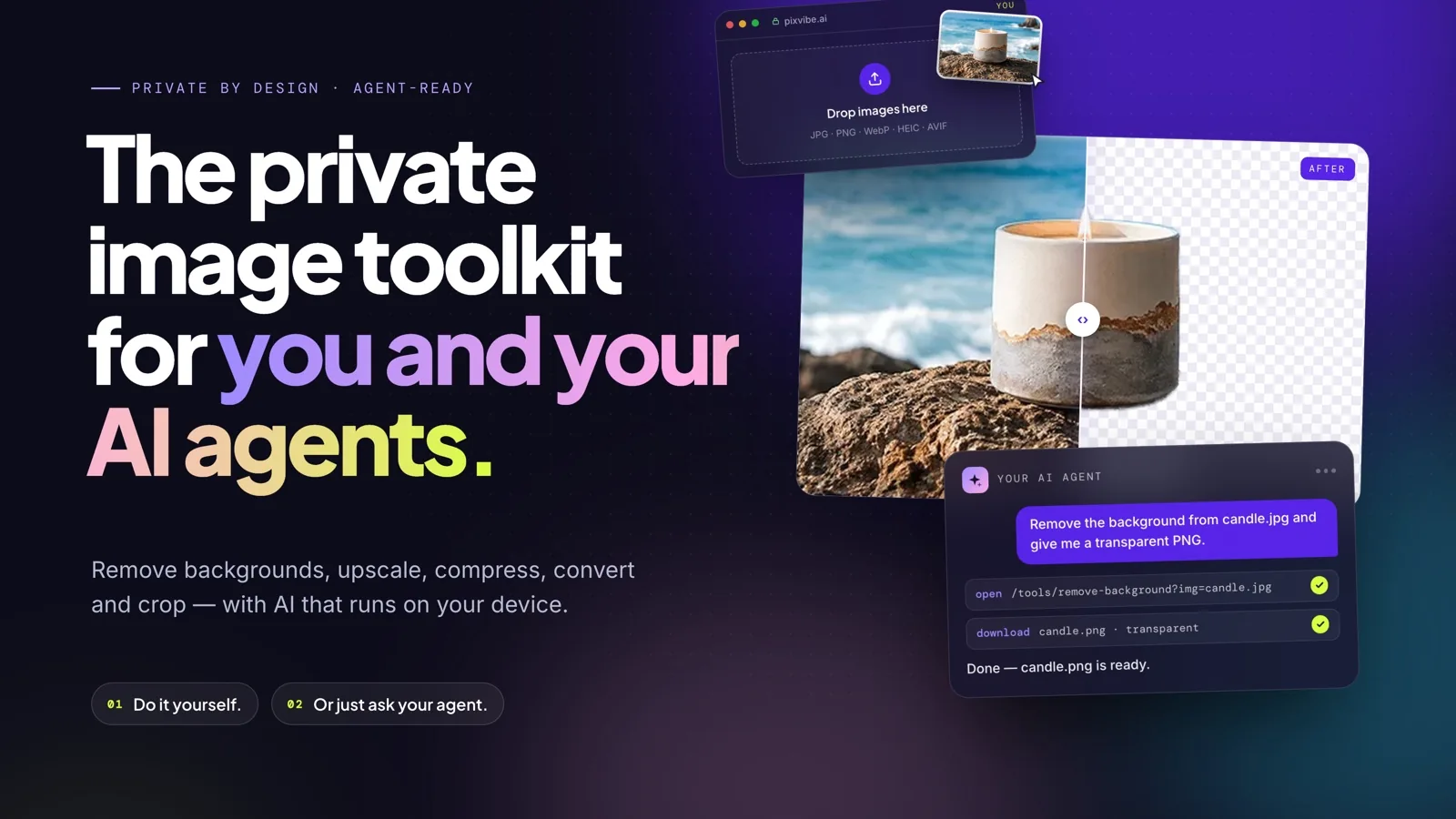
PixVibe, the private image toolkit for you and your AI agents: an agent opens a link and downloads a transparent candle cutout
Guide

How to Let Your AI Agent Edit Images with PixVibe

Let an AI agent edit images with PixVibe: one link per job, no API key. We tested Claude, Codex and ChatGPT agent, and show what to check.

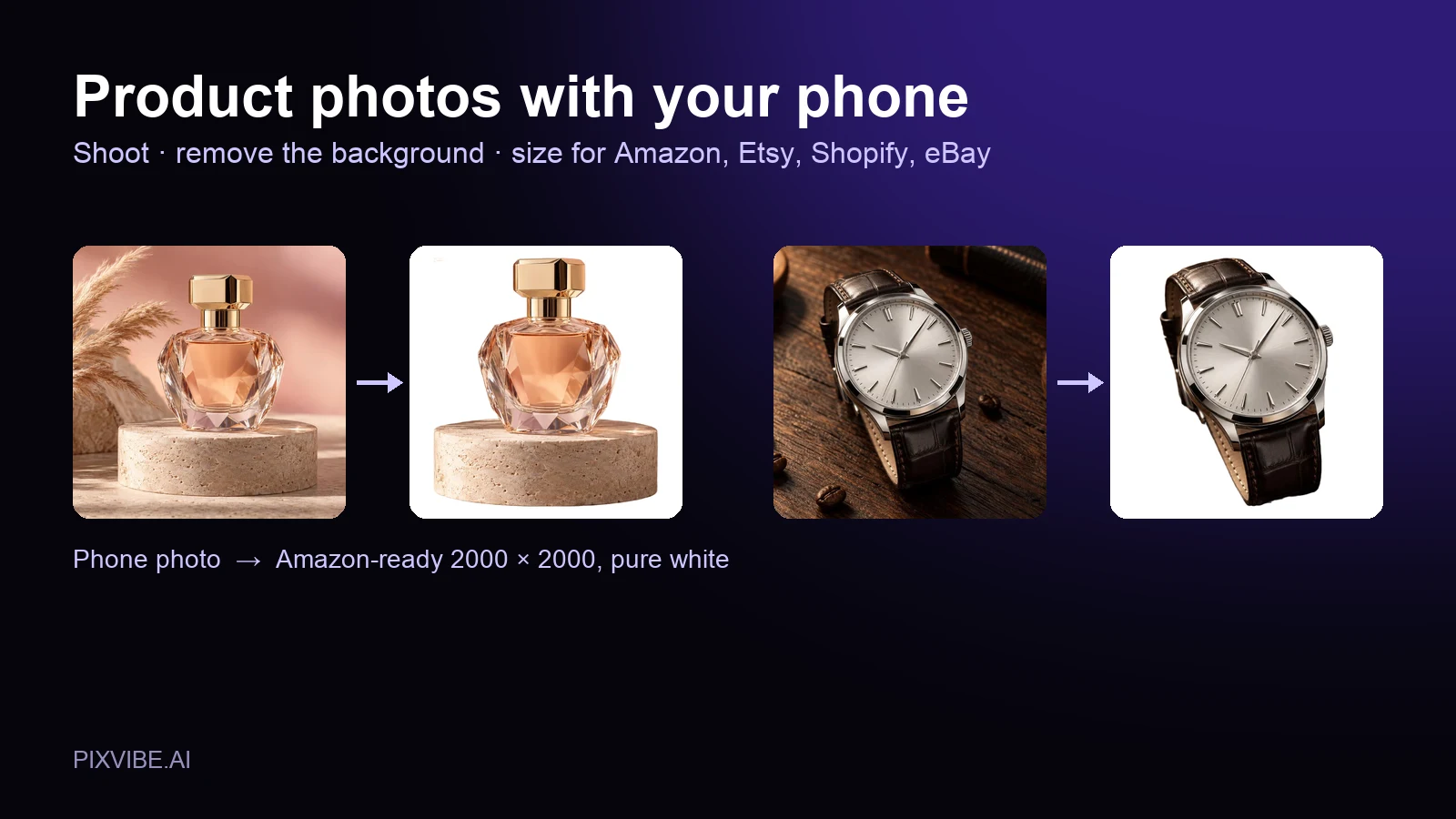
A perfume bottle and a watch photographed on a phone, each turned into a 2000 × 2000 product photo on a pure white background
Guide

Product Photos With Your Phone: Amazon, Etsy & Shopify Sizes

Shoot product photos on a phone, remove the background, and size them for Amazon, Etsy, Shopify and eBay. Official rules in one table.

MORE TOOLS

Explore more tools

Free image tools

Free · In-browser processing

Free video tools

Free · In-browser processing

Pro tools

Server AI · Uses credits

Tags on this page