Compress Image to 50KB

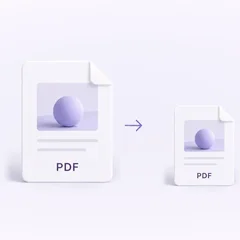
Compress image to 50KB right here: the target size is already set to 50 KB, and if a picture cannot fit at its full size, the tool scales the width and height down in proportion until it fits, but never below 200 px on the long side. In our test, two 12-megapixel photos (4032 × 3024) came out as JPGs of 48.6 KB and 49.9 KB, at 830 × 623 and 663 × 497 pixels. A file that is already under 50 KB comes back untouched, so this page cannot bring a photo up to a minimum size such as 20 KB; the section on 20–50 KB forms below shows what worked for us. Everything happens in your browser and nothing is uploaded.

WHY USE IT

Features

Target size starts at 50 KB

The "Compress by" setting opens on "Target size", with 50 already in the "Target size (KB)" box. "Output format" stays on "Original format": a JPG comes back as a JPG; a PNG, WebP or AVIF stays in its own format; and a HEIC, TIFF, BMP or TGA file becomes a JPG, even one already under 50 KB. Type another number or pick another format, then press "Compress" again.

The image is scaled down only when that's what it takes to reach 50 KB

"Shrink dimensions if needed" is ticked. With it on, the tool first tries the image at full size, going no lower than quality 40 (35 for AVIF). Only if that is still over 50 KB does it scale the width and height down together, without cropping or stretching. It won't go below 200 px on the long side. Only once it gets there does it lower the quality further, down to 10. If the file is still too big, you get the smallest version it made, marked as having missed the target. The result line then reads something like "To reach 50 KB, the size went from 4032 × 3024 px to 663 × 497 px". PNG output has no quality setting; in its place the tool reduces the number of colours.

Already under 50 KB? You get the same file

One of our test portraits, Portrait A, is 15,741 bytes (15.7 KB; the tool rounds sizes up, so it shows 15.8 KB). It came back byte for byte identical, with the note "The original is 15.8 KB, already under your target, so it's kept as is". The tool never hands back a bigger file in the same format.

Batches of 20 with a free account

No account is needed for a single picture. Once you're signed in (accounts are free), you can queue up to 20 images, press "Compress all" and get them back as one ZIP. In our test, 20 twelve-megapixel photos (113.9 MB) took 62.8 seconds in Chromium on a Mac mini (Apple M4) and came to 984.1 KB in total.

OUR TEST

Compress image to 50KB: how each test file came out, at the default settings and with other options

Test file · outputResultPixels
Busy photo, JPG 8.20 MB · JPG (default)48.6 KB830 × 623
Busy photo, JPG 8.20 MB · WebP49.3 KB655 × 491
Busy photo, JPG 8.20 MB · AVIF42.9 KB827 × 620
Busy photo, JPG 8.20 MB · JPG, "Shrink dimensions if needed" off295.0 KB, missed 50 KB4032 × 3024
Smooth photo, JPG 3.19 MB · JPG (default)49.9 KB663 × 497
Smooth photo, JPG 3.19 MB · WebP49.9 KB557 × 418
Smooth photo, JPG 3.19 MB · AVIF47.6 KB837 × 628
Smooth photo, JPG 3.19 MB · JPG, "Shrink dimensions if needed" off234.5 KB, missed 50 KB4032 × 3024
Screenshot, PNG 1.29 MB · PNG (default)49.6 KB, 136 colours842 × 632
Screenshot, PNG 1.29 MB · JPG49.1 KB1615 × 1211
Product cutout, transparent PNG 9.09 MB · PNG (default)49.2 KB, 100 colours440 × 330
Product cutout, transparent PNG 9.09 MB · WebP49.7 KB354 × 266
Product cutout, transparent PNG 9.09 MB · JPG (transparent area turned white)49.8 KB1124 × 843
Portrait A, quality 90, 15.7 KB · JPG (default)15.7 KB, original returned200 × 230
Portrait A, quality 100, 47.7 KB · JPG (default)47.7 KB, original returned200 × 230
Portrait B, quality 90, 20.8 KB · JPG (default)20.8 KB, original returned200 × 230
Portrait B, quality 100, 62.6 KB · JPG (default)29.9 KB200 × 230
WHAT IT'S FOR

Use cases

Job and exam applications in India

Some recruitment forms ask for a photo of 200 × 230 pixels (marked "preferred") with a file size between 20 KB and 50 KB. The Central Bank of India's 2026 notice and India Post Payments Bank's 2025 notice both do. The 2026 one also wants the left thumb impression at 20–50 KB and the signature at 10–20 KB; for the signature, change "Target size (KB)" to 20. Resize the photo to those dimensions first, then check the file size here; the 20–50 KB section below walks through it.

Upload fields that refuse anything over 50 KB

A profile picture on a portal, or a phone photo of a document, often has to squeeze under a hard 50 KB limit. A 12-megapixel photo has to lose most of its pixels to get there: ours ended up at 830 × 623 and 663 × 497.

Small transparent images for a web page

A product cutout kept its transparency at 50 KB as PNG (440 × 330) or WebP (354 × 266). Saved as JPG it kept more pixels (1124 × 843), but the transparent area became white.

HOW IT WORKS

How to compress an image to 50KB

01

Add your image

Drop in a JPG, PNG, WebP, HEIC, AVIF, TIFF, BMP, or TGA file. It's compressed to 50 KB or less straight away. For a batch of up to 20, sign in first (it's free) and use "Compress all".

02

Read the result line

Check the new file size and, if the picture was scaled down, its new width and height. Open "Compare with original" to zoom in on faces and text.

03

Adjust or download

Change "Target size (KB)", "Output format" or "Shrink dimensions if needed" and press "Compress" again, or download the file (or the whole batch as a ZIP).

Compress image to 50KB: how small does a 12-megapixel photo get?

We ran the test on 19 November 2026 in Chromium on a Mac mini (Apple M4), using two 4032 × 3024 photos from Wikimedia Commons, both released under CC0: an 8.20 MB photo of a busy building site and a 3.19 MB still life of papayas with much less fine detail. Sizes in the table are the file's bytes divided by 1000 and rounded to one decimal place; the tool rounds up, so it can show 0.1 KB more.

At full size neither photo fits in 50 KB, even at quality 10. The tool only goes that low at full size when "Shrink dimensions if needed" is off; with it on, it stops at quality 40 and shrinks the picture instead. With the option off, the best the tool could do was 295.0 KB and 234.5 KB, both still 4032 × 3024, and the result line said 50 KB could not be reached.

With "Shrink dimensions if needed" on, which is how this page opens, both landed under 50 KB as JPGs: 48.6 KB at 830 × 623 and 49.9 KB at 663 × 497. Inspecting the files, we found they had been saved at JPEG quality 44 and 42. WebP kept fewer pixels at the same target (655 × 491 and 557 × 418). AVIF matched JPG on the busy photo (827 × 620 against 830 × 623) and kept about 60% more pixels on the smooth one (837 × 628 against 663 × 497), finishing a little under the limit at 42.9 KB and 47.6 KB.

So a 50 KB JPG of a 12-megapixel photo is about a fifth to a sixth as wide as the original. That is fine for a form that only shows a small preview, but keep the original for anything else.
When a form asks for 200 × 230 pixels and 20–50 KB

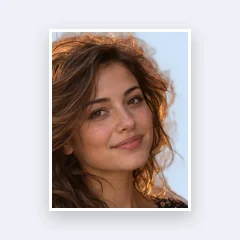
Make the photo 200 × 230 in Resize Image with "Output format" set to JPG and "Quality" set to 100; if it comes out over 50 KB, run it through this page. Our two portraits ended up at 47.7 KB and 29.9 KB, both inside the range.

The 200 × 230 pixel and 20–50 KB requirements come from the Central Bank of India's recruitment notice for specialist officers (online registration ran from 28 February to 23 March 2026). It asks for a photograph with "Dimensions 200 x 230 pixels (preferred)" and says "Size of file should be between 20kb–50 kb". India Post Payments Bank's guidelines for its November 2025 recruitment use the same two lines. Each of those two requirements needs something this page cannot do on its own.

The pixel size comes first. This tool only scales an image down in proportion, so it will not produce exactly 200 × 230. In "Resize Image", choose "Size", enter 200 for Width and 230 for Height, and leave "Crop to fill" selected. We did this with two portraits, A and B. At the resize tool's default quality of 90, Portrait A came out at 15.7 KB and Portrait B at 20.8 KB, so A was under the 20 KB minimum.

The 20 KB minimum is the second problem: this page never makes a file bigger. Portrait A came back unchanged at a 50 KB target, and again when we switched to "By quality" at 95. What worked was going back to "Resize Image" and setting "Output format" to JPG and "Quality" to 100: Portrait A came out at 47.7 KB, already inside 20–50 KB, and Portrait B at 62.6 KB. Run through this page, Portrait B came back at 29.9 KB, still 200 × 230. It lost more than half its bytes because "Target size" never uses a quality above 95; switching to "By quality" at 95 gave exactly the same file.

Check the final file against both requirements before uploading. Sizes here count 1 KB as 1000 bytes, so a 50 KB result is at most 50,000 bytes, which stays under the limit even on a site that counts 1 KB as 1024 bytes. The 20 KB minimum works the other way: on such a site it means at least 20,480 bytes. This page rounds up, so a file it shows as 20.5 KB may still fall short; aim for 20.6 KB or more. If all you have is an ordinary photo, the passport size photo maker can turn it into an ID-style one: it frames the face for you and has its own "Max file size (KB)" setting.

Screenshots, scanned pages and transparent images at 50 KB

The output format decides how many pixels survive. To reach a size target as PNG, the tool reduces the picture to a limited palette of colours. A 3200 × 2400 website screenshot saved as PNG at 50 KB came out at 842 × 632 with 136 colours; saved as JPG at the same target it kept 1615 × 1211, about 3.7 times as many pixels. Zoomed in, the small grey labels in the PNG version were smeared and hard to read, while in the JPG version they were readable, with faint halos around the letters. For a photo of a document or a screenshot full of text, try setting "Output format" to JPG.

Transparency is the exception. Our 4000 × 3000 product cutout on a transparent background stayed transparent as PNG (440 × 330, 100 colours) and as WebP (354 × 266). As a JPG it kept more pixels (1124 × 843), but the transparent area was filled in with white. Pick PNG or WebP only when the transparent background matters.

If the file you have to send is a PDF rather than an image, use our Compress PDF to 50KB tool instead; it works page by page and can keep text selectable.

FAQ

Frequently asked questions

Not with a large photo. At 50 KB our two 12-megapixel photos kept 4.2% and 2.7% of their pixels (830 × 623 and 663 × 497), at JPEG quality 44 and 42. Untick "Shrink dimensions if needed" and the width and height stay as they are, but the same photos then only got down to 295.0 KB and 234.5 KB. A small image can keep its pixels: Portrait B, 200 × 230 at 62.6 KB, came down to 29.9 KB at the same dimensions.

RELATED

You might also need

Related articles

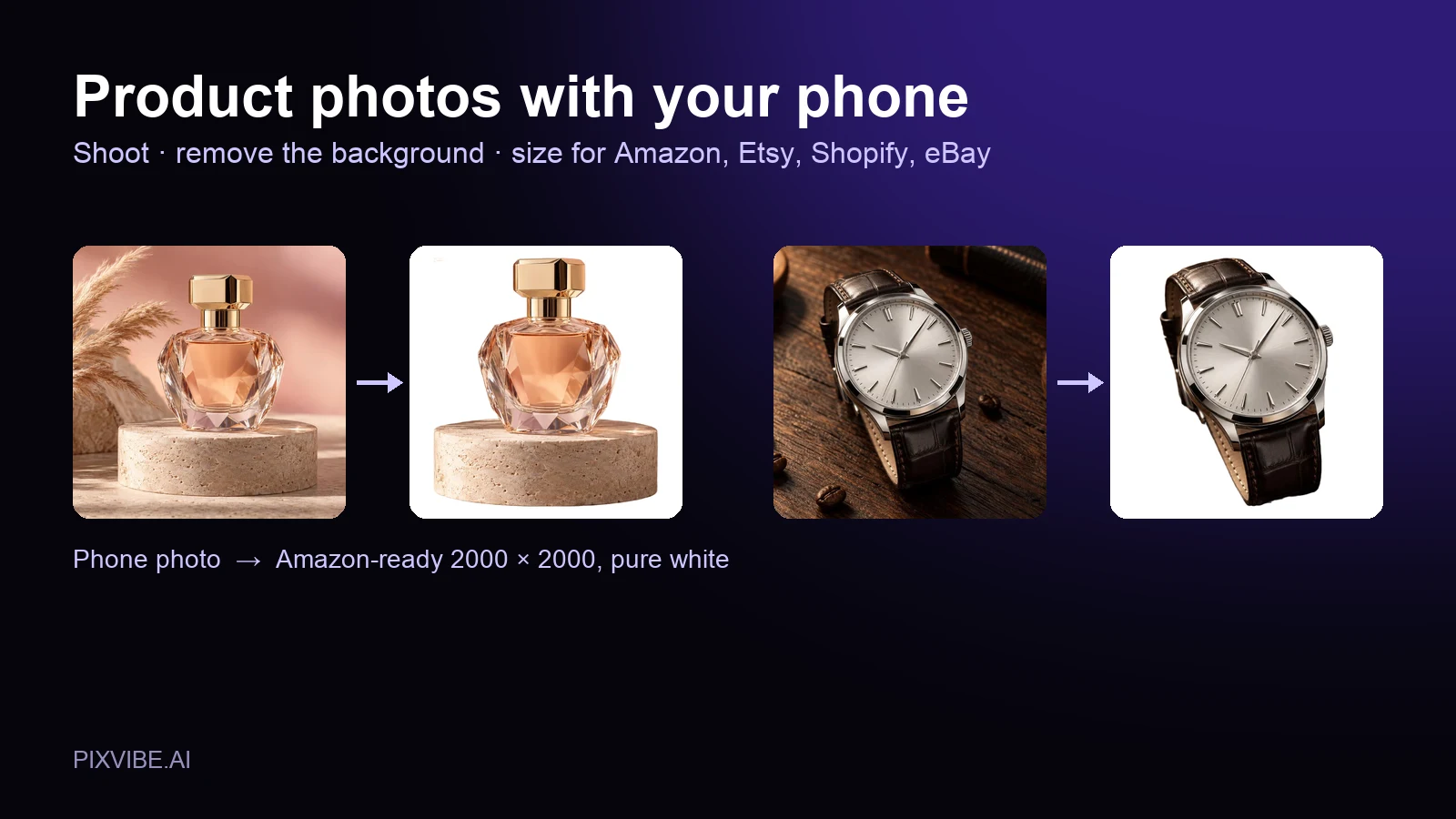
A perfume bottle and a watch photographed on a phone, each turned into a 2000 × 2000 product photo on a pure white background
Guide

Product Photos With Your Phone: Amazon, Etsy & Shopify Sizes

Shoot product photos on a phone, remove the background, and size them for Amazon, Etsy, Shopify and eBay. Official rules in one table.

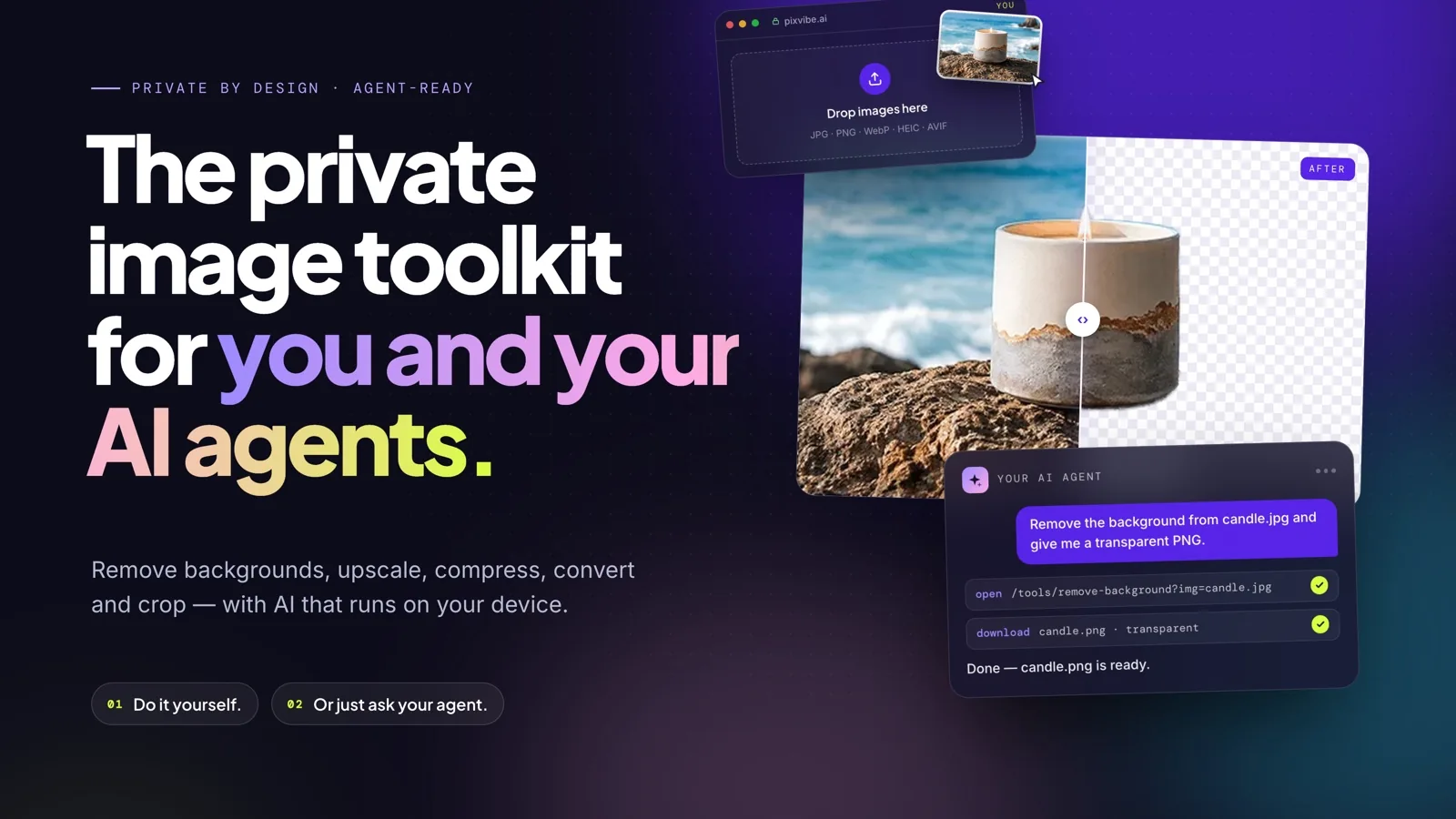
PixVibe, the private image toolkit for you and your AI agents: an agent opens a link and downloads a transparent candle cutout
Guide

How to Let Your AI Agent Edit Images with PixVibe

Let an AI agent edit images with PixVibe: one link per job, no API key. We tested Claude, Codex and ChatGPT agent, and show what to check.

MORE TOOLS

Explore more tools

Free image tools

Free · In-browser processing

Free video tools

Free · In-browser processing

Pro tools

Server AI · Uses credits

Tags on this page