Photo to Sticker for WhatsApp

Photo to sticker in one pass: drop in a picture of a friend, a pet or a product, and the AI lifts the subject off its background, wraps it in an 8 px white outline and places it on a 512 × 512 transparent square. Export as is already set to WhatsApp sticker, so the button saves a WebP file kept under 100 KB. Everything is worked out inside your browser.

WHY USE IT

Features

Sticker export is already on

Export as starts on WhatsApp sticker. The single download button reads Download sticker (WebP), and switching back to Image brings the PNG and JPG options back.

White outline, adjustable

The outline starts at 8 px white, the width WhatsApp's sticker guide suggests. Drag Outline down to None, make it thicker, or pick Black or any other color under Outline color.

Framed for the square automatically

The tool finds the edges of the subject, scales it to fill the 512 px square with a small margin past the outline, and centers it. A wide photo of a dog in a park becomes a tight sticker of the dog.

A whole pack in one go

Sign in with a free account to queue up to 20 photos, then save the set with Download WebP ZIP. The archive also holds tray.png, a 96 × 96 icon made from the first sticker.

WHAT IT'S FOR

Use cases

Inside jokes for a group chat

Inside jokes for a group chat

That face your friend made at dinner, or the cat staring at the camera, becomes something the whole group can reply with.

A small shop answering customers

A small shop answering customers

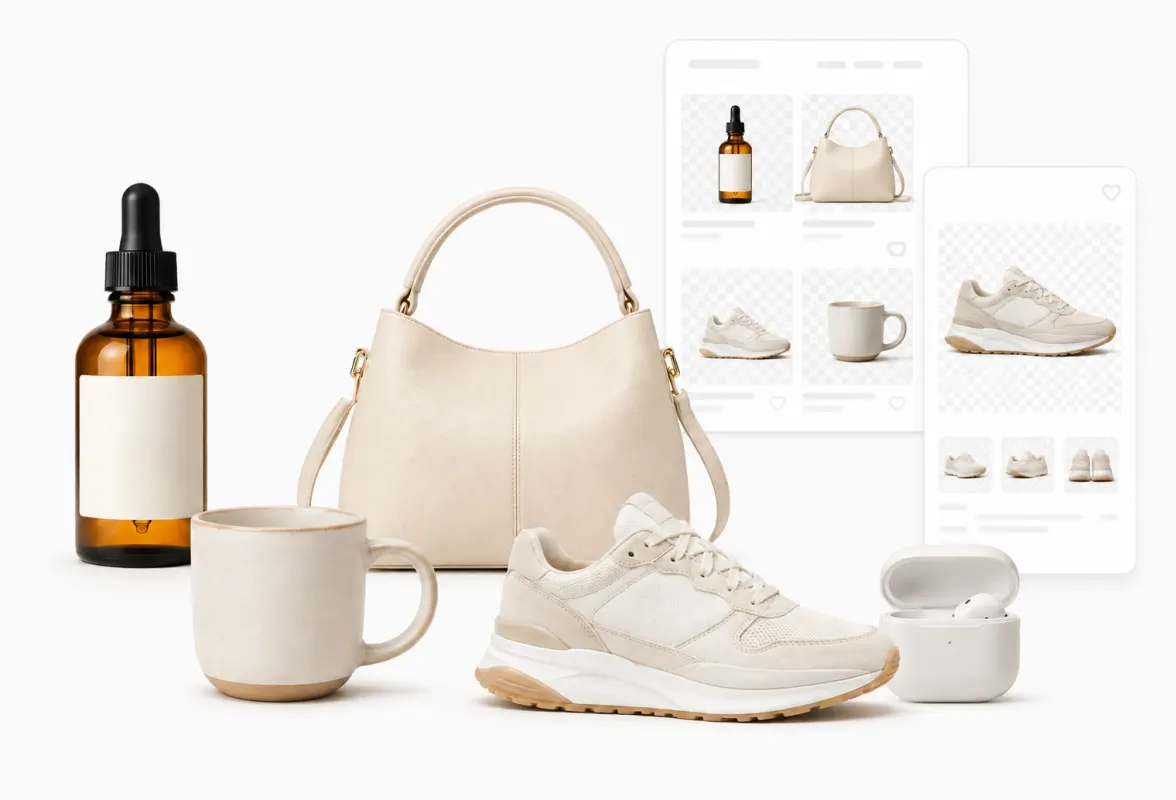
A logo, a best-selling product or a 'thank you' card turned into stickers gives quick, on-brand replies in WhatsApp Business chats.

Family pictures for the family group

Family pictures for the family group

Grandparents, kids and pets cut out of old photos make a sticker set people actually use in the daily family thread.

HOW IT WORKS

How to remove an image background

01

Add one or more photos

Pick JPG, PNG, WebP, HEIC, AVIF, TIFF, BMP, or TGA files (max 100MB each). The background is removed right away and the preview shows the sticker with its outline.

02

Check the edges and the outline

If an ear or a strand of hair is missing, choose another quality and click Remove again, or paint it back with Touch up. Adjust Outline and Outline color until it reads well.

03

Save the WebP

Click Download sticker (WebP) for one file, or Download WebP ZIP for a batch. Files end in -sticker.webp.

Can't WhatsApp already make stickers from photos?

Yes. In the current Android and iPhone apps you can tap the sticker icon in a chat, choose Create and pick a photo; the WhatsApp Help Center says the app then offers preset options and lets you add text, emoji or drawings.

This page is for the cases the in-app editor does not cover well: working on a computer, turning ten or twenty photos into a set with the same outline, fixing a cut-out by hand, choosing a heavier model for hair and fur, or preparing files for a sticker-pack app that wants them already in WhatsApp's format.
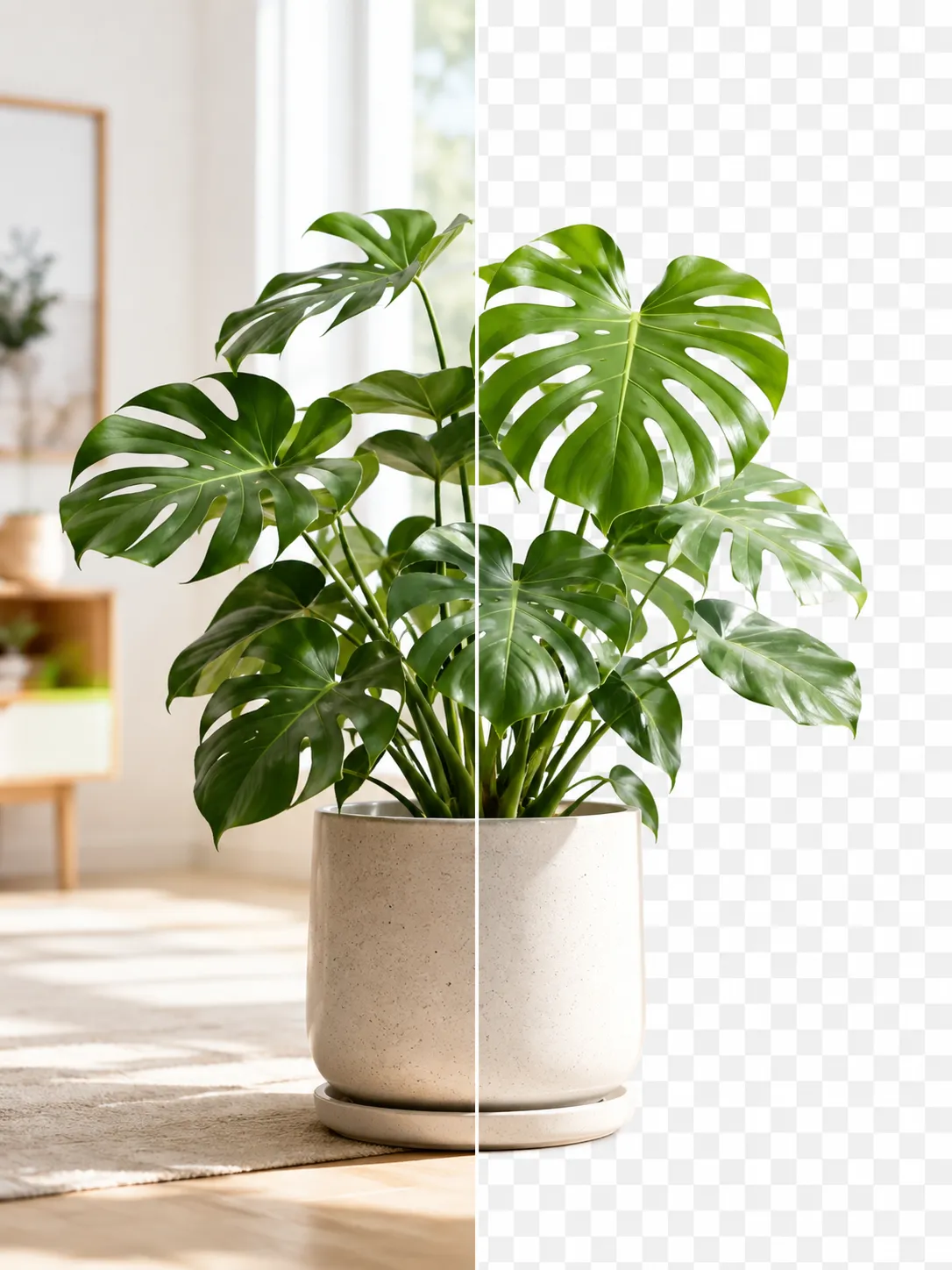
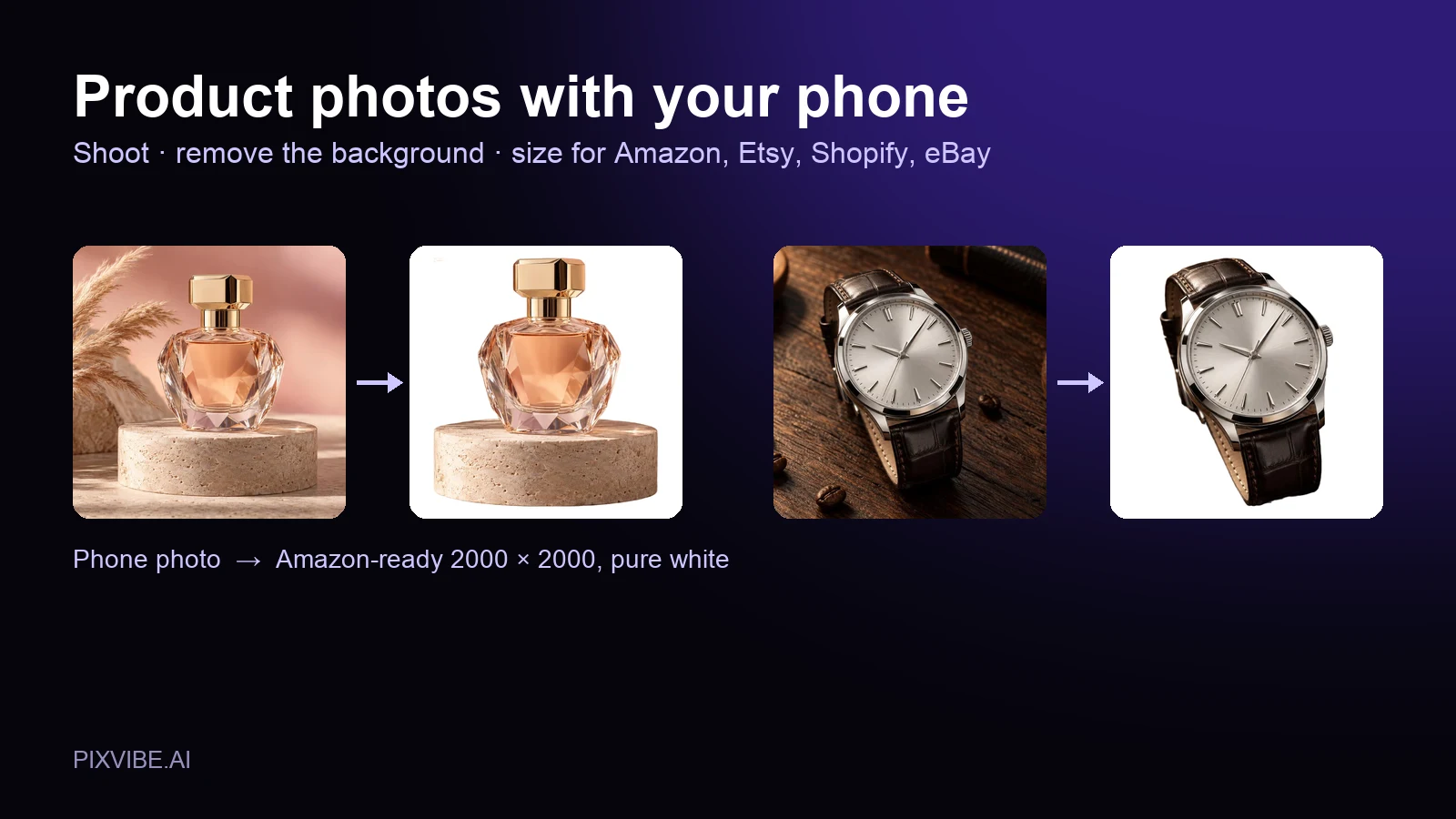
Photo to sticker sizes: what WhatsApp requires

WhatsApp's Help Center lists the static sticker requirements as "Max sticker size = 100KB" and "Stickers should be 512 x 512 in pixels", with up to 30 stickers in a pack. The sticker guide in WhatsApp's stickers repository on GitHub adds that a pack needs "a minimum of 3 stickers" and that the tray icon should be "96 x 96 pixels".

Every file saved here is exactly 512 × 512 and WebP. To stay under 100 KB (counted as 100,000 bytes), the encoder steps the quality down first and, only if that is not enough, shrinks the subject a little. If a very detailed photo still ends up larger, the settings panel says so and you get the file anyway; a thinner outline or a simpler photo usually fixes it.

Why stickers usually get a white outline

A sticker is shown on whatever is behind it: a light chat, a dark theme, a custom wallpaper. WhatsApp's own guide recommends adding "a 8px #FFFFFF stroke" for that reason, so a dark-haired person does not vanish on a dark background.

Because the sticker canvas is 512 px, the default Outline of 8 is exactly that stroke. Gaps narrower than about twice the outline, such as the space between an arm and the body, are filled in, which is the usual sticker look. Set Outline to None if you prefer a bare cut-out.

FAQ

Frequently asked questions

Drop the picture into the editor above; it strips the background, draws a white outline and fits the subject into a 512 × 512 square; then click Download sticker (WebP) and add the file to WhatsApp the way you normally import stickers.

RELATED

You might also need

Related articles

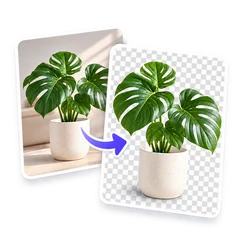
A product photo shown before and after background removal
Guide

How to Remove an Image Background for Free (No Signup)

Get a clean transparent cut-out in seconds in your browser — no watermark, no account. The fastest free method, plus tips for tricky edges.

A perfume bottle and a watch photographed on a phone, each turned into a 2000 × 2000 product photo on a pure white background
Guide

Product Photos With Your Phone: Amazon, Etsy & Shopify Sizes

Shoot product photos on a phone, remove the background, and size them for Amazon, Etsy, Shopify and eBay. Official rules in one table.

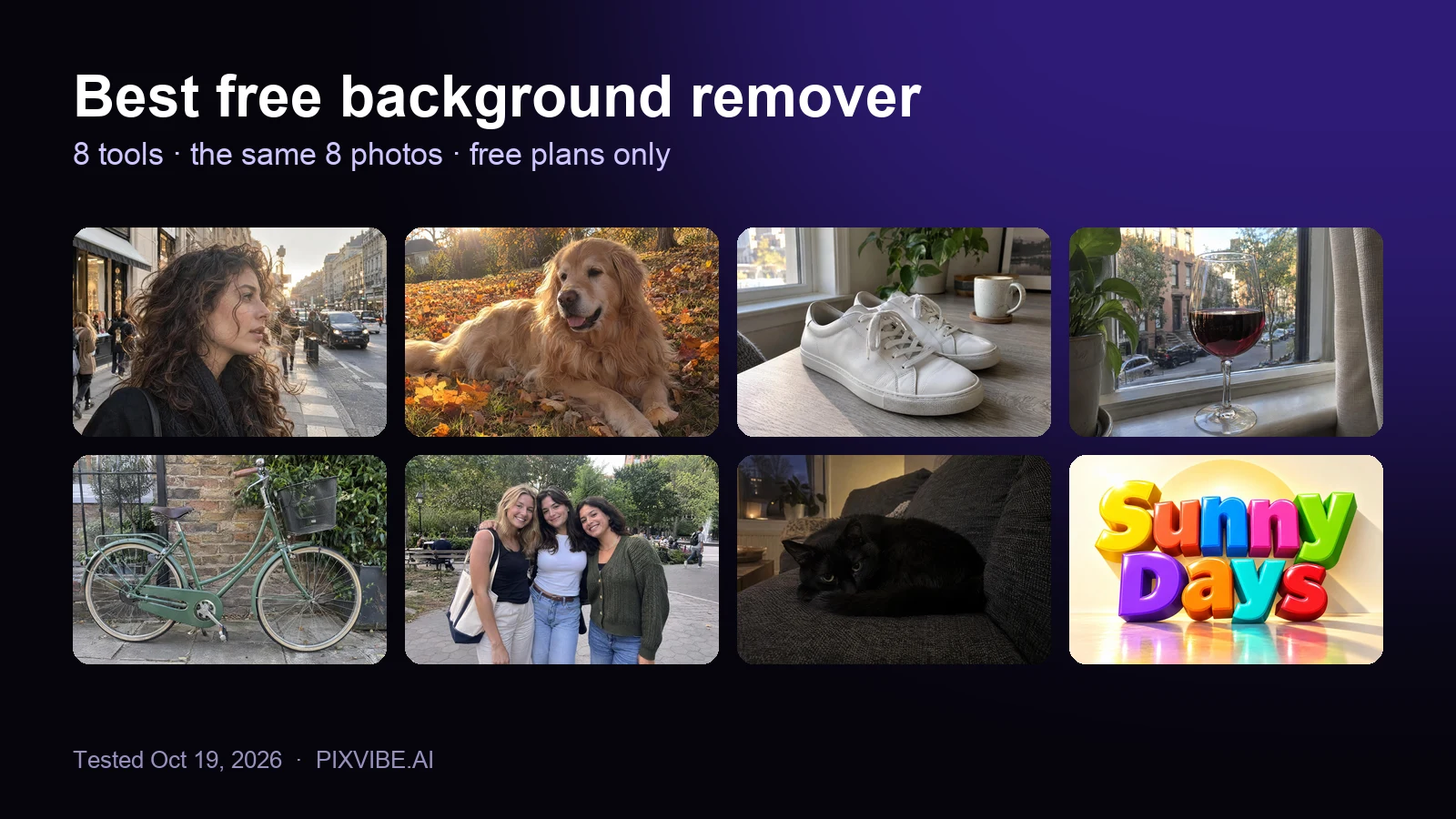
The eight test photos used to compare free background removers: curly hair, a golden retriever, sneakers, a wine glass, a bicycle, three friends, a black cat and a 3D text logo
Review

Best Free Background Remover (2026): 8 Tools Tested

I tested 8 free background removers on the same 8 photos. Scores, free download sizes, batch limits and which ones upload your photo.

MORE TOOLS

Explore more tools

Free image tools

Free · In-browser processing

Free video tools

Free · In-browser processing

Pro tools

Server AI · Uses credits

Tags on this page