Add Outline to Image Subjects

Add outline to image subjects without tracing anything by hand. This page opens with Outline set to 8 and the color set to white: add a photo, the AI separates the person, pet or object from its background, and a smooth band follows its silhouette. Change the width from None to Thick, switch to black or any color, and save a transparent PNG.

WHY USE IT

Features

The outline follows the cut-out

The band is traced around the silhouette the AI found, not around the rectangle of the photo, so it hugs shoulders, ears and the gaps a hand makes.

Width from None to Thick

Outline runs from 0 to 30. Dragging it redraws the preview as you go; the background is not removed again.

White, black or your own color

Outline color offers White and Black, plus a picker for any shade, such as your brand color or one taken from the photo.

Works with every background choice

Keep the background transparent, put the outlined subject on a solid color, or combine it with Blur, so the border sits between the subject and a softened scene.

WHAT IT'S FOR

Use cases

YouTube thumbnails

YouTube thumbnails

A white border around a cut-out face is the classic way to make it stand out from a busy thumbnail background.

Die-cut sticker mock-ups

Die-cut sticker mock-ups

Printed stickers usually leave a white border around the artwork; an outline shows the customer roughly how a die-cut sticker of their design would look before it is printed.

Product cut-outs on social graphics

Product cut-outs on social graphics

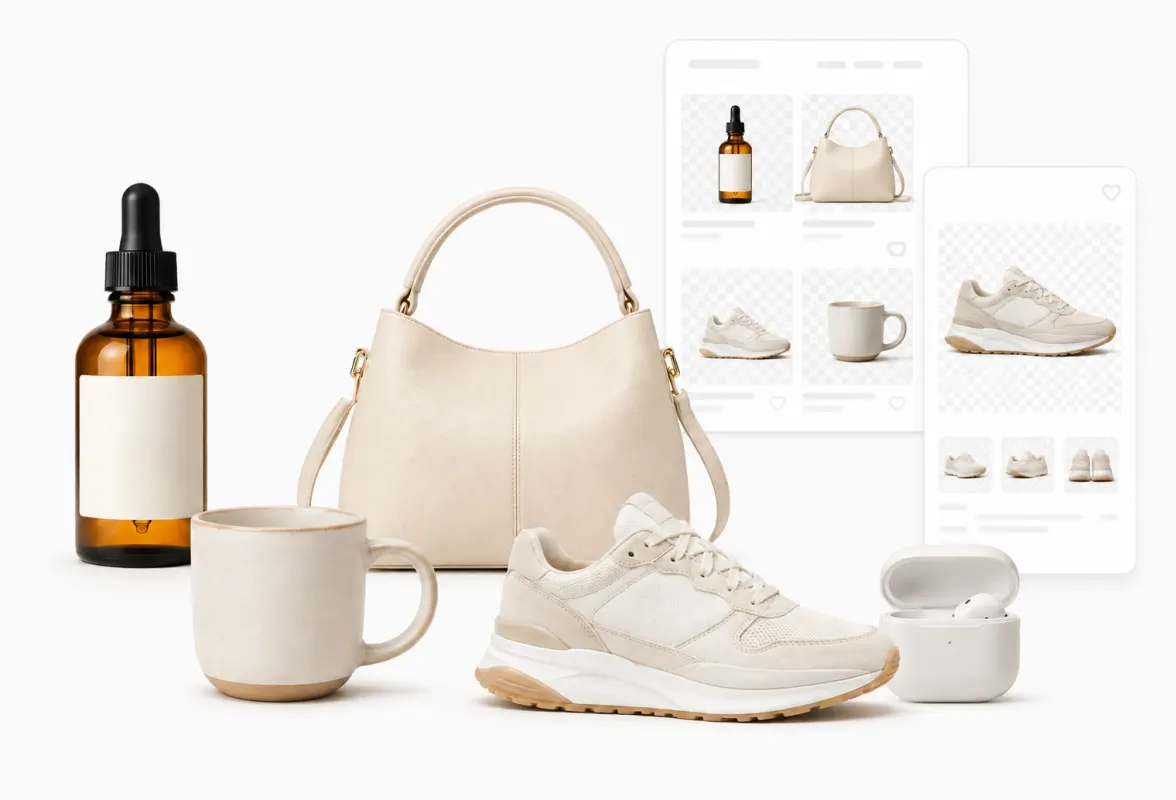
A thin dark or white line keeps a product separated from a patterned post background without drawing a frame around it.

HOW IT WORKS

How to remove an image background

01

Upload the picture

Choose a JPG, PNG, WebP, HEIC, AVIF, TIFF, BMP, or TGA file up to 100MB. The background is removed and the preview already shows a white outline.

02

Tune width and color

Drag Outline to the width you want and choose the color under Outline color. Fix any missing edge first with Touch up, because the outline follows the cut-out.

03

Download PNG

From Download, choose PNG to keep transparency outside the outline. JPG cannot store transparency, so those areas become white.

How thick is an outline of 8?

The number is measured against the long side of the image, as if that side were 512 px: 8 means 8 px on a 512 px image, about 16 px on a 1024 px image and about 32 px on a 2048 px image. That keeps the outline looking the same from a small avatar to a full-size photo.

For reference, 8 is the stroke WhatsApp recommends for stickers. Around 3 to 5 gives a thin keyline; 15 and above is the thick, cartoon-style border common on thumbnails.
Before you add outline to image subjects: edges and narrow gaps

The outline is drawn inside the original frame and cannot extend past it. If the subject touches the edge of the photo, say a portrait cropped at the shoulders, that side gets no outline. Use a photo with some space around the subject, or export a WhatsApp sticker, which re-frames the subject with a margin first.

Gaps narrower than roughly twice the outline width, such as between fingers or where an arm meets the torso, are filled with the outline color. That is what makes the result look like one clean shape. A thinner outline keeps more of those gaps open.

Outlining a logo or a PNG that is already transparent

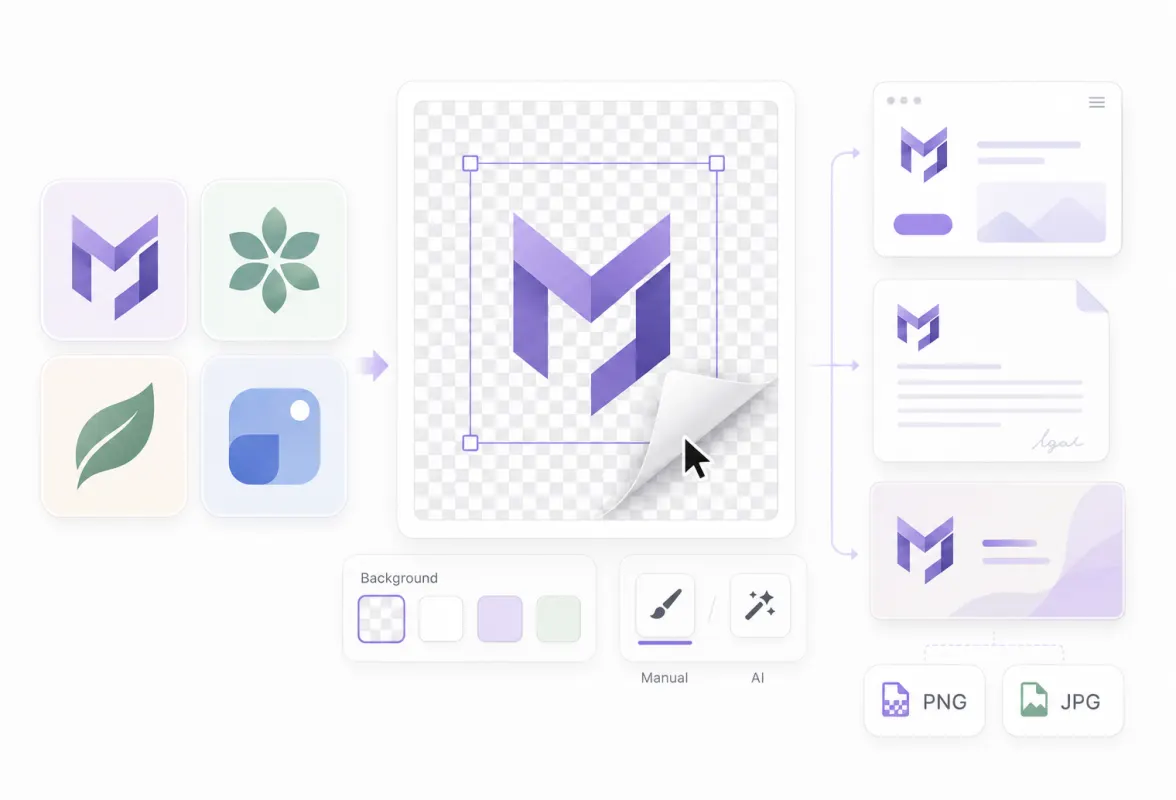
The tool always runs background removal first, and the outline follows whatever the model keeps. On artwork that is already transparent, the model can drop thin lines or small text, and the outline then skips those parts too. Check the preview at a large size and restore missing pieces with Touch up before saving. Our transparent logo page shows how the three quality levels handled six test logos.

FAQ

Frequently asked questions

Open the tool on this page and add your photo. The background is removed and an 8 px white outline is traced around the subject; adjust Outline and Outline color, then download a PNG.

RELATED

You might also need

Related articles

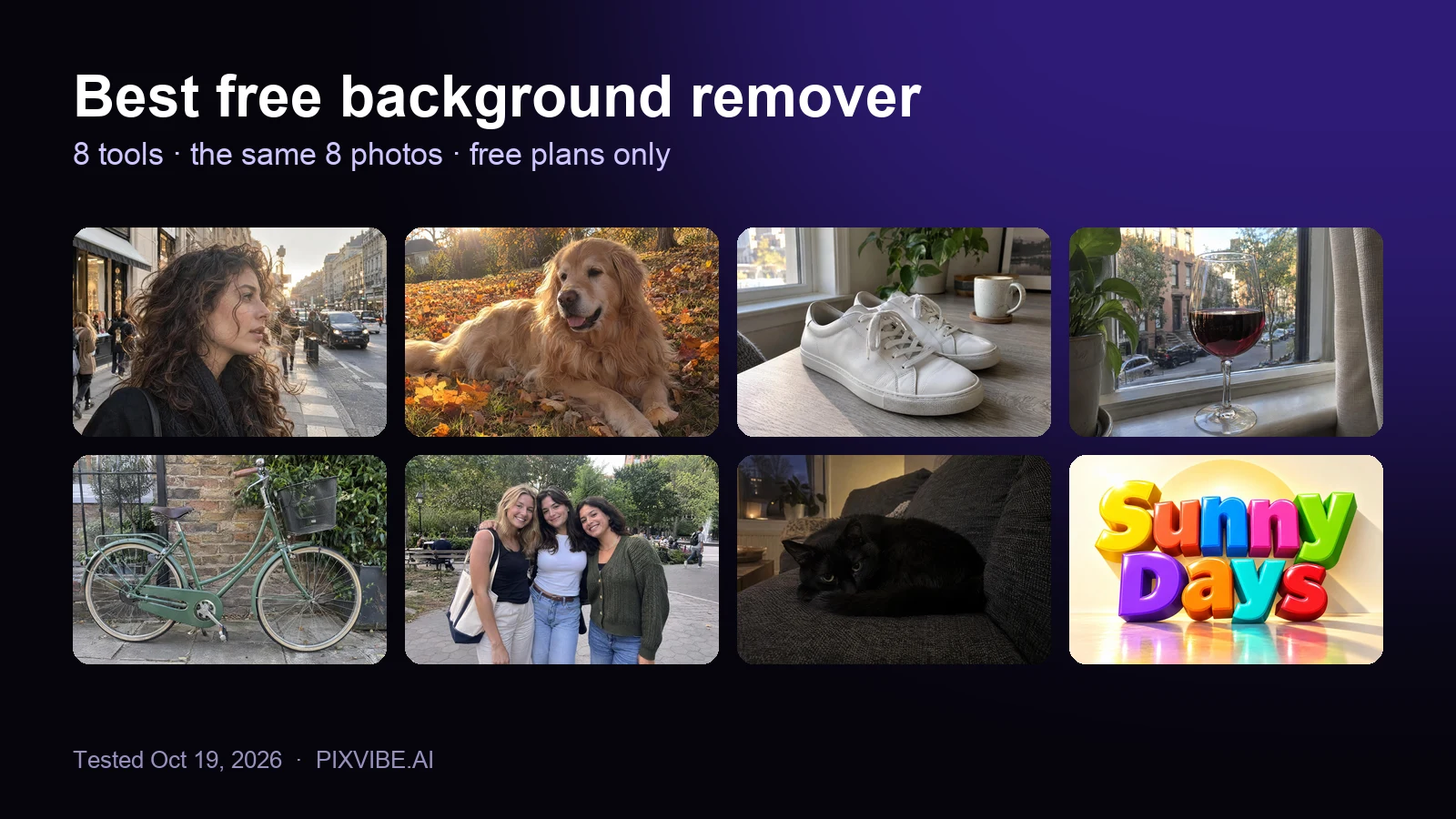
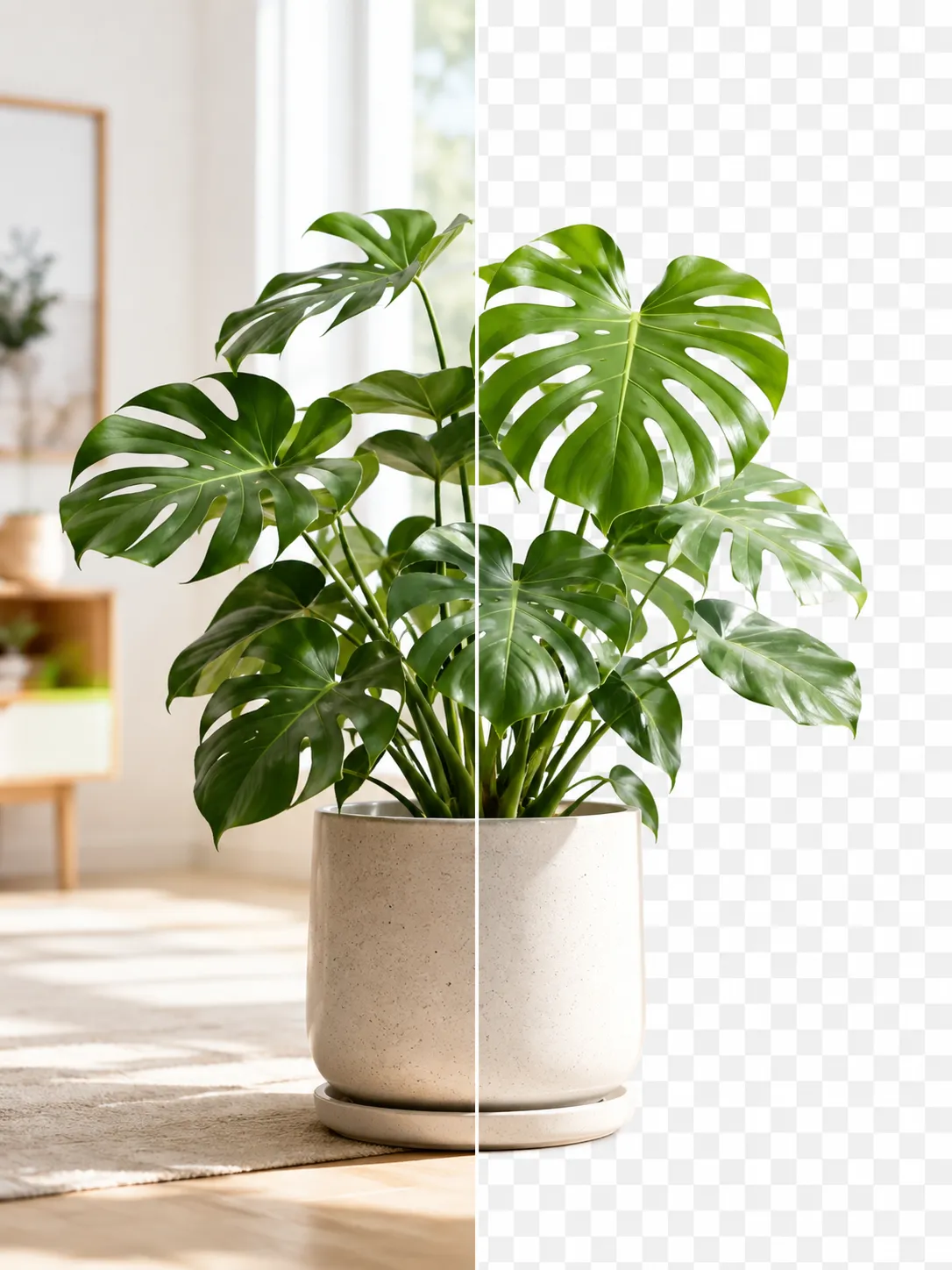
A product photo shown before and after background removal
Guide

How to Remove an Image Background for Free (No Signup)

Get a clean transparent cut-out in seconds in your browser — no watermark, no account. The fastest free method, plus tips for tricky edges.

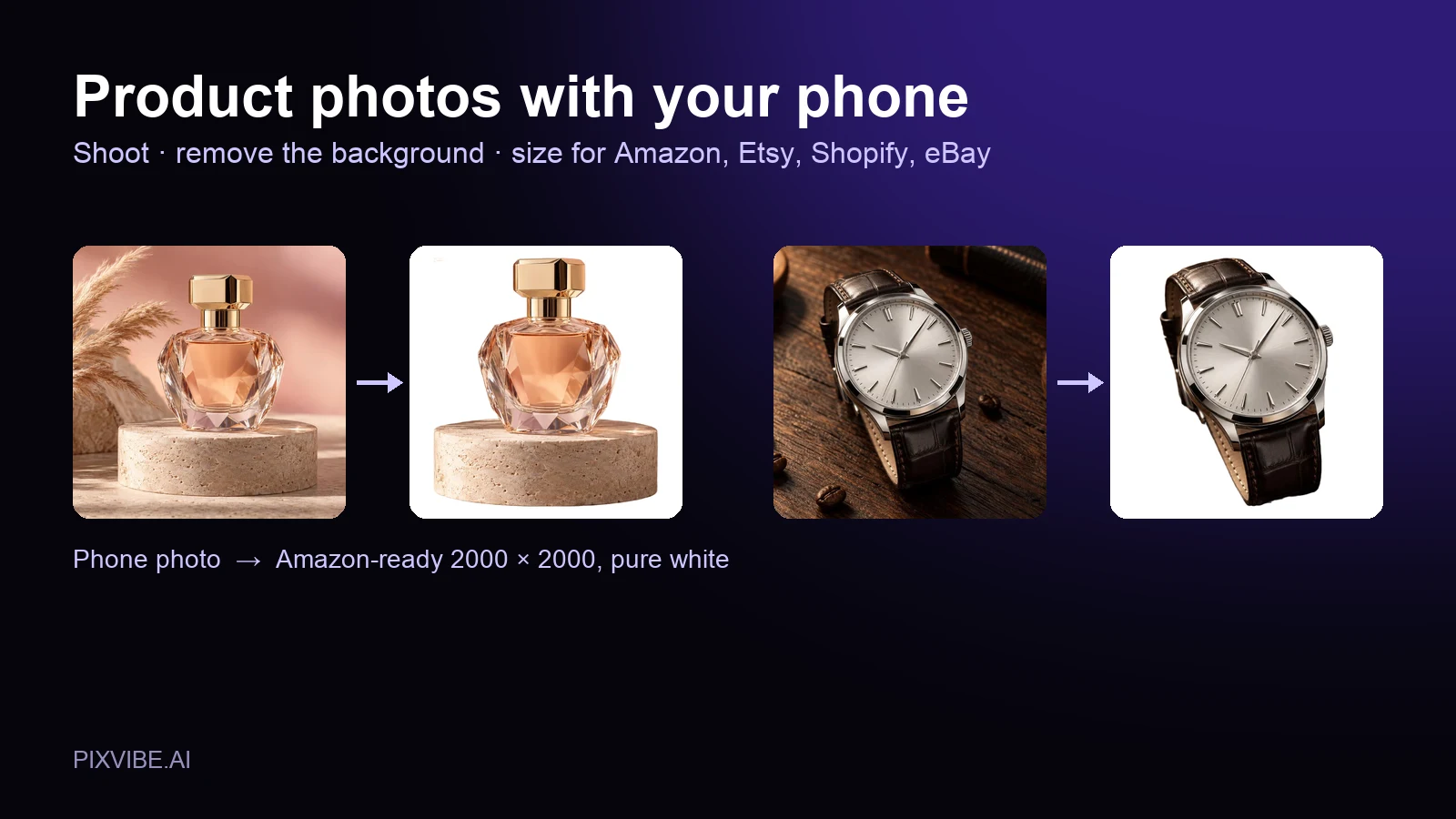
A perfume bottle and a watch photographed on a phone, each turned into a 2000 × 2000 product photo on a pure white background
Guide

Product Photos With Your Phone: Amazon, Etsy & Shopify Sizes

Shoot product photos on a phone, remove the background, and size them for Amazon, Etsy, Shopify and eBay. Official rules in one table.

The eight test photos used to compare free background removers: curly hair, a golden retriever, sneakers, a wine glass, a bicycle, three friends, a black cat and a 3D text logo
Review

Best Free Background Remover (2026): 8 Tools Tested

I tested 8 free background removers on the same 8 photos. Scores, free download sizes, batch limits and which ones upload your photo.

MORE TOOLS

Explore more tools

Free image tools

Free · In-browser processing

Free video tools

Free · In-browser processing

Pro tools

Server AI · Uses credits

Tags on this page